

Subscription includes
Support
Make direct bank transfers easier for customers in Ukraine. QR Payments NBU for WooCommerce generates a prefilled QR code for each order, so shoppers can scan it on desktop or tap it on mobile and approve the transfer in their banking app.
Manual bank transfers require customers to copy several payment fields correctly. The extension builds the payment details from the WooCommerce order and your merchant settings, then displays them as an NBU-format QR code.
Customers review and authorize the transfer inside their own banking app. The extension does not collect or store card details.
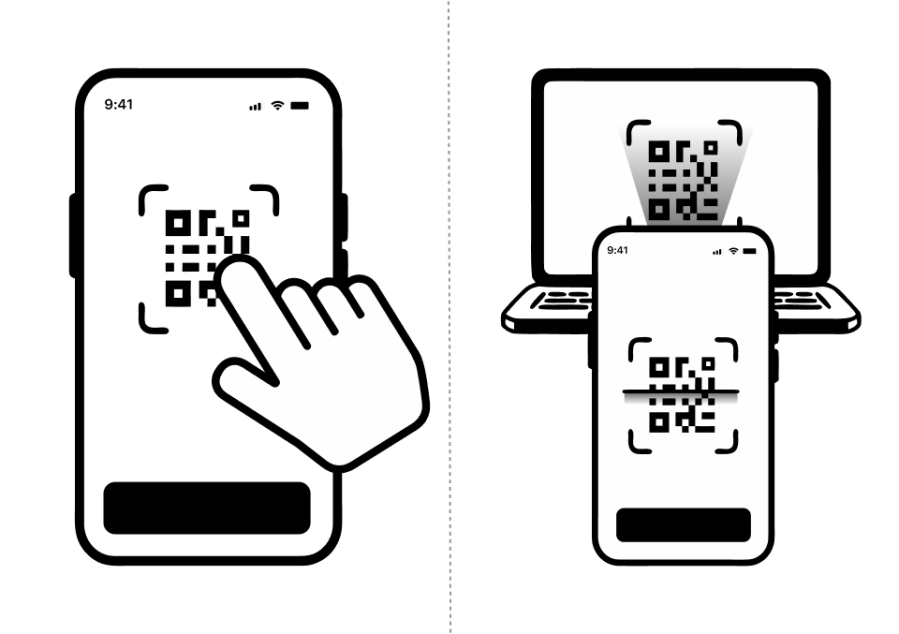
On desktop, customers scan the QR code with a compatible banking app. On mobile, they can tap the QR code or choose an available bank app.
The payment page also displays copyable recipient, IBAN, EDRPOU, amount, currency, and payment-purpose fields.
Use the extension without connecting a bank API and confirm the transfer from the WooCommerce order after checking your business account.
Connect a Monobank personal account webhook to match an incoming payment by its order reference and exact amount and update the WooCommerce order status.
Run an on-demand statement check for Monobank personal, Monobank business, or PrivatBank accounts over a selected date range.
The built-in bank selector contains 27 Ukrainian banks and payment apps. Direct app-launch links are used where available. Customers can scan the QR code when a direct app link is not available.
Customers can use banking apps that support the National Bank of Ukraine QR payment format. The built-in selector includes 27 Ukrainian banks and payment apps, with direct app-launch links where available.
No. The customer authorizes an account-to-account transfer inside their own banking app. The extension does not collect, process, or store card details.
No. A Ukrainian business IBAN is enough to generate QR payment instructions. Monobank or PrivatBank credentials are required only for the corresponding payment reconciliation features.
Payments can be confirmed manually by the store manager. Optional automatic confirmation is available through a configured Monobank personal webhook. On-demand statement checks are available for Monobank personal, Monobank business, and PrivatBank accounts.
The QR payment data includes the recipient, IBAN, amount, currency, EDRPOU code, and a payment purpose containing the WooCommerce order reference.
No. The extension does not add a card-acquiring charge, but banks may apply account, transfer, or service fees according to their own tariffs.
The QR image is generated locally on the merchant's WordPress server. No external QR-generation service is required.
Yes. The extension includes a WooCommerce Checkout block payment integration and supports High-Performance Order Storage.
The WooCommerce order is placed on hold while the customer completes the transfer. The store manager can then confirm it manually or use one of the supported reconciliation methods.
No. It is an independent WooCommerce extension that implements the published QR Payments NBU format. It is not affiliated with or endorsed by the National Bank of Ukraine or any listed bank.







