

Active installs
400+
Product comparison
Subscription includes
Support
Product Gallery Slider for WooCommerce replaces the default WooCommerce product gallery with a sleek, fully customizable slider. Customers browse through product images and videos without clicking through thumbnails one by one, which makes it easier for them to see everything and make a confident purchase decision.
Use the shortcode to drop the gallery slider into any page builder, including Elementor and Divi. Choose from 7 gallery layouts, from classic horizontal and vertical sliders to grid and tile-based displays, and style every part of the experience: thumbnails, bullets, arrows, video playback, lightbox, and zoom. Apply your settings globally, or create separate rules with their own complete configuration for specific products and categories.
With unlimited variation images, inline or popup video playback, and deep styling control down to hover states and transition effects, this plugin gives you a product gallery that looks intentional and helps customers see exactly what they’re buying.
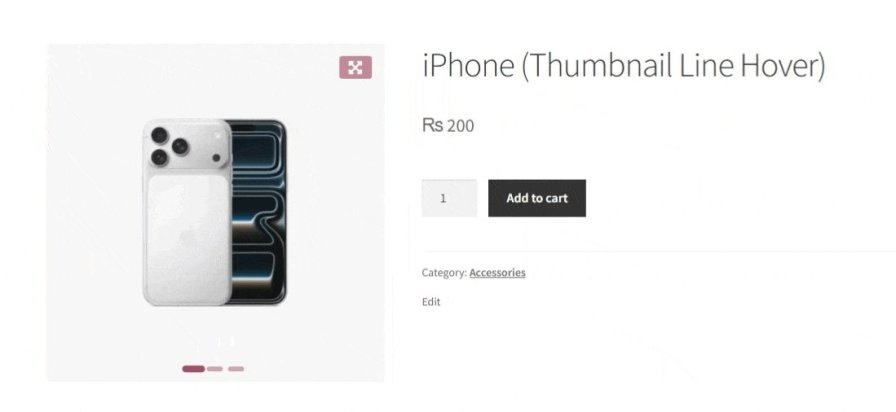
If your products have a lot of images, a plain WooCommerce gallery makes customers work harder than they should. This plugin turns that gallery into a smooth, easy-to-navigate slider, so customers can compare angles and details at their own pace instead of clicking through images one at a time.
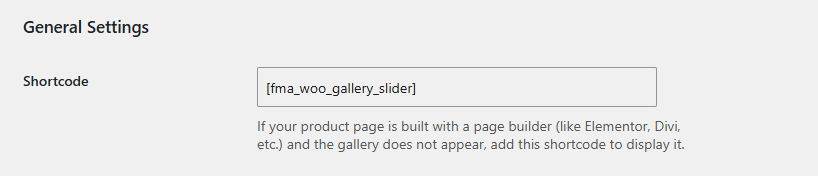
Building your product pages with Elementor, Divi, or another page builder? Use the plugin’s shortcode to place the gallery slider exactly where you want it, no custom code required.
Pick from 7 layouts, each with its own way of arranging images, thumbnails, and navigation, so the gallery fits your theme and product type instead of the other way around. You can also turn on automatic aspect ratio adjustment to keep images looking clean in vertical layouts.
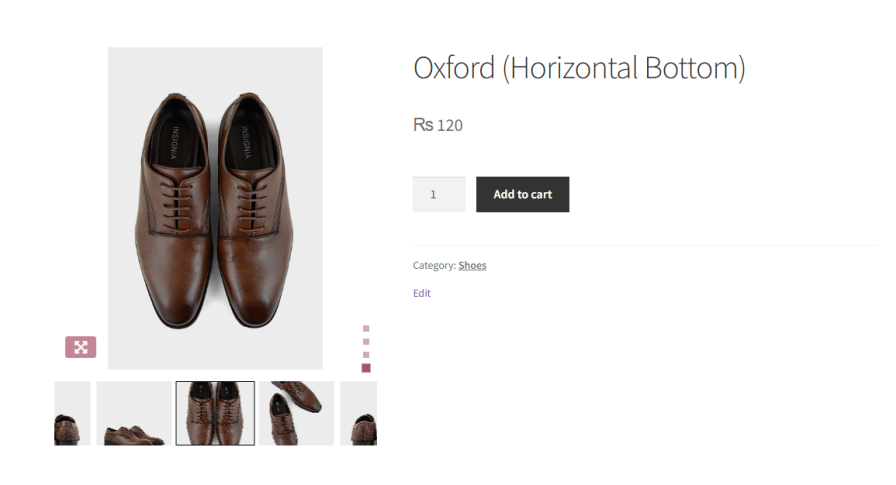
The main image sits on top with a row of thumbnails directly below it, a familiar layout that works well for most product types.
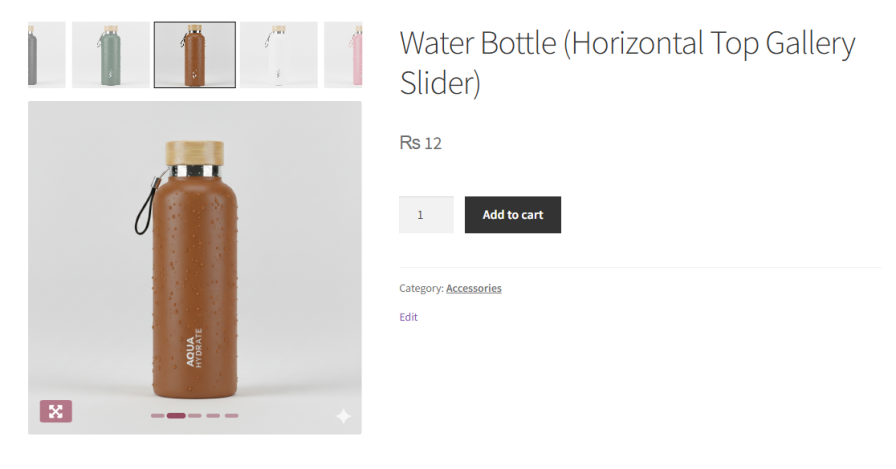
The same horizontal thumbnail row, placed above the main image instead of below it.
Thumbnails run down the left side of the main image, freeing up horizontal space; useful on wider screens or image-heavy product pages.
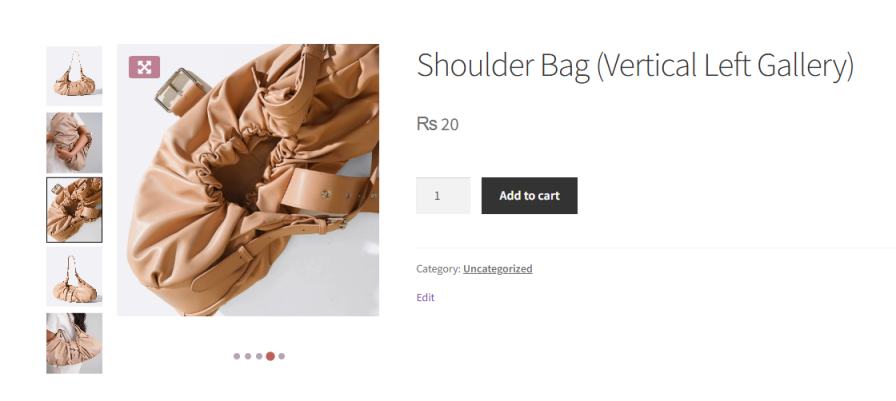
The same vertical thumbnail strip, positioned on the right side of the main image instead.
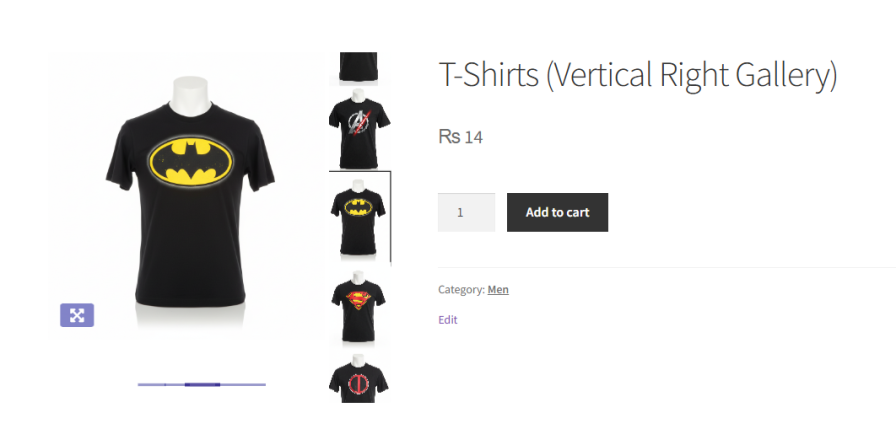
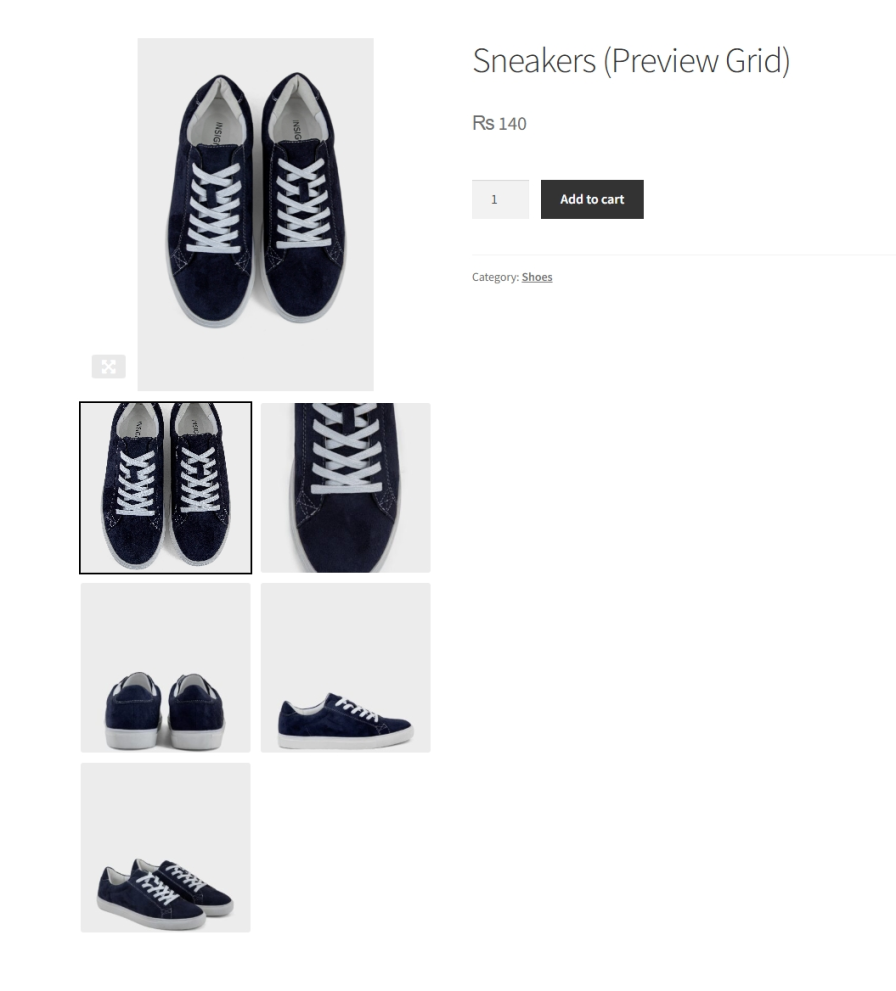
A featured image with a grid of thumbnails beneath it, giving the gallery a more catalog-like, browsable feel.
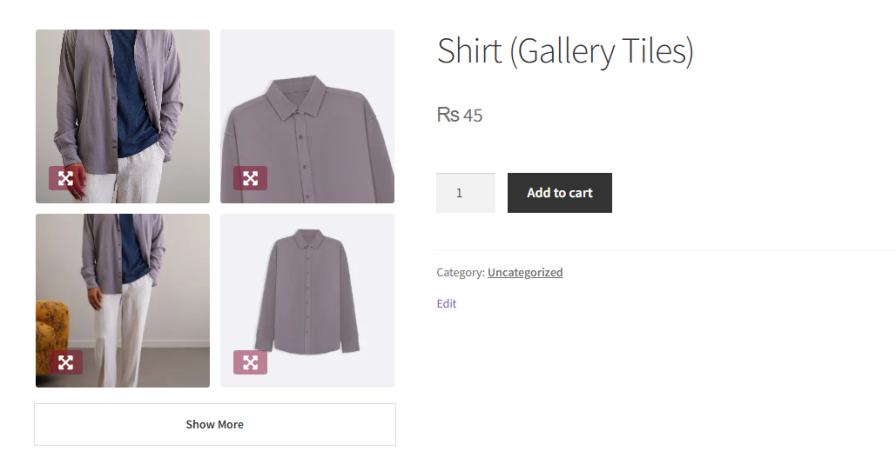
A tile-based grid with a “Show More” button, ideal for products with a large number of images that shouldn’t all load at once.
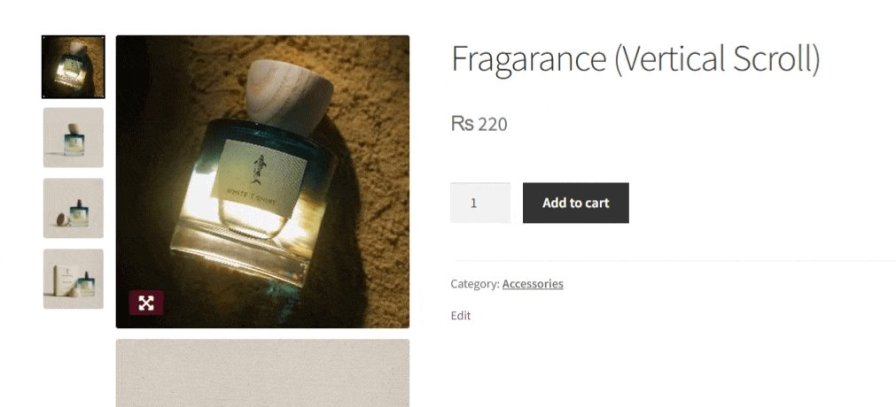
Images stack in a continuous vertical scroll, letting customers scan through the full gallery without clicking between individual images.
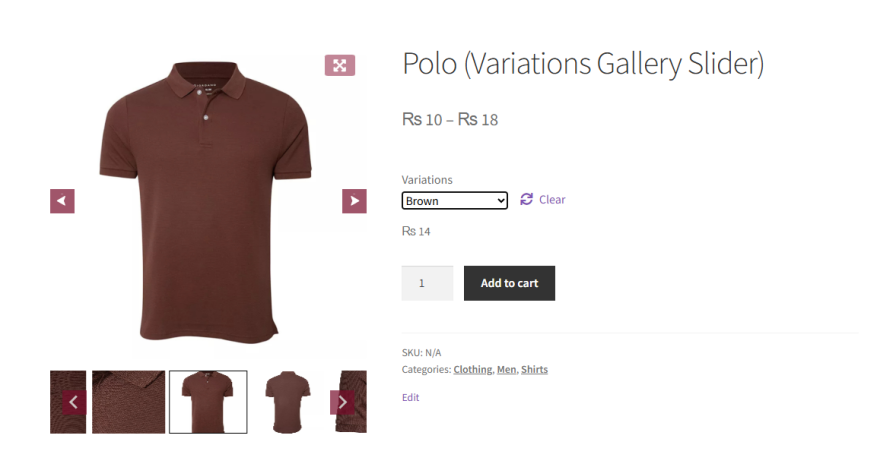
WooCommerce normally allows just one image per product variation. With this plugin, you can assign unlimited images and videos to each variation. When a customer switches between options like color, size, or style, they see a dedicated image set for that exact selection, which shows off your products in more detail and helps customers choose with confidence.
For stores with a lot of variations, turn on Dynamic Variation Images so those extra images only load once a variation is actually selected. This keeps product pages fast even with a large catalog of options.
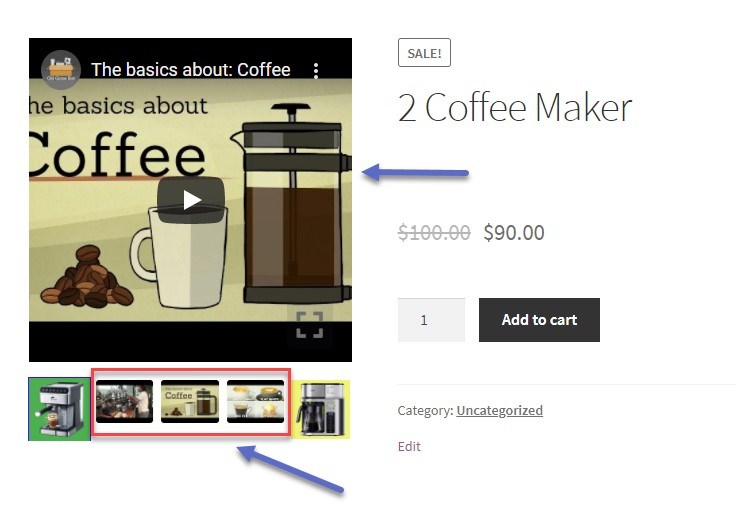
Add videos to your product gallery directly from the product editor by pasting a URL or uploading a file, then give each one a title and caption so customers know what they’re watching. Choose whether videos play inline inside the gallery or open in a popup, and turn on autoplay or loop playback for self-hosted videos. Video adds context that photos alone can’t, and it’s a simple way to make your product pages more engaging.
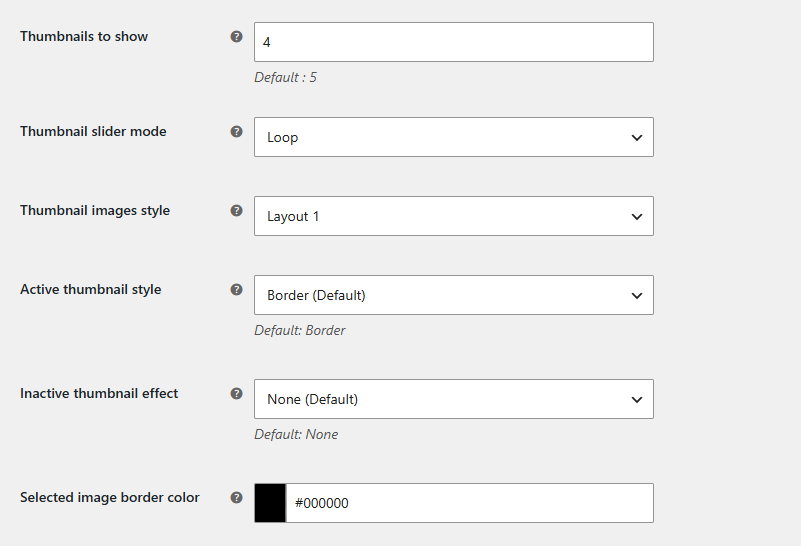
For horizontal and vertical layouts, control exactly how thumbnails appear, from visibility and count to slide style. Choose how the active thumbnail is highlighted and how inactive ones look, so customers can always tell which image is selected.
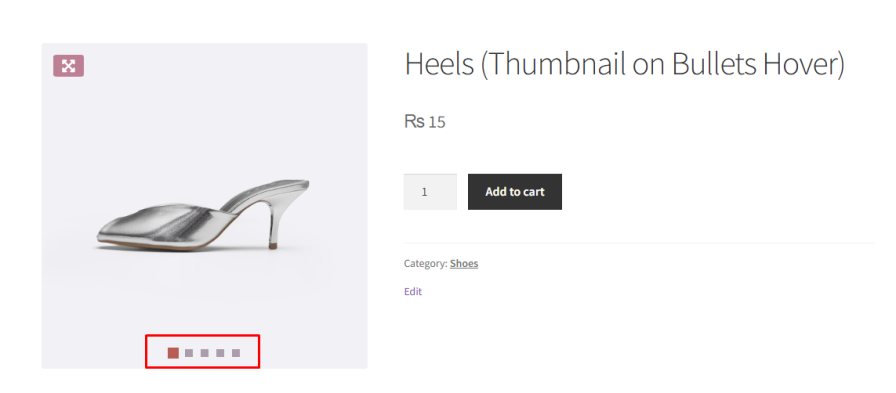
Add bullet navigation in a shape that fits your design, placed inside or below the image. Set the position, colors, and hover behavior, including a thumbnail preview on hover, so customers get a quick look before they click.
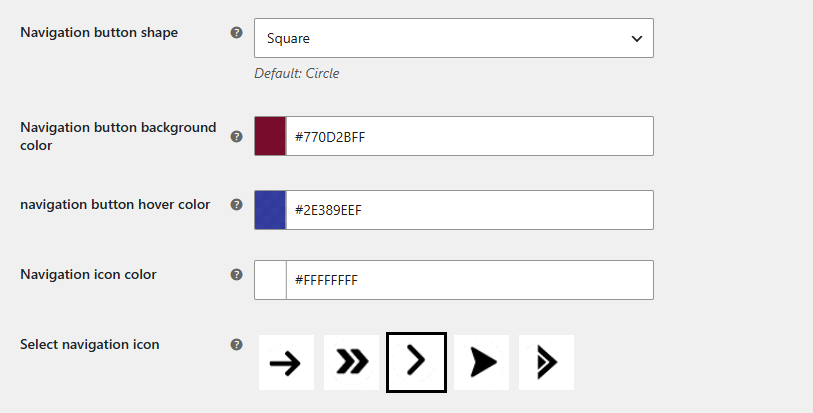
Show navigation arrows so customers can move through the gallery with a click. Choose the button shape, icon, and colors, and decide whether arrows stay visible or only appear on hover.
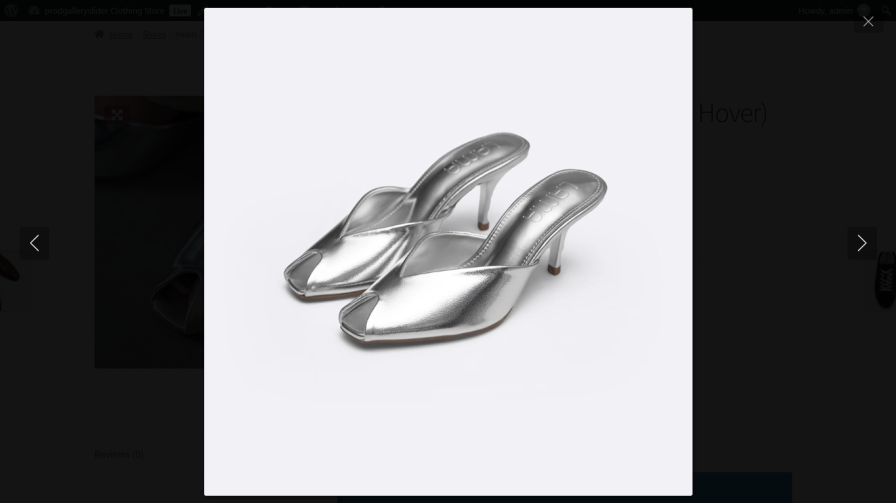
Let customers open any image or video in a fullscreen lightbox for a closer look. Customize the icon, position, and transition effect, add an image counter and captions, and include social share buttons so customers can share what they see. Turn on advanced controls to let customers zoom, rotate, flip, run a slideshow, or download the image, all without leaving the lightbox.
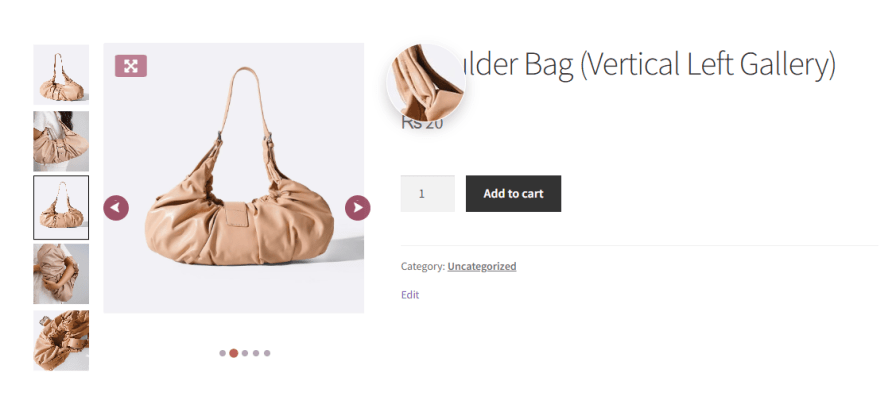
Give customers a closer look at fabric, texture, and fine detail with three zoom styles: Magnifier, Inside, or Right Side. Customize the lens shape, color, and size to match the rest of your gallery styling.
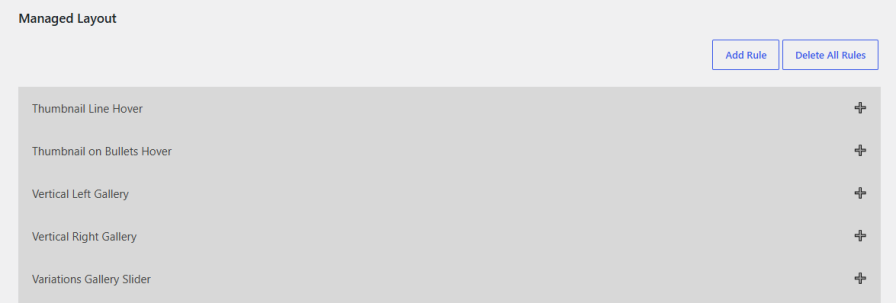
Instead of one global setting, build separate, prioritized rules for different products or categories. Each rule carries its own complete configuration, general settings, layout, thumbnails, bullets, arrows, lightbox, and zoom, so you can give a premium product line a different gallery experience than the rest of your catalog, all from one plugin.
Our plugins are designed to be highly versatile and also compatible with the most commonly used themes, browsers, builders, and mobile views. We understand the importance of flexibility and integration when it comes to enhancing your website’s functionality. Our plugins can effortlessly integrate with the following:
Minimum PHP version: 5.2
 |
DocumentationLooking for assistance? Check out the extensive documentation for a complete understanding of the WooCommerce Product Gallery Slider plugin. View documentation |
 |
Questions and SupportFor Questions and Support: If you have inquiries before making a purchase or require assistance, don’t hesitate to contact our support team. |
The WooCommerce Product Gallery Slider makes it easier for customers to browse product images without manually clicking through each one. The smooth sliding experience, autoplay feature, zoom options, and lightbox functionality keep customers engaged, helping them make informed purchase decisions and boosting conversions.
Yes! You can embed videos along with images in the product gallery to provide more detailed product visuals. Videos can be uploaded or added via URL to improve engagement and product understanding.
The plugin allows you to:
The lightbox feature lets customers view product images and videos in a fullscreen modal window, making it easier to inspect details. Customers can also zoom in on images for a closer look at product textures, materials, and designs.
Yes! Customers can zoom in on images to see finer details such as product texture, quality, and craftsmanship. This helps build trust and reduces the likelihood of product returns.
Categories
Extension information
Quality Checks
Countries
Languages







