You’re selling craft materials which you ship to your customers in a themed subscription box at the beginning of each month. Some of your customers have approached you about purchasing a box for their grandchild/niece/nephew.
1. Go to WooCommerce > Settings > Subscriptions, scroll to Gifting, and tick Enable gifting for subscriptions.
- Edit your subscription box product and tick Allow shoppers to purchase subscriptions as gifts for others. (for a variable subscription, tick it on each variation you want to offer as a gift).
- Save the product. Customers now see the This is a gift option on the product and cart pages.
Your customers can now purchase your craft subscription boxes for their loved ones. In this scenario, we’re going to imagine a customer is purchasing a box for Jane.
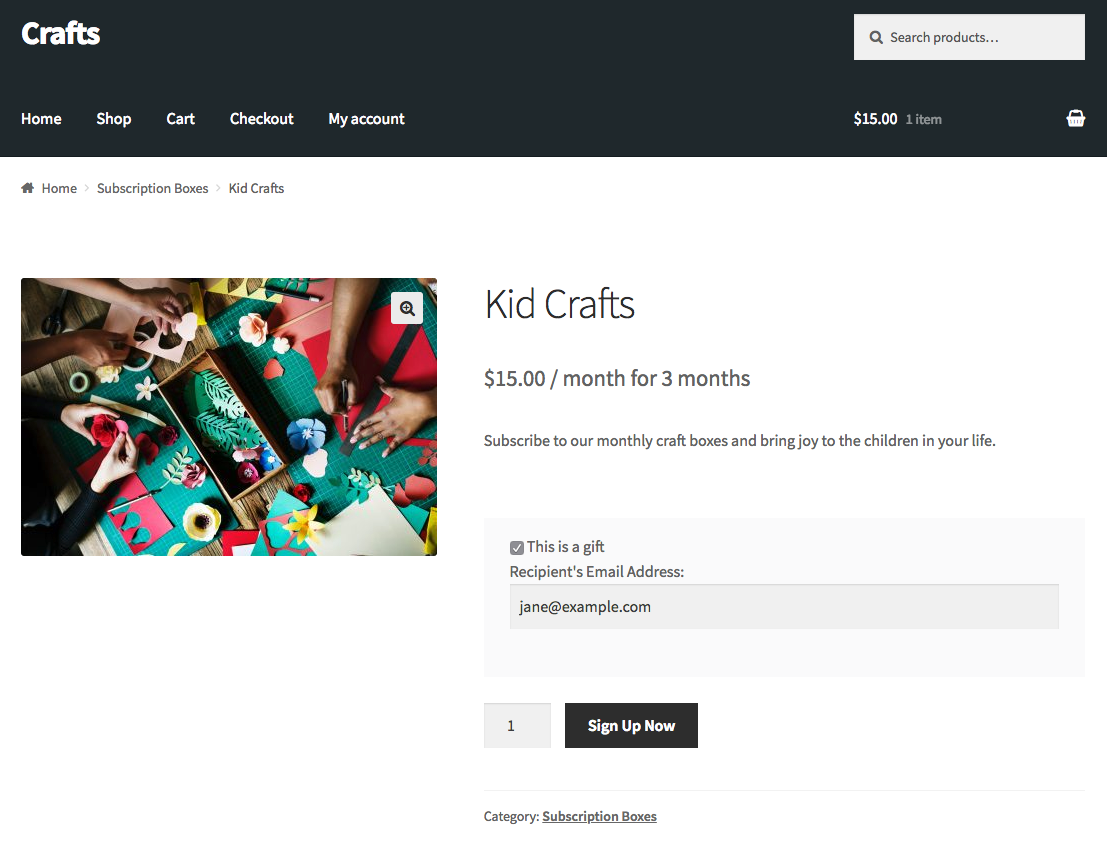
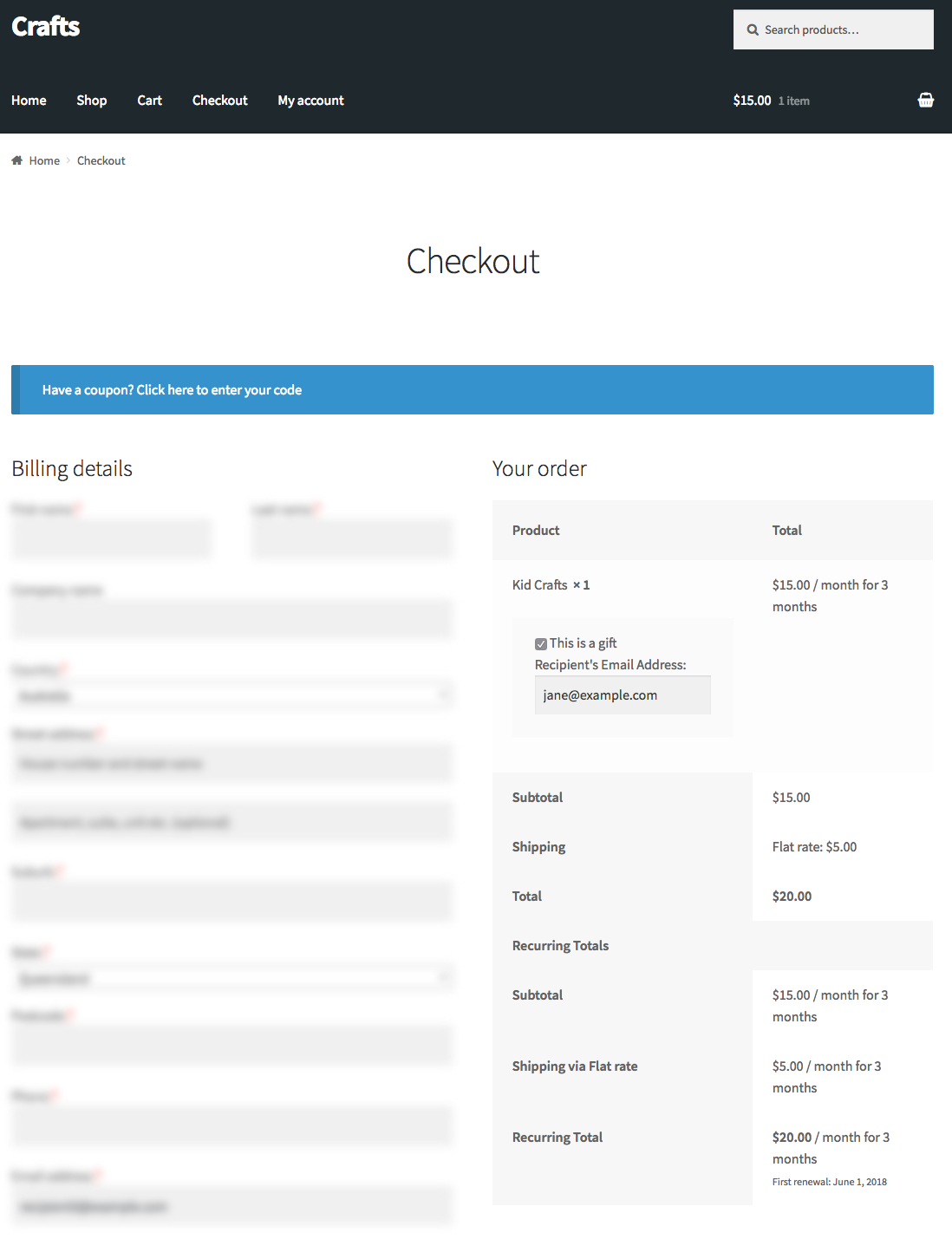
By purchasing the subscription for Jane, both Jane and your customer can now manage her subscription from their My Account pages
where they can suspend, reactivate, cancel and so on. Your customer can change Jane’s shipping address only until Jane activates her account, and not at all if Jane already had an account on your store.
Because Jane didn’t have an account with your store before your customer purchased this product for her, an account will be automatically created so she can manage the subscription.
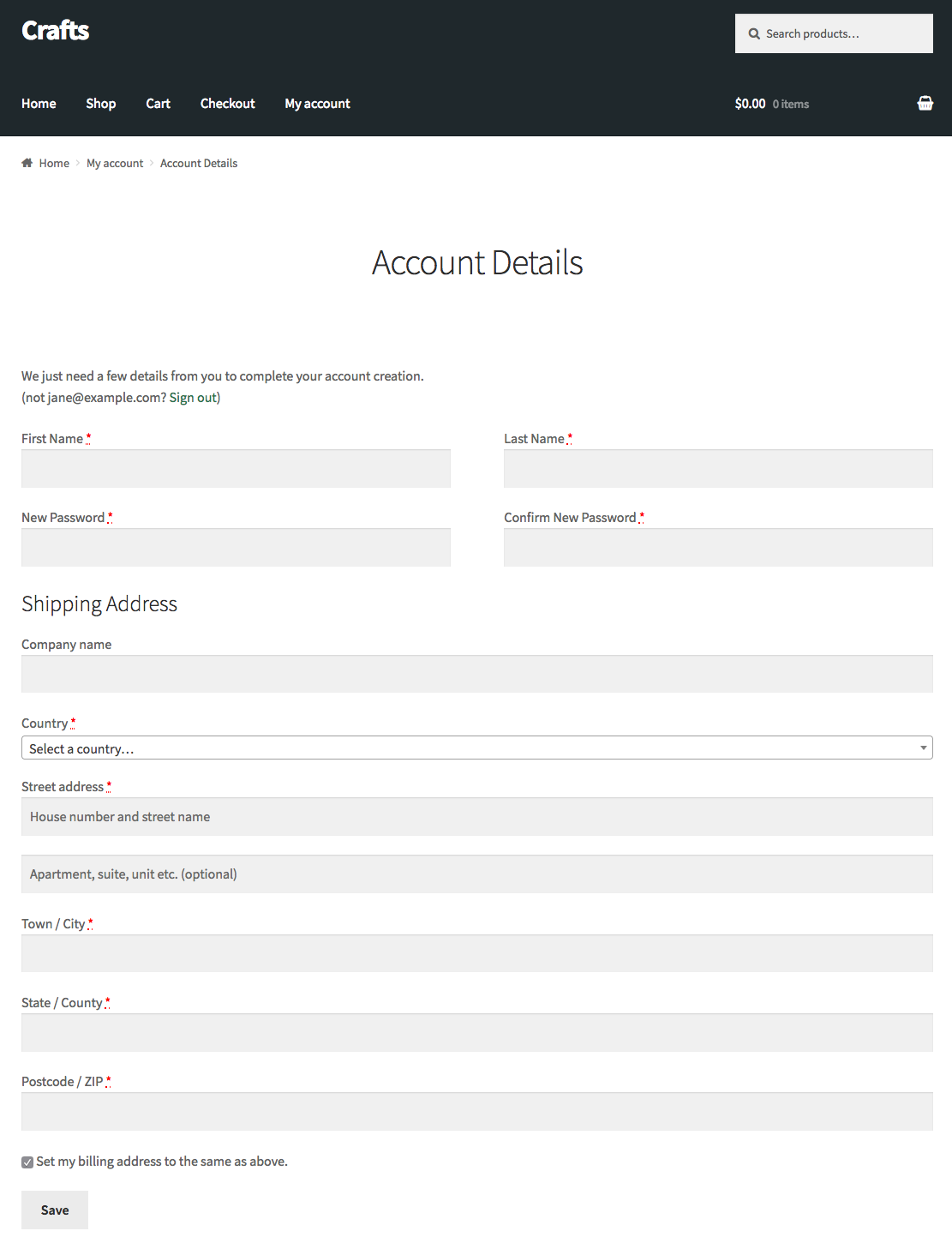
Jane will receive an email about the purchases made for her and an email with the account login details. The first time Jane logs in, she will be prompted to fill out some account details where she can set her shipping address and change her password.
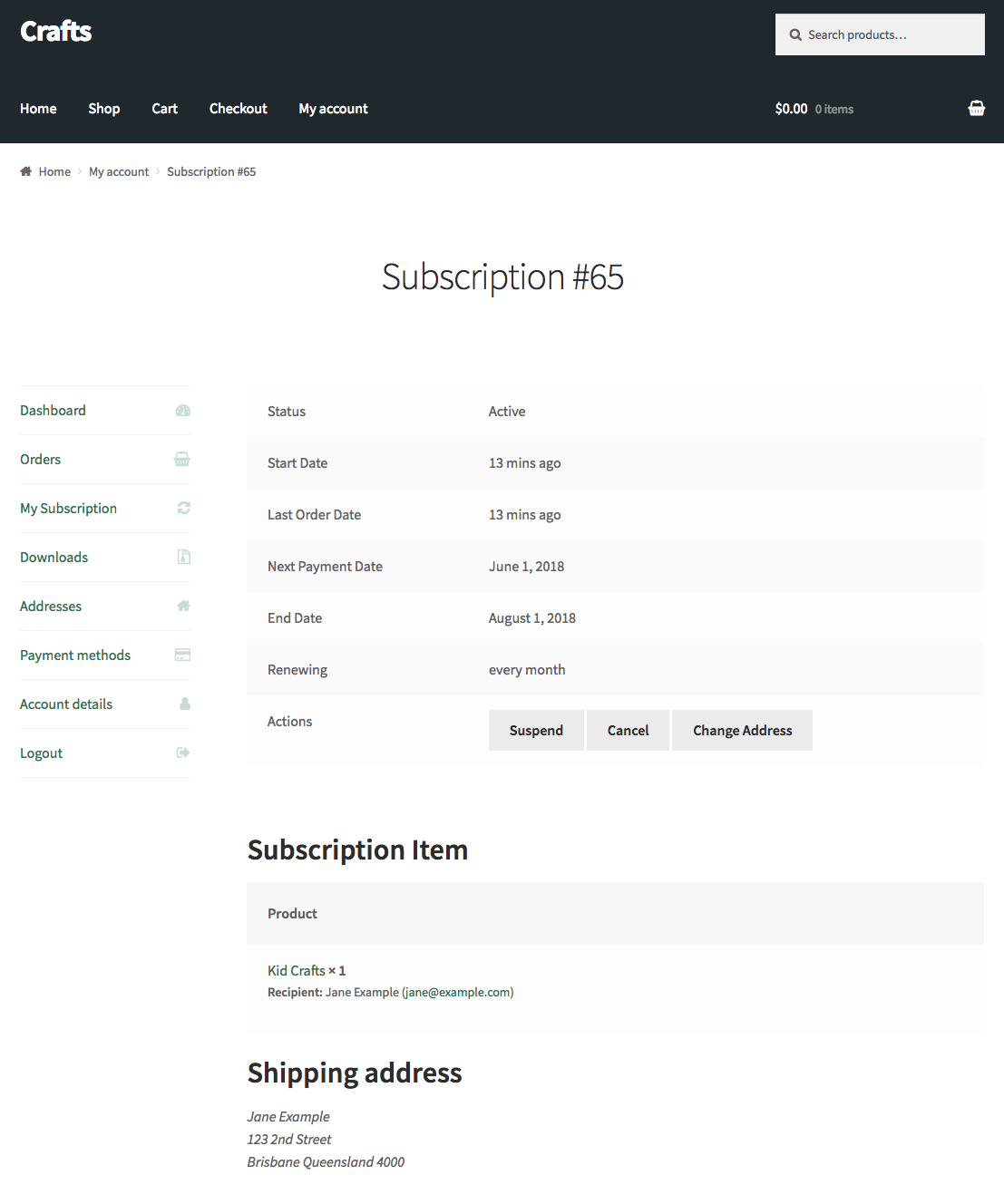
Once her account is set up, she can view and manage her subscription from her My Account View Subscription page.
Once Jane activates her account, her shipping address is private: your customer (the purchaser) still manages the subscription and pays for it, but sees Only the gift recipient can view the shipping address. in place of the address and can’t change it. If Jane already had an account on your store when the gift was bought, her shipping address is private from the start, so your customer can’t see or change it on the subscription at any point.
Have a question before you buy?
Please fill out this pre-sales form.
Already purchased and need some assistance?
Get in touch with a Happiness Engineer via the Help Desk.
