The last 2 WooCommerce Bookings updates introduce exciting improvements for merchants. You can now import and export booking data without developer assistance, the calendar only displays bookable dates, and the booking form is more accessible. Check out the summary of all changes below.
Export and import bookings as CSV
↑ Back to topFrom Bookings > All Bookings, you can now export bookings as a CSV file. Filter by product, status, or date range, select the columns to include, and download the file. The import button on the same screen allows you to upload bookings, map columns to the correct fields, and review a results log for confirmation.
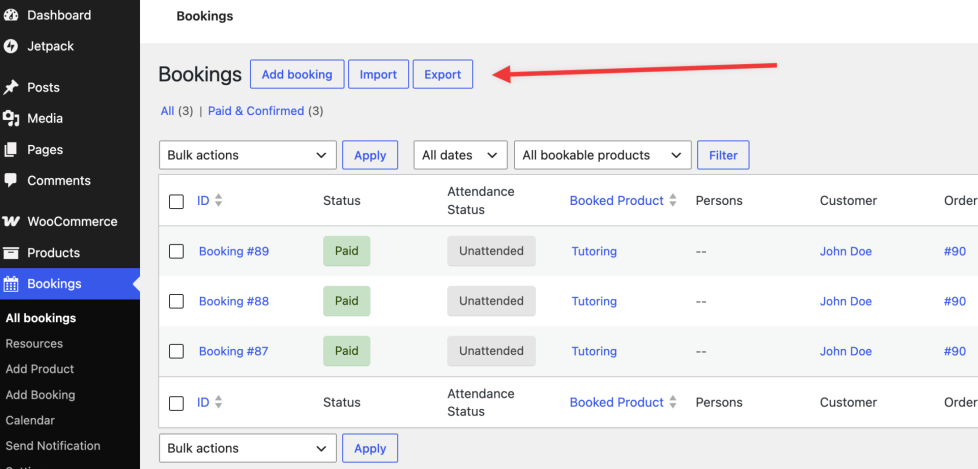
If you’re migrating to WooCommerce Bookings from another system, you can import existing reservations without manual entry. You can also export booking records as needed or transfer data to other tools, all without requiring custom development.
The calendar hides dates you can’t book
The calendar now displays only dates that meet your minimum availability requirement, making it more straightforward for customers to find bookable dates and complete their reservations without interruption. This update primarily benefits group- and person-based bookings that require a minimum party size or capacity.
Screen readers get cleaner signals
↑ Back to topCalendar navigation labels are now clearer. The date picker provides improved guidance for assistive technologies, and time slot selections are more accessible to screen readers. These changes make it simpler for customers who use assistive technology to navigate the calendar and select available dates.
Calendars load faster on busy stores
↑ Back to topWhen a customer opened the booking calendar, WooCommerce used to run one database query per existing booking — a store with hundreds of active bookings would run hundreds of queries to load a single calendar. Now it checks all booked time slots with a single query.
High-volume booking businesses, such as fitness studios or tour operators with many active products, now experience improved load times and fewer timeouts during peak periods.
Also fixed
↑ Back to top- Prices now update to match the selected date, even when customers change dates or book multiple products from a single page.
- The product editor now shows the correct time when your store’s admin timezone differs from the site’s timezone.
- Bookings now automatically follow your site’s timezone. The separate «Enable Bookings Timezone Calculation» toggle has been removed, as it is no longer necessary.
- A developer snippet is available for high-volume stores to reduce first-load availability calculation time by approximately 30%. This does not yet apply to monthly-duration products or automatic resource assignment.
- Custom booking page URLs now appear in confirmation emails and pagination links, not just on the booking page.
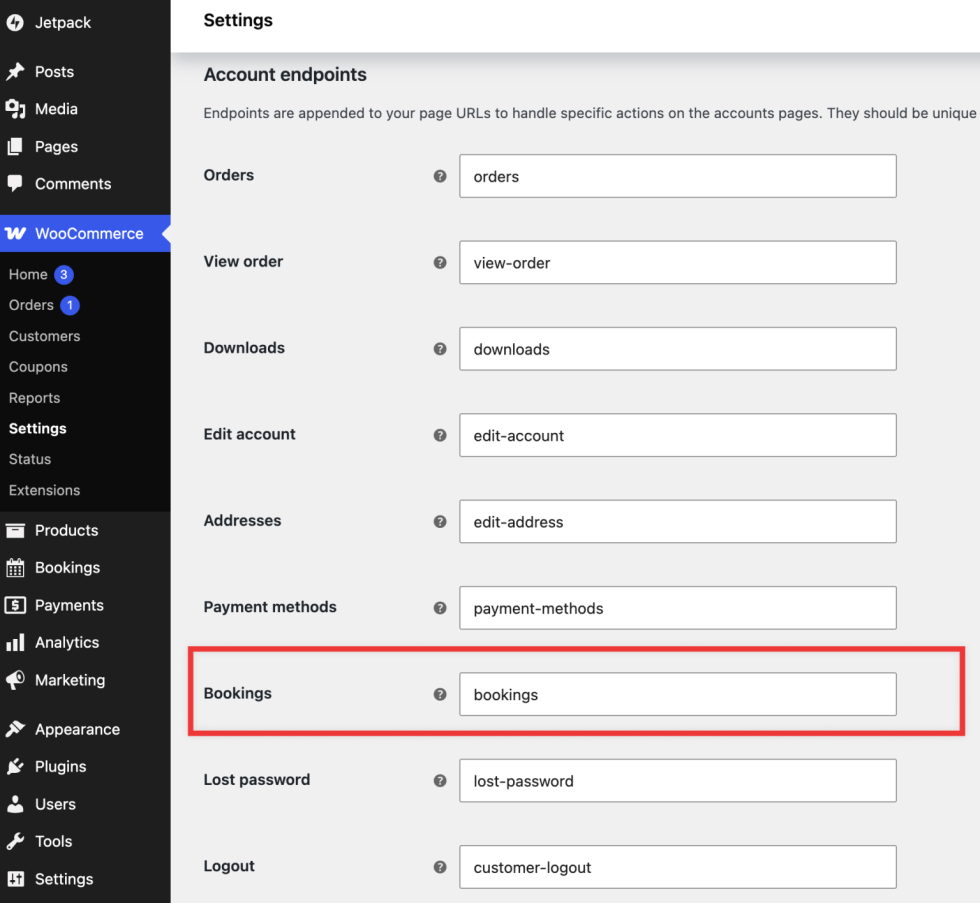
How to get it
↑ Back to topUpdate to the latest version of WooCommerce Bookings from your WooCommerce dashboard under Plugins > Installed Plugins or WooCommerce > Extensions.
This update includes changes to frontend templates. If you or your agency use custom Bookings template overrides, review them after updating to ensure they incorporate the new accessibility improvements.
Get WooCommerce Bookings | WooCommerce Bookings 3.6.0 Documentation | WooCommerce Bookings 3.7.0 Documentation


About