
Active installs
400+
Subscription includes
Support
Stop manually managing products, orders, customers and inventory across systems. Odoo for WooCommerce integrates your WooCommerce store with the powerful Odoo ERP system, enabling real-time data sync, automated workflows, and unified business operations allowing you can scale with confidence.
Whether you run one store or multiple WooCommerce shops, this integration gives you full control over eCommerce, inventory, accounting and customer data — all from a single ERP platform.
Harness the power of consolidated customer data for better decision-making. With our advanced plugin, your WooCommerce store and Odoo integrate seamlessly, ensuring a unified view of customer interactions. This centralized approach means less time spent sifting through scattered data and more time building meaningful customer relationships. With real-time synchronization, your team stays informed and ready to act quickly.
Ecommerce product categorization can be a major hassle, but not with our easy-to-use plugin. Enjoy effortless synchronization between your WooCommerce store and Odoo platform. Changes made in WooCommerce, including product additions, tax updates, or category changes, can be mirrored into Odoo. This helps maintain consistent product listings and reduces errors caused by mismatched data.
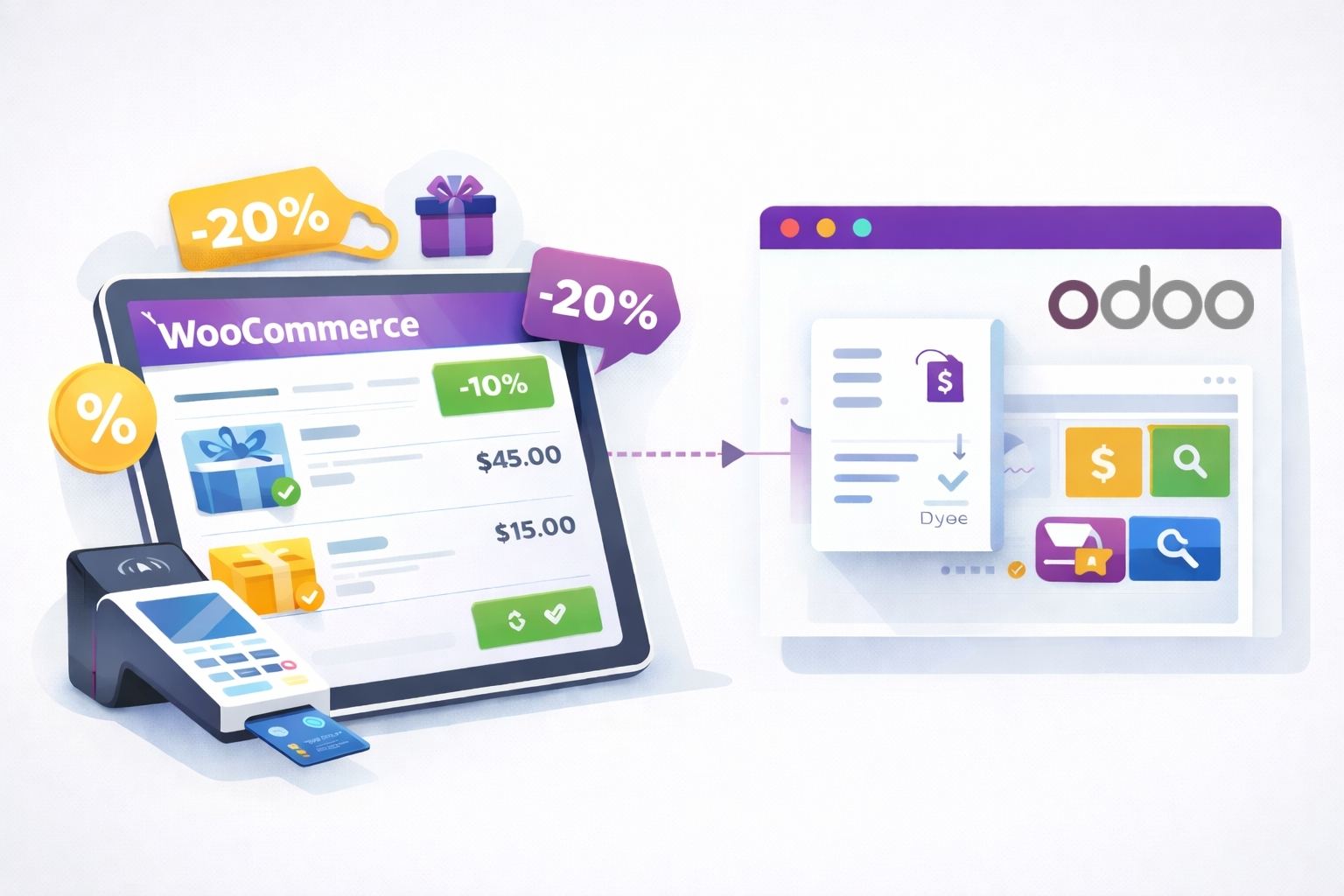
Optimize every sale with enhanced point-of-sale functionality. The integration supports a checkout experience that is smooth, intuitive, and reliable. Whether you are running seasonal promotions, affiliate discounts, or bundled product offers, you can configure these workflows in WooCommerce and synchronize them with Odoo to support a better customer experience.
Importing and exporting products between WooCommerce and Odoo becomes simple and efficient. Whether transferring a single product or syncing a large catalog, the integration ensures reliable and accurate data movement.
🔵 Performance Improvements in v4.1.4
Our latest release introduces significant product data import performance enhancements, allowing WooCommerce and Odoo to synchronize large product catalogs faster and more efficiently. These improvements help reduce processing time and improve reliability for stores with growing inventories.
Operate more efficiently with streamlined business processes across your WooCommerce store and Odoo ERP. From inventory management to order tracking, the integration helps automate and simplify core workflows. This reduces manual effort, minimizes errors, and makes it easier for your business to scale during busy sales periods and beyond.
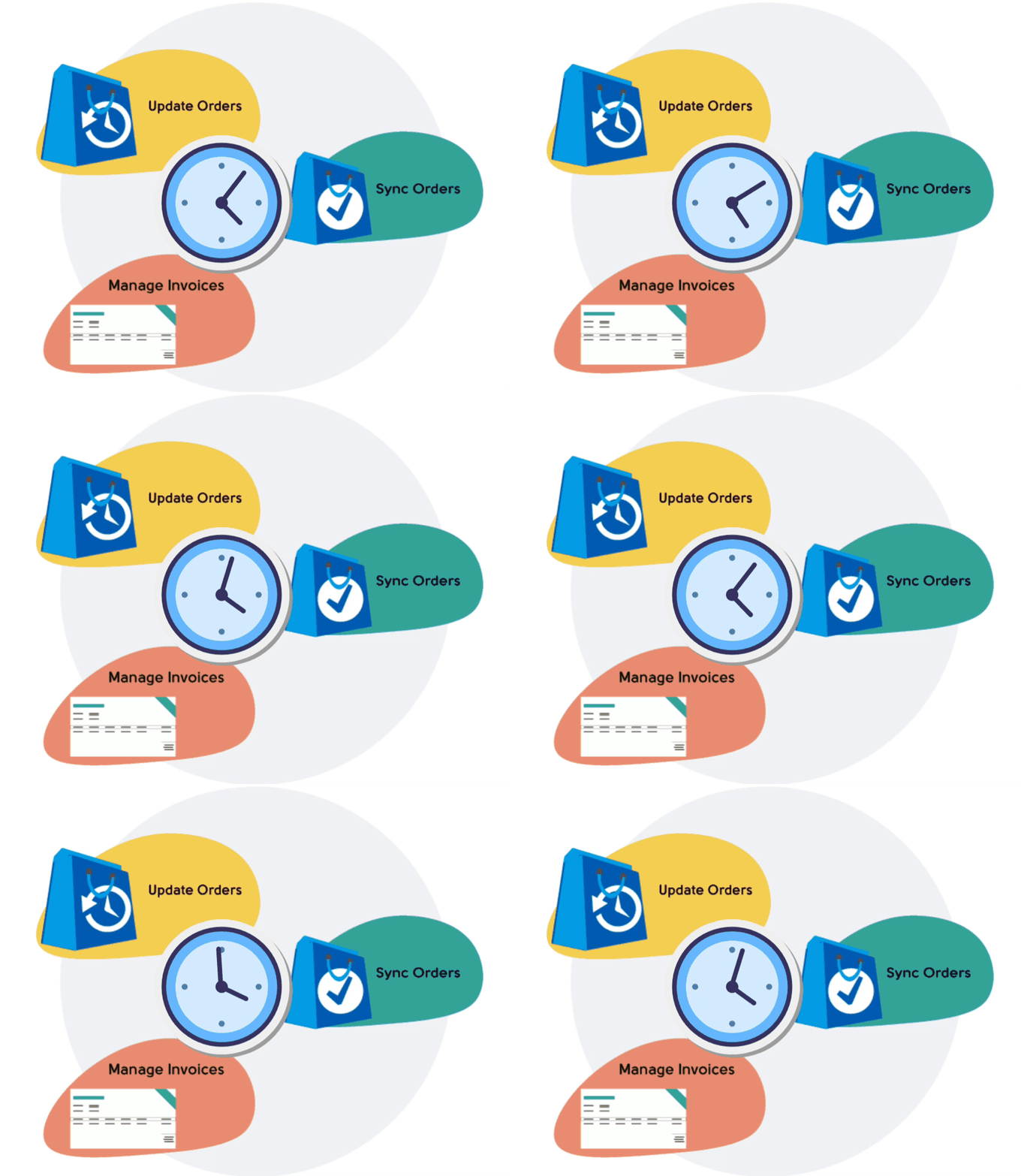
Every order matters. With real-time order functionality, imported orders can be processed quickly and efficiently. This allows your business to respond faster by updating stock levels, notifying stakeholders, and keeping customer records current. The result is a smoother operational workflow, better customer service, and a store that is ready for the next sale.
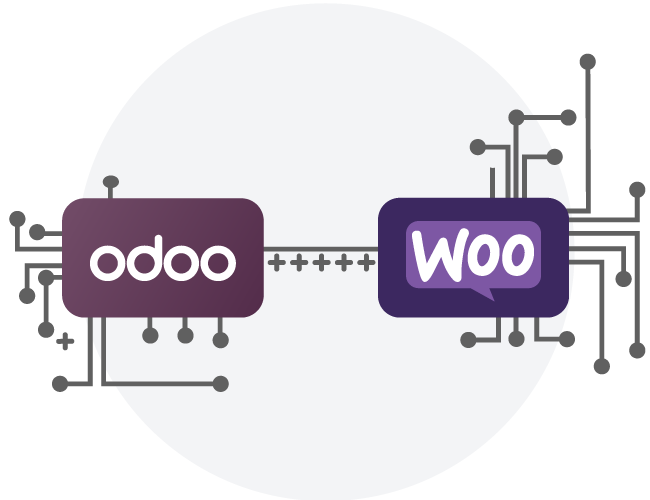
Bring your WooCommerce website and Odoo together with a reliable, seamless connection. This integration enables both platforms to communicate efficiently, improving overall functionality and user experience. Pull data from Odoo into your online store or push sales data from WooCommerce back into Odoo for reporting and operational management.
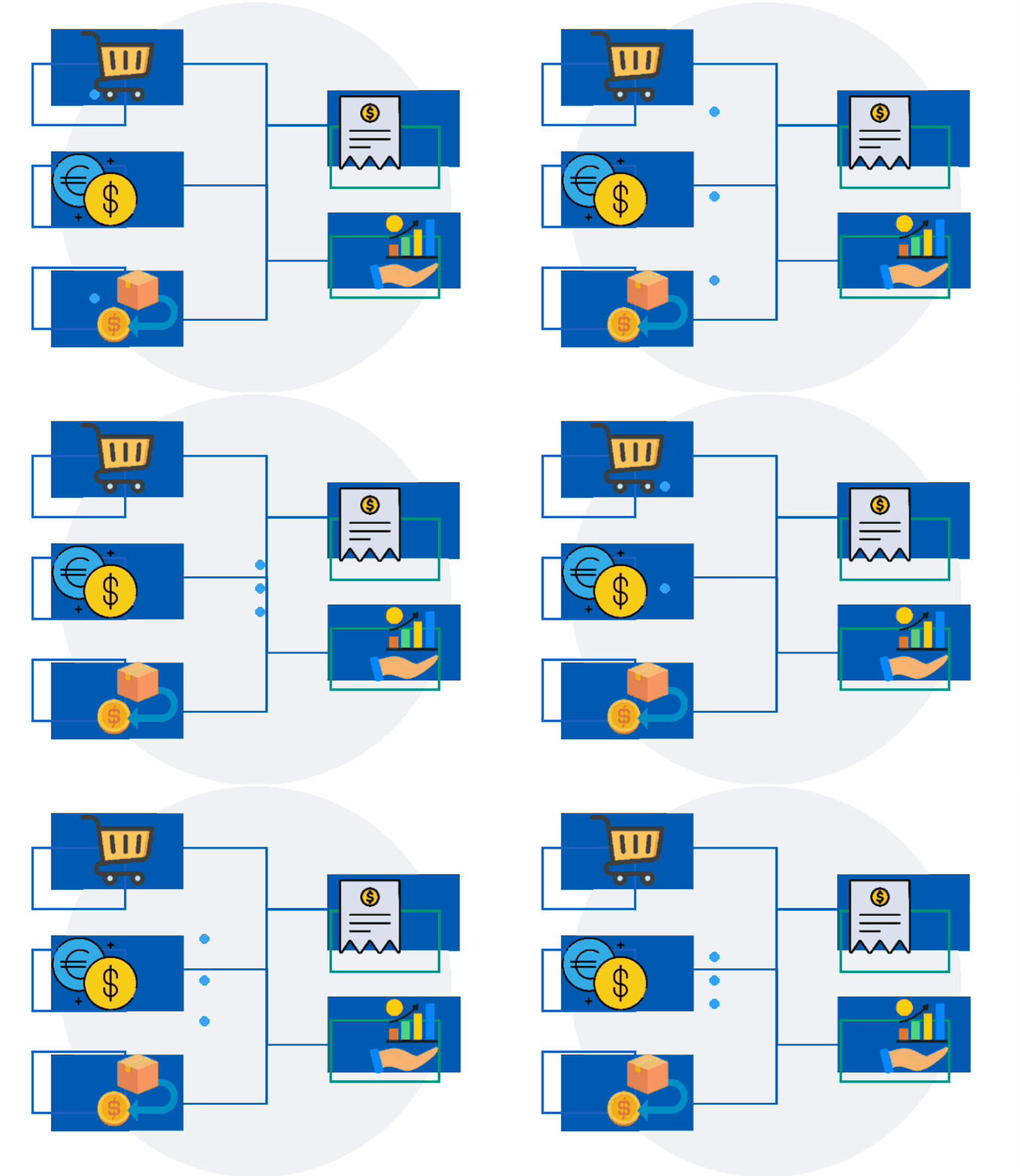
Stay in control with enhanced mapping of essential ecommerce operations. This feature provides a clear and intuitive overview of critical workflows such as sales, purchases, returns, and customer activity, helping your team maintain visibility and manage business processes more effectively.
Manage more products, orders, and customers without adding manual workload or operational slowdowns.
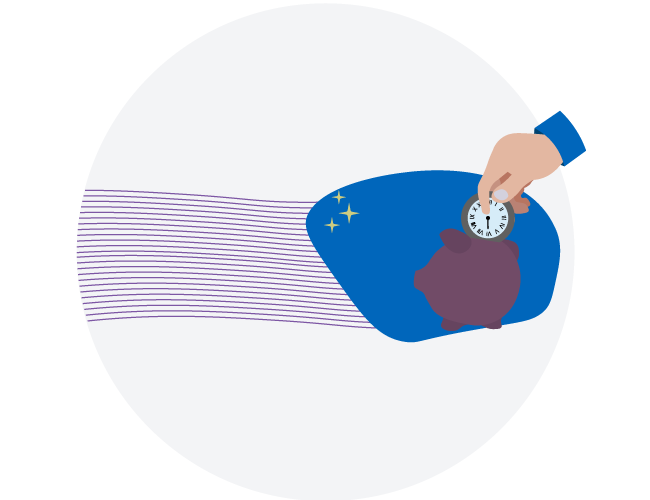
Time is money. Eliminate repetitive admin tasks so your team can focus on growth and customer experience.
Investments in efficiency pay off in both the short and long term. By optimizing your online store operations, you can expect a noticeable improvement in return on investment.
Combine Odoo’s ERP reporting tools with real data from your WooCommerce store for better insights and smarter decisions.
Manage multiple WooCommerce stores from a single Odoo instance, support customers in their local language, and streamline cross-border operations with centralized ERP control.
We’re expanding the integration to support WooCommerce multi-currency stores, enabling seamless synchronization of currency data between WooCommerce and Odoo. This will help international businesses manage pricing, reporting, and accounting across currencies with greater accuracy and efficiency.
Our Odoo WooCommerce integration plugin is designed to connect your WooCommerce store directly to Odoo ERP with stability, flexibility, and long-term scalability. Whether you’re managing products, inventory, customers, or orders, this powerful WooCommerce to Odoo connector helps ensure reliable data synchronization across your systems.
Our plugin is fully compatible with Odoo versions 13 through 19, making it suitable for both established ERP environments and newer Odoo deployments. No matter which supported version you’re running, you can confidently connect WooCommerce to Odoo without compatibility concerns.
The integration is built to operate smoothly within your existing WordPress and WooCommerce environment without disrupting your store design, extensions, or workflows.
For detailed installation steps, configuration guidance, and technical setup instructions, please refer to the official Odoo Documentation.
Don’t let complex processes slow your business down. Integrate, optimize, and elevate your operations with the Odoo WooCommerce integration plugin. Now is the perfect time to improve your store’s stability, efficiency, and long-term growth potential.
Yes! The WooCommerce–Odoo Integration plugin is designed to work with modern Odoo versions including Odoo 19, as long as the required Odoo modules and API access are enabled.
To ensure full functionality, the following modules should be installed and configured in Odoo:
Sales (sale) – Required for creating Sales Orders from WooCommerce orders
Accounting (account) – Required for automatic invoice creation
Inventory (stock) – Required for stock and product synchronization
Contacts (contacts) – Required for customer synchronization
Odoo 19 is a newer release so some advanced features or workflows may depend on how your Odoo instance is configured. In most cases the core synchronization features -orders, customers, products and inventory, all work without additional customization.
If you are unsure whether your Odoo 19 setup is configured correctly, our support team can help verify your integration.
Absolutely! The plugin provides flexible settings that allow you to control exactly what is synchronized between WooCommerce and Odoo.
For example, you can choose to:
Export orders automatically or manually
Sync products and inventory on a schedule
Export invoices when orders are paid
Update customer records automatically
Map WooCommerce order statuses to Odoo invoice states
This allows you to tailor the integration to match your specific business workflow.
Yes! Once the integration is configured, the plugin can automatically export WooCommerce orders to Odoo as Sales Orders.
You can choose how the synchronization works:
Export orders automatically when checkout is completed
Export orders based on WooCommerce order status
Run scheduled sync jobs in the background
This ensures every order placed in WooCommerce appears in Odoo without manual data entry.
Yes! The plugin allows two-way inventory synchronization depending on your configuration.
Most store owners use Odoo as the inventory master, which means:
Stock levels are managed in Odoo
Inventory quantities automatically update in WooCommerce
Your store always displays accurate stock levels
This helps prevent overselling and keeps your online store aligned with your ERP inventory.
Yes! The plugin can automatically create Odoo invoices for WooCommerce orders.
Depending on your configuration invoices can be:
Created when the order is exported to Odoo
Generated when the WooCommerce order is paid
Marked as paid when the WooCommerce order status changes
This helps streamline accounting and ensures your financial records stay up to date.
Connecting WooCommerce to Odoo helps automate many of the time-consuming tasks involved in running an online store.
With the integration you can:
Eliminate manual order entry
Keep inventory accurate across all channels
Automatically generate invoices and accounting records
Manage customers and orders from a centralized system
Scale your store operations without increasing administrative workload
For growing WooCommerce businesses, integrating with Odoo creates a more efficient workflow and gives you full visibility over sales, inventory, and financial data.
The plugin includes built-in logging and error reporting to help diagnose issues quickly.
If a synchronization error occurs:
The error is recorded in the plugin logs
Orders or records can be re-synchronized
Our support team can help investigate and resolve the issue
Most issues are related to configuration settings or missing Odoo modules and can be resolved quickly with the correct setup.
Extension information
Countries










