

Subscription includes
Support
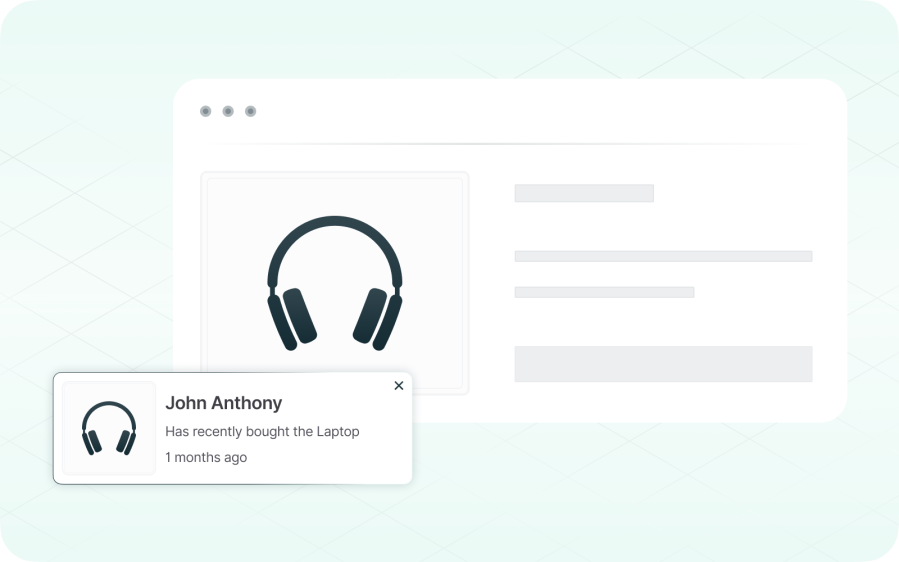
Visitors are more likely to complete a purchase when they can see that other customers have recently bought the same product. Live sales notifications make that activity visible on every page of your store, helping new visitors gain confidence in their decision.
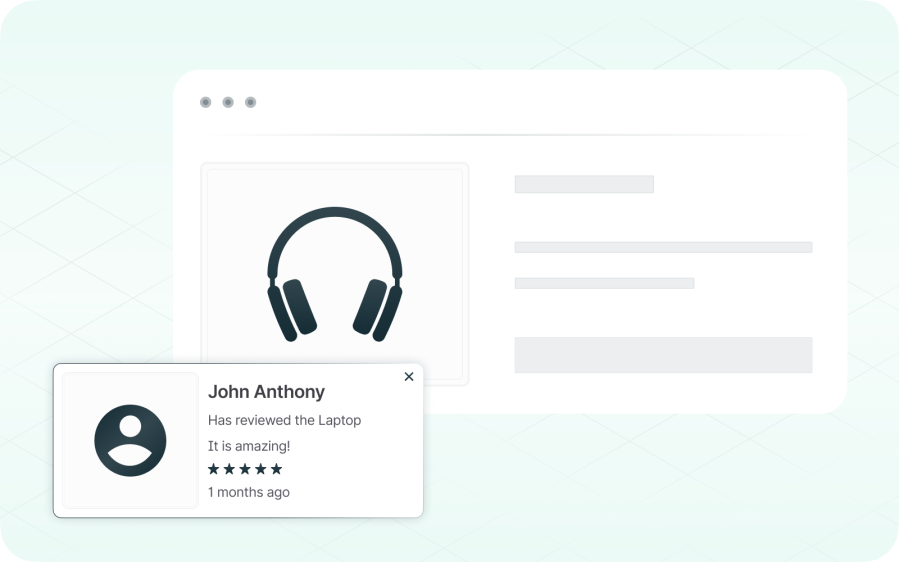
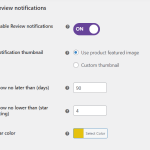
Customer reviews are often the most persuasive content on a product page, but they typically sit at the bottom of the page where most visitors never scroll. Review notifications bring your best feedback into view at the right moment.
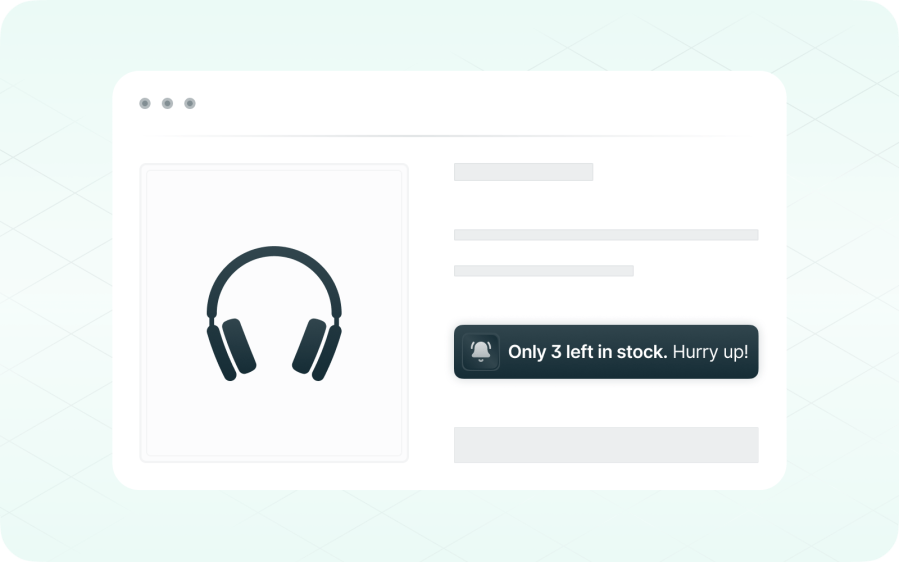
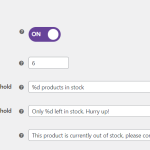
Highlighting limited stock can encourage customers to act sooner rather than later. The plugin reads your existing WooCommerce inventory and automatically displays one of three states on every product page:
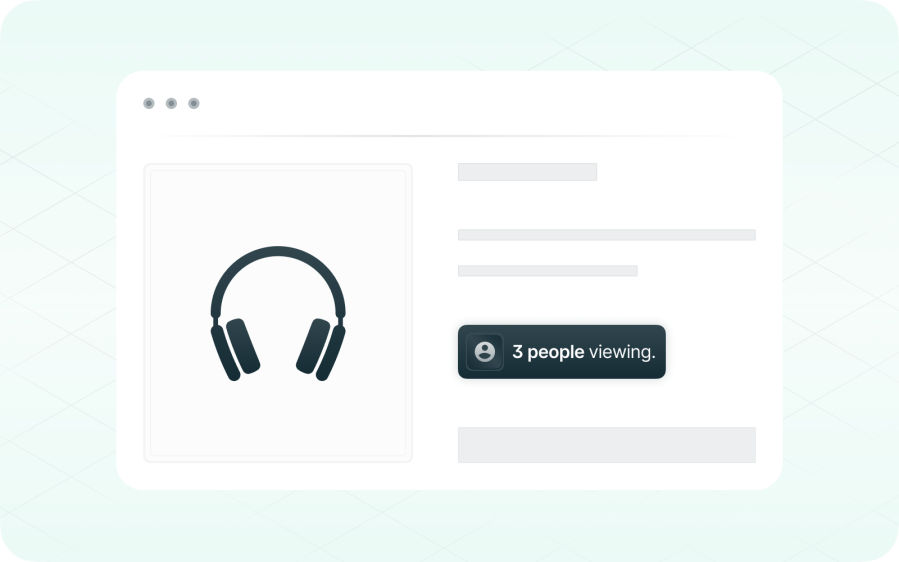
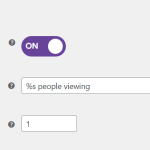
Show visitors how many other people are currently looking at the same product. Counting is anonymous and session-based, so no cookies or personal data are involved, and the displayed number always reflects genuine, real-time activity.
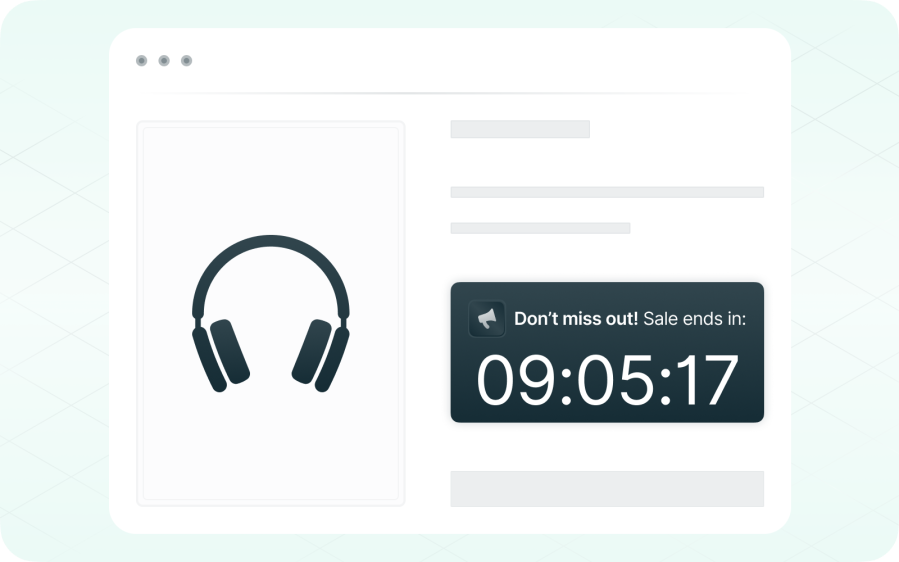
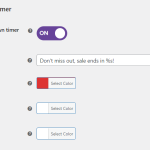
Limited-time offers perform better when the deadline is visible. The countdown timer makes that deadline part of the product page itself, so customers always know exactly how much time remains.
Optimize your social proof and FOMO campaigns using the analytics tool you already use. The plugin automatically detects whether the GA4 script is loaded on your store and sends custom events every time a customer review or purchase notification is displayed or clicked, so you can measure exactly how each notification contributes to your store’s performance.
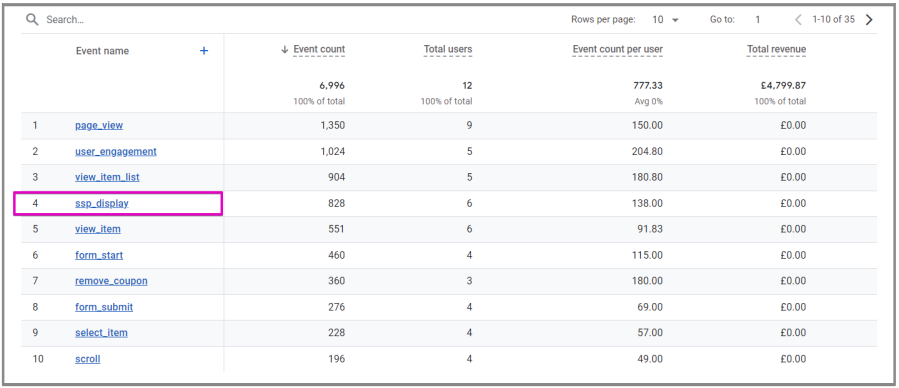
Each notification has two associated GA4 event types, one for displays and one for clicks, so you can track both impressions and engagement. Every event carries the notification type, product ID, product name, and page URL, allowing you to analyze performance directly within a GA4 funnel. See our documentation for more details.
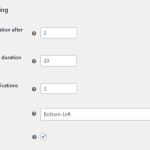
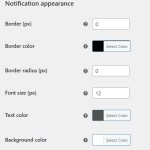
Every alert is fully customizable from WooCommerce › Settings › Smart Social Proof. You can position the popup at the bottom-left or bottom-right corner of the viewport, and adjust the background color, text color, border color, border width, border radius, and font size. Timing options let you control how long the first notification waits before appearing, how long it remains visible, and the delay between consecutive notifications. Mobile display can be enabled or disabled, and specific pages such as checkout, thank-you, or legal can be excluded. Notifications can also be limited to a curated set of products. No code, developer, or external editor is required.
It creates real-time social proof and urgency by showing recent purchases, low-stock alerts, and visitor activity—helping build trust and encouraging faster buying decisions through FOMO (Fear of Missing Out).
You can display:
You’ll need the WooCommerce (core plugin) installed and active. No other plugins are required, and it works out of the box with your WooCommerce setup.
Yes, you can customize sales and review notifications, display timing, and styles to match your store’s branding and improve customer experience.
We're here to help! If you run into any questions or want to fine-tune your setup, feel free to contact our support team.
Extension information
Countries







