

Active installs
700+
Subscription includes
Support
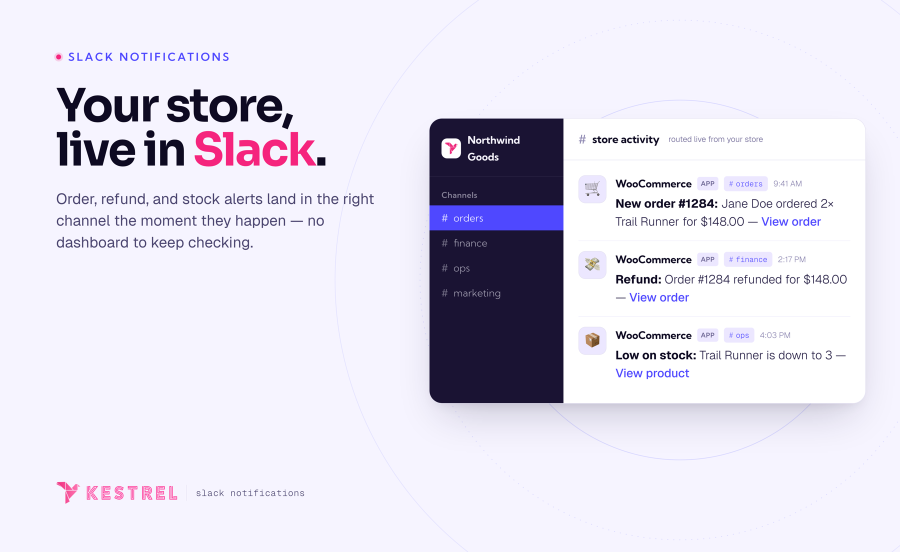
Every sale, refund, stock change, and review — posted to the right Slack channel the moment it happens. WooCommerce Slack turns your store into a real-time feed your whole team can actually keep up with, without anyone sitting in the WordPress dashboard.
It’s a notification system for your WooCommerce store that runs where your team already works. Rather than order emails piling up in an inbox nobody clears, or a dashboard nobody keeps open, every event you care about lands in Slack the instant it occurs — routed to the channel that should see it, worded the way you want to read it.
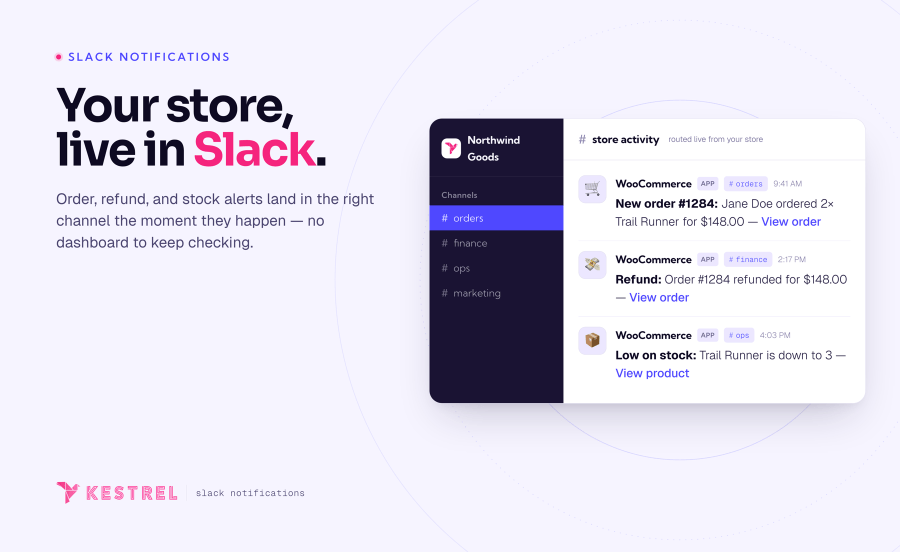
Most stores refresh the orders screen, wait on a daily digest, or — worse — hear about a problem from a customer first. A big order lands and nobody’s there to greet it. A product quietly sells out. A refund goes through unnoticed until the numbers don’t add up at month-end. By the time someone spots it in wp-admin, the moment to act has usually passed.
Your team is already in Slack all day. Your store should be talking to them there — the instant something happens, not hours later.
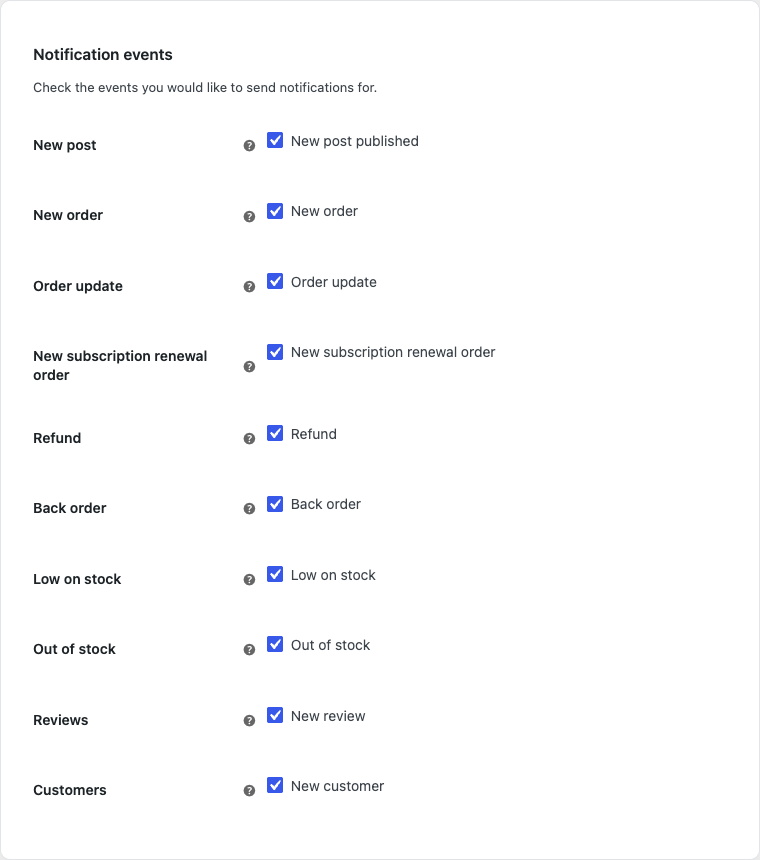
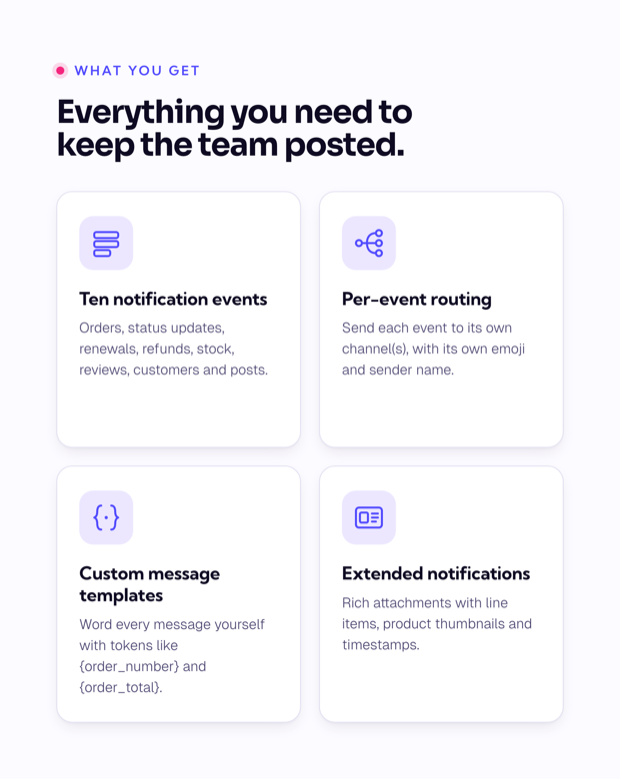
Ten event types cover the moments that matter across your store — the cash register, the stockroom, and the community around your products. Switch on the ones your team cares about; each one is independent:
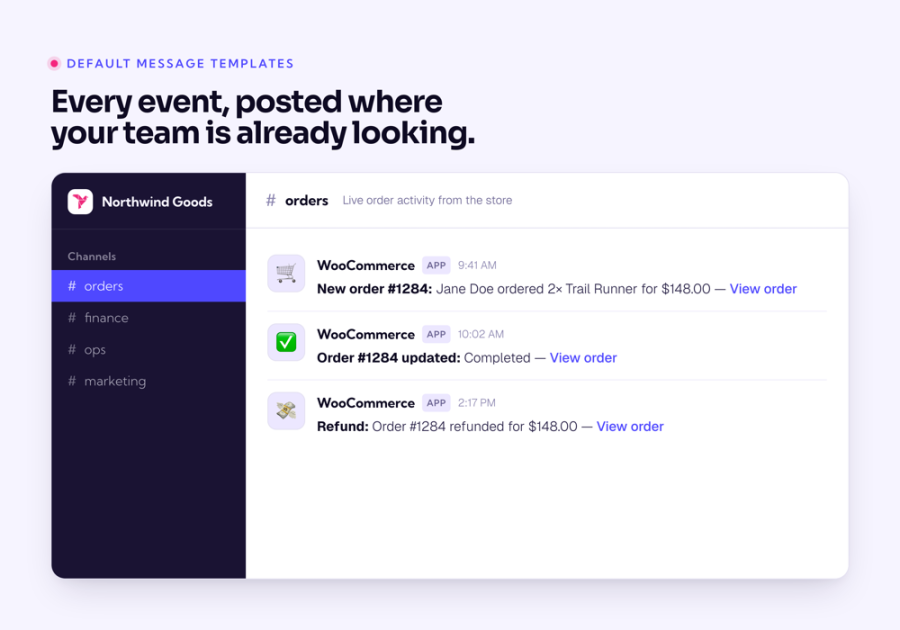
The new-order notification posts to Slack the instant checkout completes, so someone can start fulfilment — or just feel the store’s pulse — without opening wp-admin. Each message carries the customer’s name, what they bought, the order total, and a one-click link back to the order. It fires on the classic checkout, the WooCommerce checkout block, and standard order hooks, so the orders you’d expect to see are the orders you get.
Back-order, low-stock, and out-of-stock events send a stock notification the moment inventory crosses the thresholds you already set in WooCommerce. Purchasing and ops find out while there’s still time to reorder, instead of hearing about it from a customer staring at an unavailable product. Each alert names the product, its stock level, and a link to edit it — and you can route stock alerts to their own channel, well away from the sales feed.
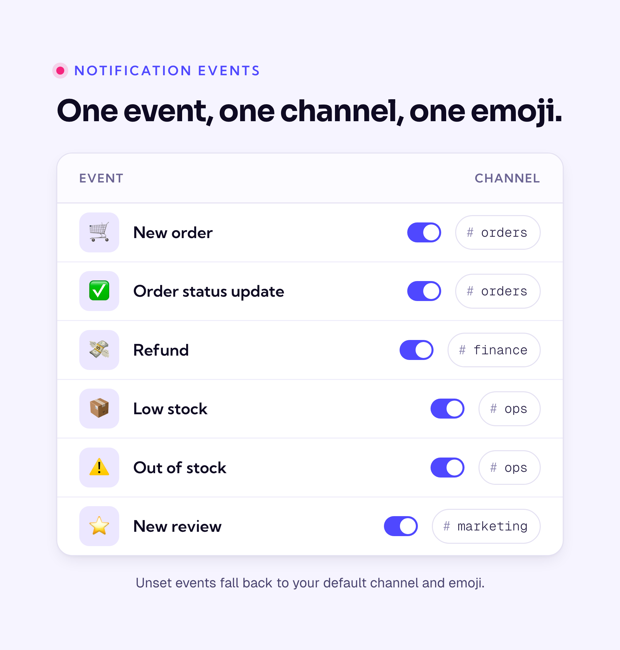
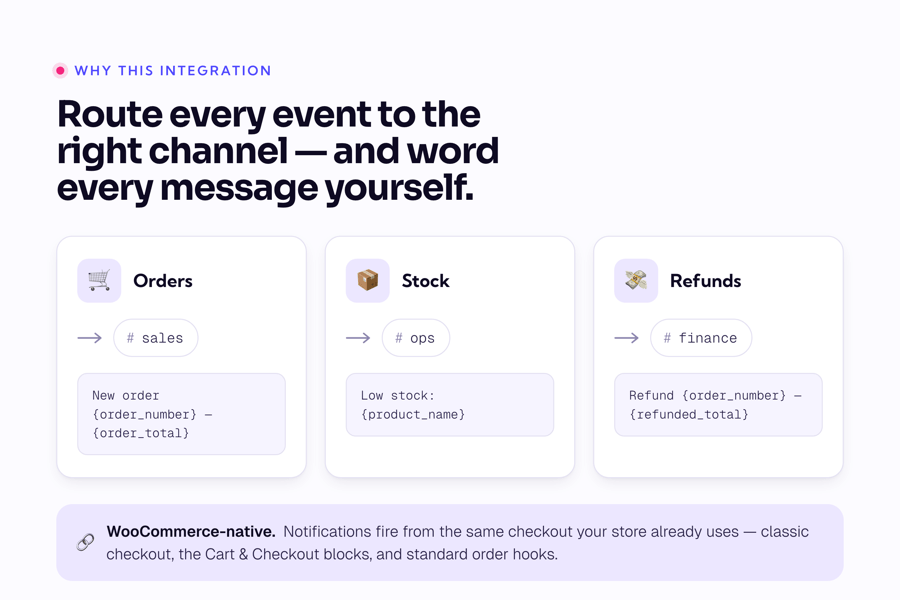
Every event type has its own channel, emoji, and sender name, so #sales sees orders, #ops sees stock, and #finance sees refunds — no single firehose nobody reads. Channels are multiselect, so one event can post to several places at once when more than one team needs it. Anything you leave unset falls back to a default channel and emoji, so you’re never stuck configuring every field to get started.
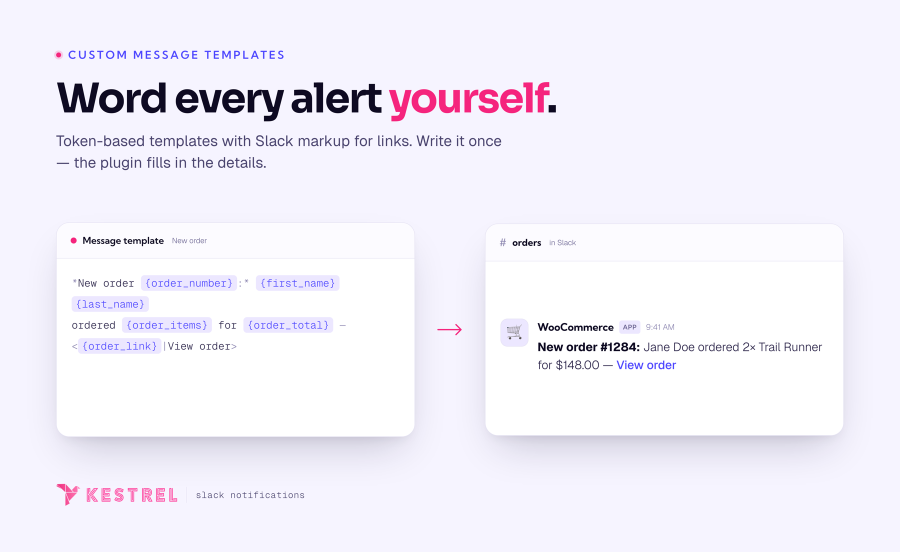
Each event has its own message template built from tokens — {order_number}, {order_total}, {product_name} and more — plus Slack markup so key details link straight back to the order, product, or customer. Keep it to a tidy one-liner, or switch on extended notifications to attach rich detail: line items, product thumbnails, and timestamps. You decide how much each channel sees, event by event.
The order-status event posts a message whenever an order moves — and you choose exactly which statuses trigger it. Watch only for completed and refunded, or track the full journey from processing to shipped, including any custom statuses your store uses. Each message reports the new status alongside the order’s addresses and billing email, keeping fulfilment, support, and finance aligned on where every order stands.
Orders and stock are only part of the picture. Refunds post to your finance channel with the amount, reason, and order link. New product reviews reach the team the moment they’re left. New customer registrations and newly published posts each get their own alert, so marketing can welcome buyers and announce content without watching the dashboard. That’s ten distinct events, each on its own switch.
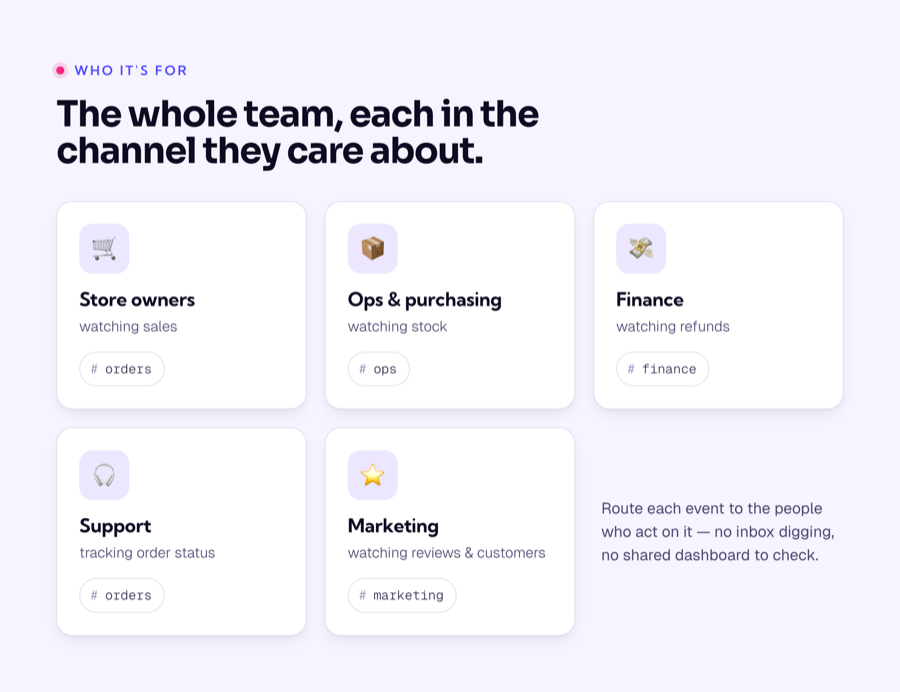
Because every event routes to its own channel, each part of your team gets exactly the feed they need — and nothing they don’t:
The difference is timing. Without real-time notifications, the important stuff surfaces late — in a report, an inbox, or a customer complaint. With WooCommerce Slack, it surfaces the second it happens, in front of the person who can act on it.
WooCommerce Slack runs perfectly well on its own — but if you sell subscriptions, it also posts a notification every time a renewal order is created, so recurring revenue shows up in Slack right beside first-time orders. It works with WooCommerce Subscriptions, Constellation by Kestrel, and YITH WooCommerce Subscription. Your subscriptions extension handles the billing; WooCommerce Slack makes sure the team sees each renewal land.
It’s a WooCommerce-native integration, not a bolt-on — notifications fire from the same checkout your store already uses.
We didn’t build WooCommerce Slack and walk away — we use it. Kestrel runs it on our own store to keep an eye on sales and refunds, so it’s the first thing in our team channels each day. It’s the tool we wanted for ourselves, maintained by the same people who rely on it.
Stop refreshing the orders screen and waiting on digests. Add Slack Notifications for WooCommerce and turn every order, refund, stock change, and review into a message in the right channel — the instant it happens. For a closer look, browse the documentation, or send us your pre-sales questions any time.
Made and supported by the team at:

Ten event types: new order, order status update, subscription renewal, refund, back order, low stock, out of stock, new review, new customer, and newly published post. Each one is an independent switch and can be routed to its own Slack channel.
Yes. Every event has its own channel selector, and you can choose more than one channel per event. Send orders to #sales, stock alerts to #ops, and refunds to #finance — or fan a single event out to several channels at once. Anything you leave unset uses your default channel.
Yes. Each event has a message template built from tokens like {order_number} and {order_total}, plus Slack markup for clickable links. Turn on extended notifications to add rich attachments with line items, product thumbnails, and timestamps. Developers can customize further through the extension's filters.
Yes. When a subscriptions extension is active, renewal orders trigger their own Slack notification, so recurring revenue shows up alongside new orders. WooCommerce Subscriptions, Constellation by Kestrel, and YITH WooCommerce Subscription are all supported.
Orders created through standard WooCommerce order hooks — including POS plugins that use them — will trigger notifications. Some POS tools create orders through non-standard flows; if yours is one of them, the order-status event is a reliable fallback for catching those orders.
Yes. WooCommerce Slack declares compatibility with High-Performance Order Storage (custom order tables) and the Cart and Checkout blocks, so it fits both classic and modern WooCommerce stores.
Yes, it’s extensible and translation-ready, so developers can tailor it further if needed.
Not currently. WooCommerce Slack sends notifications one way — from your store into Slack — to keep your team informed at a glance. Managing orders still happens in WooCommerce. If you would like to see more management features crossing to your store from Slack, please contact our team and we'll be happy to help!
Extension information
Compatibility
Countries







