

Active installs
400+
Subscription includes
Support
Connect WooCommerce and Odoo in a way that reduces manual admin, improves accuracy, and gives your team a more reliable operational workflow.
Odoo Integration for WooCommerce helps synchronize products, customers, orders, invoices, and inventory between your store and Odoo ERP so both platforms can work together more efficiently as your business grows.
Odoo Integration for WooCommerce helps you connect your storefront and ERP in a way that makes everyday management easier. By keeping products, orders, customers, inventory, and invoicing workflows connected between WooCommerce and Odoo, the plugin helps reduce repetitive admin work and supports a more efficient way to run your business.
With support for multi-currency order synchronization, flexible sync options, improved diagnostics, and a significantly enhanced admin experience, it is designed to support both straightforward store setups and more advanced ecommerce operations.
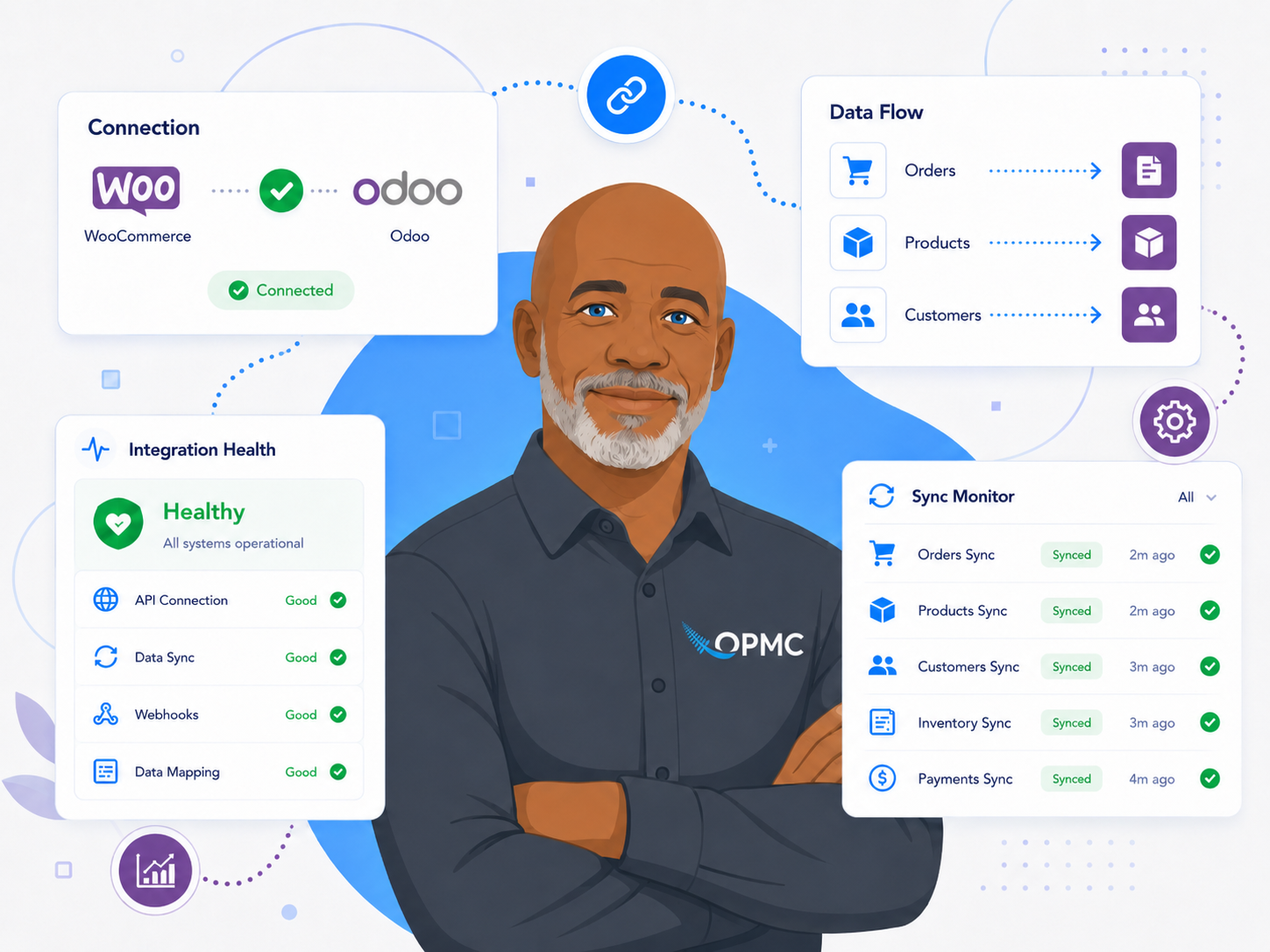
Disconnected customer data creates extra work for sales, fulfillment, and support teams. Odoo Integration for WooCommerce helps keep customer information synchronized between WooCommerce and Odoo so both platforms can work from a more consistent set of records.
That means less time correcting data manually and more confidence in the customer information your team relies on every day.

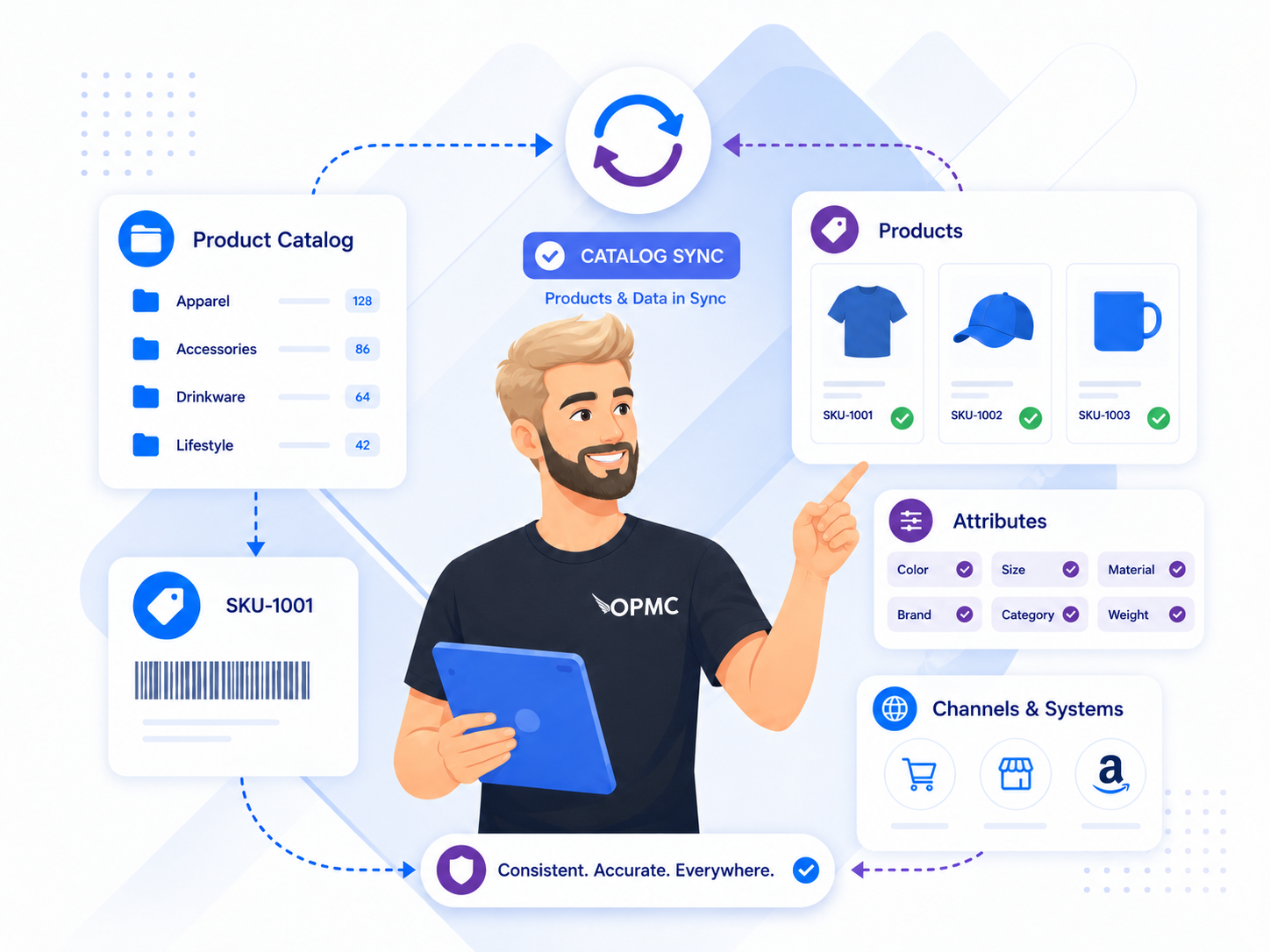
As your catalog grows, product data becomes harder to manage manually across multiple systems. This integration helps synchronize product-related data between WooCommerce and Odoo so your team can maintain a more consistent catalog without updating both platforms separately.
For merchants managing frequent product changes, this can reduce errors, simplify administration, and support a more scalable workflow over time.
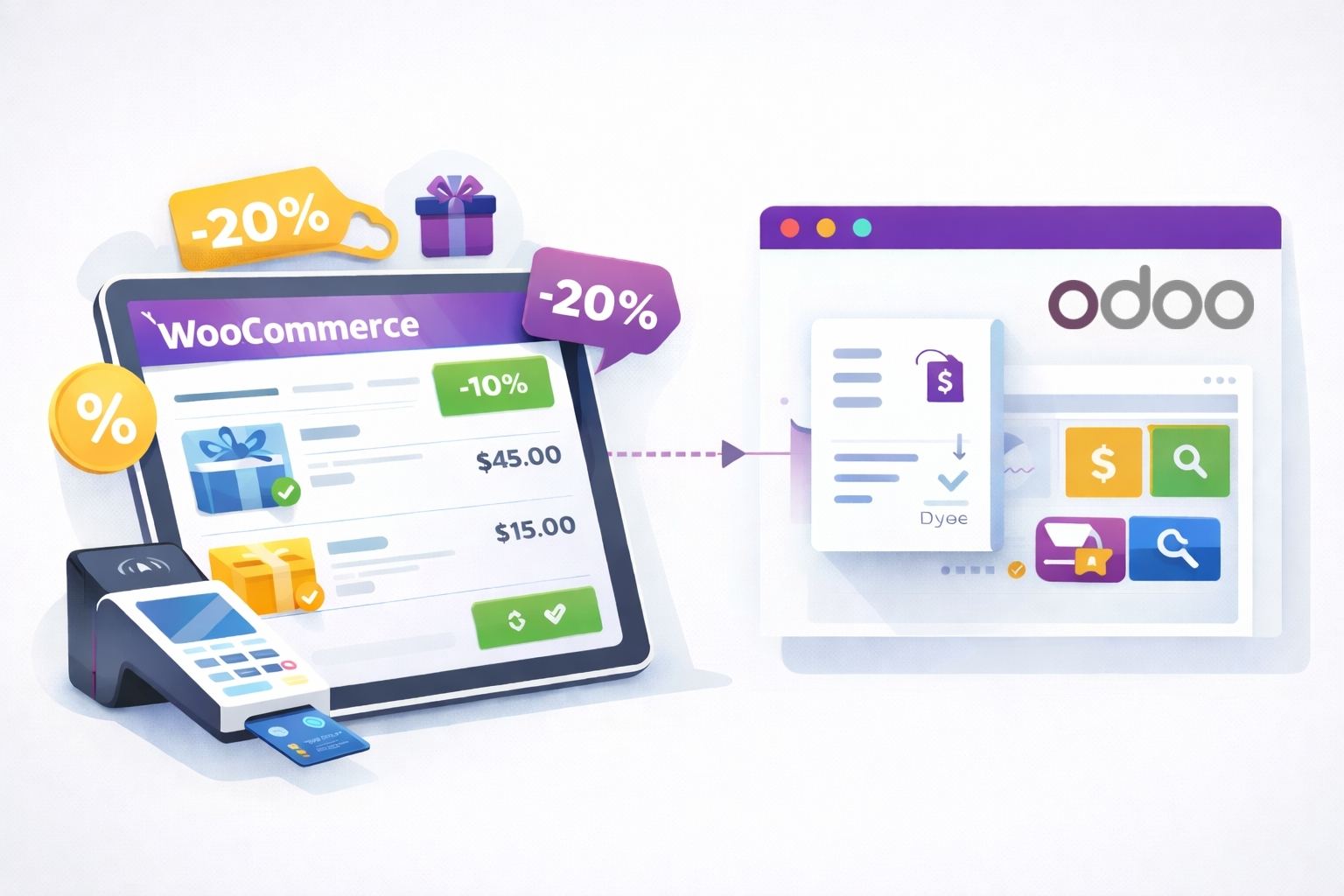
Orders are one of the most important parts of any ecommerce operation, and handling them across disconnected systems quickly creates extra admin. Odoo Integration for WooCommerce helps move WooCommerce order data into Odoo more efficiently so your team can manage fulfillment, invoicing, and operations with fewer manual steps.
This helps reduce duplicate work and gives growing stores a more reliable workflow as order volume increases.
If you already have products in WooCommerce, the integration helps you connect that catalog with Odoo without rebuilding everything manually. Product data can be imported and synchronized between both systems, helping you create a more connected workflow and keep product information current over time.
Recent releases also improved product import performance, making the plugin better suited to stores with growing catalogs and more demanding synchronization needs.
When order and stock data stay aligned between WooCommerce and Odoo, your team can respond faster and operate with greater confidence. The updated plugin experience adds stronger diagnostics, connector health visibility, and sync monitoring so it is easier to understand what is happening and spot problems sooner.
For growing stores, that visibility matters just as much as the synchronization itself.
A good connector should make both systems easier to manage, not harder to understand. Odoo Integration for WooCommerce is designed to provide a more reliable connection between WooCommerce and Odoo while giving merchants clearer control over how product, order, and customer data moves between both platforms.
Recent UX and diagnostics improvements make setup, monitoring, and troubleshooting much easier than before.
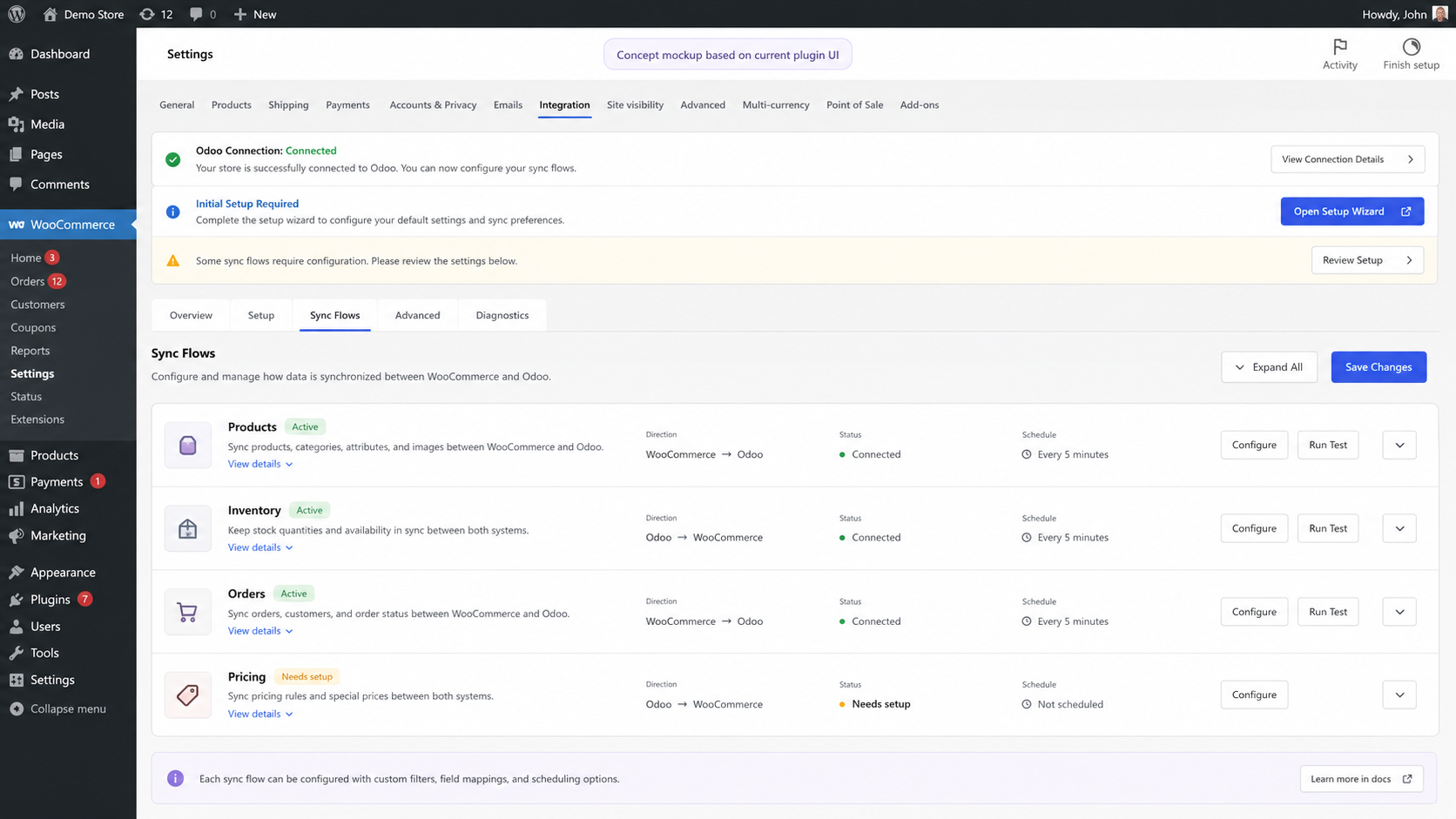
Recent releases have focused on making the plugin more usable, more visible, and better suited to real-world production stores.
Reduce the time your team spends re-entering orders, correcting stock issues, and maintaining the same data in two systems.
Use connector health monitoring, diagnostics, and improved sync visibility to understand what is happening and troubleshoot faster.
Keep WooCommerce and Odoo better aligned so your storefront and back-office workflows can operate with greater confidence.
Benefit from product import performance improvements, stronger order-line synchronization, and better handling for more complex store operations.
Send WooCommerce orders to Odoo in the order currency, helping stores with international customers manage sales data more accurately.
Recent UX and UI improvements make setup, monitoring, and ongoing management more intuitive for merchants and support teams alike.
Odoo Integration for WooCommerce is designed to connect your WooCommerce store directly to Odoo ERP with a stronger focus on reliability, visibility, and long-term usability. Whether you are managing products, orders, customers, invoices, or stock, the plugin helps keep data flowing between both systems in a more structured way.
The plugin supports Odoo versions 13 through 19, making it suitable for both established Odoo environments and newer deployments.
The integration is designed to work within a standard WordPress and WooCommerce environment while supporting a wider range of store needs, from straightforward catalogs to more advanced operational workflows.
Don’t let complex processes slow your business down. Integrate, optimize, and elevate your operations with the Odoo WooCommerce integration plugin. Now is the perfect time to improve your store’s stability, efficiency, and long-term growth potential.

OPMC has been building WooCommerce extensions that solve operational problems for real merchants since 2014. For an ERP connector, that matters.
A plugin like this is not just about moving data once. It needs to support changing catalogs, ongoing sync reliability, troubleshooting, and long-term business growth. Recent improvements to this product reflect that focus, with stronger diagnostics, clearer health visibility, and a significantly improved admin experience.
For many stores, setup is straightforward, especially when the WooCommerce catalog is well structured and the Odoo environment is already configured. Stores with more complex catalogs, many variations, custom pricing rules, or advanced Odoo workflows may need more planning and testing before going live.
It can work well for both. Smaller stores can use it to reduce manual work and connect WooCommerce with Odoo more efficiently. Larger stores often see even more value because they need stronger control over product data, stock, orders, customers, and invoicing across both systems.
It can help synchronize product data from WooCommerce into Odoo, which means many merchants do not need to recreate their catalog manually. For larger or more complex catalogs, we recommend testing with a smaller group of products first before proceeding with a full rollout.
Yes, but variable products work best when SKUs, attributes, and product reference rules are consistent and tested before full synchronization. If your store relies heavily on variations, a staged test setup is strongly recommended.
The plugin is designed to keep stock data aligned between WooCommerce and Odoo based on your configuration. For best results, you should decide early which platform is the source of truth for inventory so updates behave predictably.
Yes. You can control synchronization behavior for products, orders, customers, inventory, invoices, and related workflow settings based on how you want WooCommerce and Odoo to work together.
The plugin includes logs, diagnostics, and health visibility tools to help identify issues faster. Many sync issues come down to setup, mapping, SKU rules, or environment configuration, and the newer diagnostics experience is designed to make those issues easier to spot and resolve.
Yes. Recent releases added support for sending WooCommerce orders to Odoo in the order currency, which is especially useful for stores serving international customers.
In most cases, yes. The plugin is built to work within a standard WordPress and WooCommerce environment while connecting your store to Odoo workflows in a more structured way. Compatibility is strongest when the required Odoo modules are configured correctly and your product and order data are well structured.
For best results, validate SKU rules, status mapping, taxes, shipping lines, pricing behavior, and a small sample of products and orders before rolling the integration out more widely. This is especially important for stores with variable products, large catalogs, or custom Odoo workflows.
Start with a small test batch instead of syncing your full catalog immediately. That gives you a chance to confirm how products, variations, order statuses, shipping lines, taxes, pricing, and invoice workflows behave before the integration is rolled out more broadly.
It is a strong fit for merchants who want WooCommerce to remain the storefront while Odoo handles more of the operational side of the business. That includes stores that want to reduce admin, improve order and stock accuracy, and build a more scalable workflow between ecommerce and ERP.
Extension information
Quality Checks
Countries










