Product Icon

Nextcloud Provisioning for WooCommerce

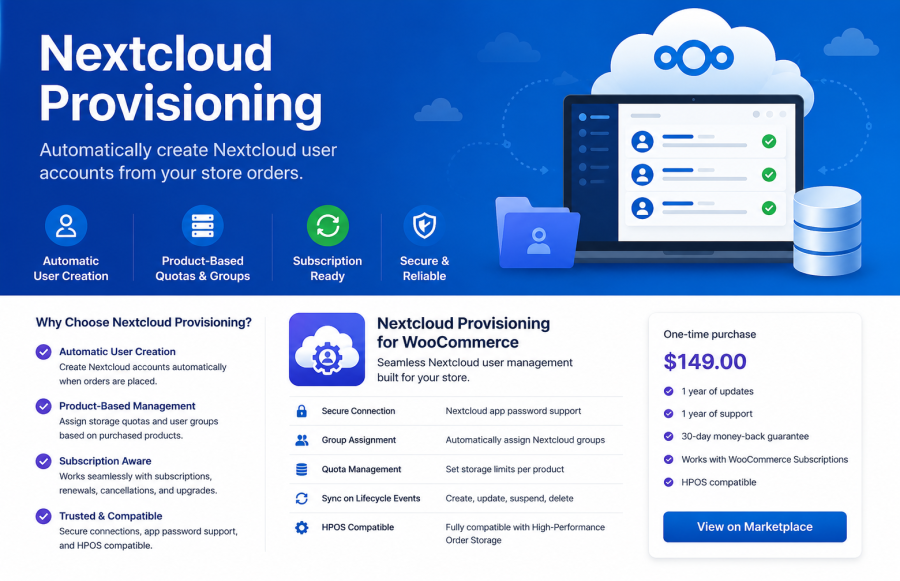
Automatically create Nextcloud user accounts from WooCommerce orders and subscriptions. Assign storage quotas and groups without manual administration.  
Choose a billing option
$149
Save 20%
$298 $238.40

Subscription includes

  • Product updates and improvements
  • Customer support
  • 30-day money-back guarantee

Nextcloud Provisioning

This plugin automatically creates and manages Nextcloud accounts based on WooCommerce orders and subscriptions.

Requirements

  • WordPress 6.0+
  • WooCommerce 7.0+
  • WooCommerce Subscriptions
  • Nextcloud with API access enabled

Installation

  1. Upload the plugin ZIP via Plugins → Add New → Upload Plugin
  2. Activate the plugin

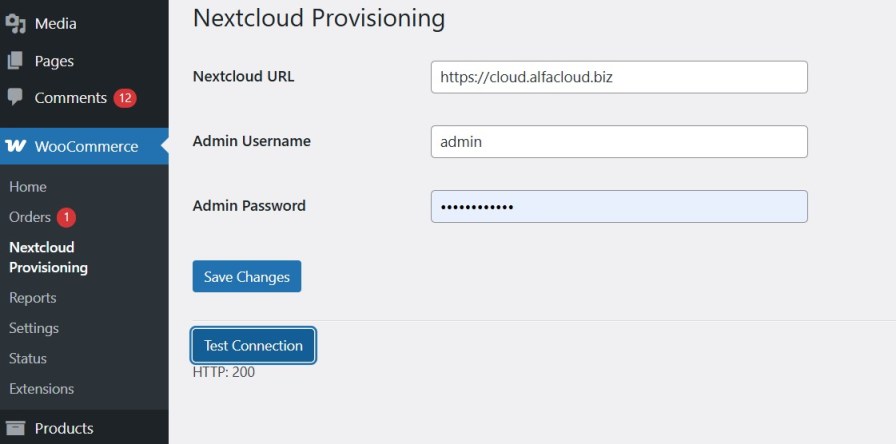
  1. Go to WooCommerce → Nextcloud Provisioning
  2. Enter your Nextcloud credentials
  3. Click Test Connection

Configuration

1. Create Product Category

Create a product category with the following slug:

cloud-service

This step is required. Only products in this category will trigger provisioning.

2. Create a Product

When a product is assigned to the cloud-service category, additional fields will appear:
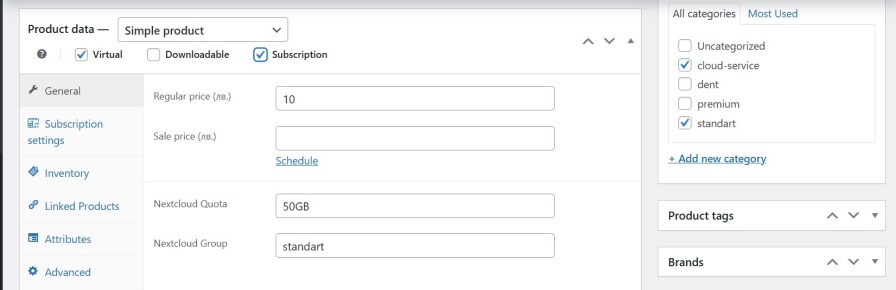
  • Quota (e.g. 10GB)
  • Group (Nextcloud user group)

How It Works

New Order

  • Order status → Processing
  • User is created in Nextcloud
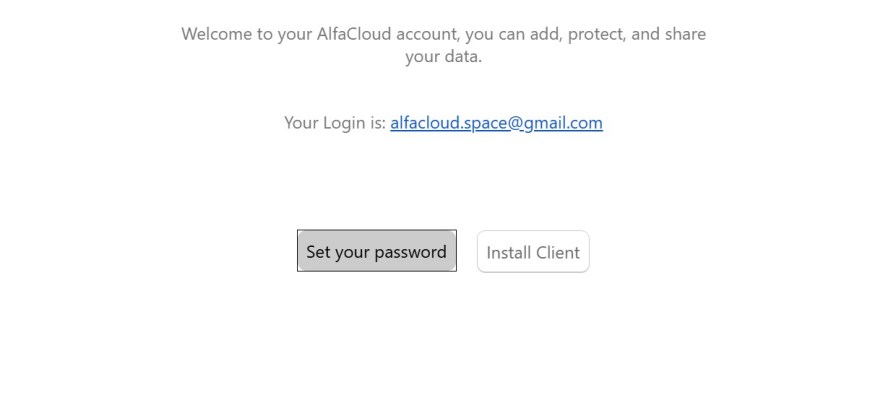
  • Password is not set → user receives email from Nextcloud

Subscriptions

  • Active → User is enabled
  • On-hold / Cancelled / Expired → User is disabled
Each user is created only once. Duplicate provisioning is automatically prevented.

Notes

  • The plugin connects directly to your own Nextcloud instance
  • No external servers are used
  • All credentials are stored locally in WordPress

Troubleshooting

Connection fails

  • Check Nextcloud URL (no trailing slash)
  • Verify admin username and password
  • Ensure API access is enabled

User not created

  • Make sure product is in cloud-service category
  • Check order status is Processing
  • Check plugin log file in /wp-content/uploads/

Support

For support, please contact the developer.


Frequently asked questions

Does the plugin host Nextcloud?

No. The plugin connects WooCommerce to an existing Nextcloud installation.

Can I use subscription products?

Yes. Subscription renewals are supported. Existing users are detected automatically and duplicate accounts are not created.

How are passwords handled?

The plugin does not set customer passwords. Nextcloud sends its standard password setup email to the customer.

Can I assign different quotas to different products?

Yes. Each product can define its own quota and Nextcloud group.

Does the plugin support HPOS?

Yes. The plugin declares compatibility with WooCommerce High Performance Order Storage (HPOS).

Does customer data pass through external servers?

No. Communication occurs directly between WooCommerce and your Nextcloud server.

Customer reviews

We are accepting reviews for this product, and will display them when we get a few more.

Related Products

Price $279 annually
Rated 3.2 out of 5 stars
Price $79 annually
Rated 3.4 out of 5 stars
Price $59 annually
Rated 3.1 out of 5 stars
Price $109 annually
Rated 2.7 out of 5 stars
Price $49 annually
Rated 4.1 out of 5 stars
Price $109 annually
Rated 2 out of 5 stars
Price $109 annually
Rated 2.3 out of 5 stars
Price $109 annually
Rated 2.6 out of 5 stars
Price $109 annually
Rated 2.3 out of 5 stars
Use of your personal data
We and our partners process your personal data (such as browsing data, IP Addresses, cookie information, and other unique identifiers) based on your consent and/or our legitimate interest to optimize our website, marketing activities, and your user experience.