

Product comparison
Subscription includes
Support
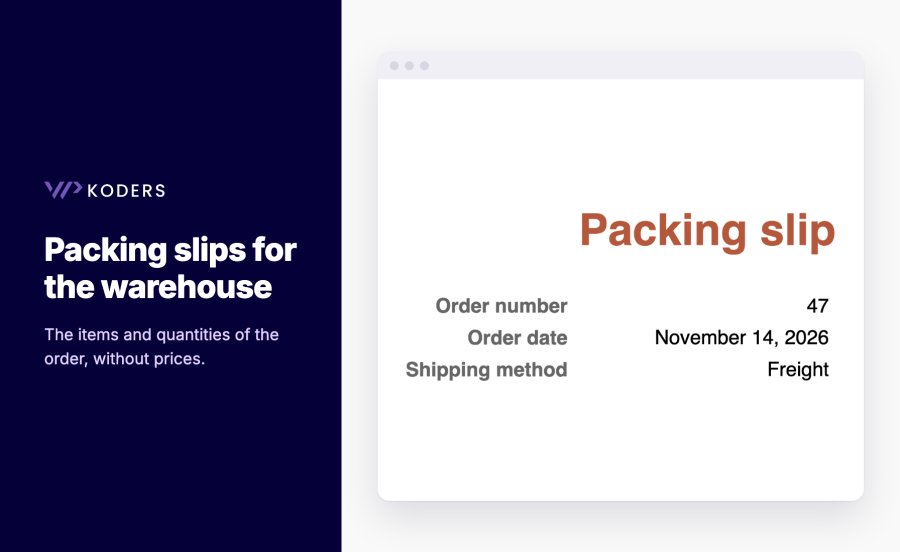
Customers ask for an invoice, your accountant asks for sequential numbers, and the warehouse needs a packing slip without prices. PDF Invoice, Packing Slips & Credit Notes generates all three from each WooCommerce order, attaches them to the emails you choose and lets customers download their own. Set it up once and every order has its paperwork.
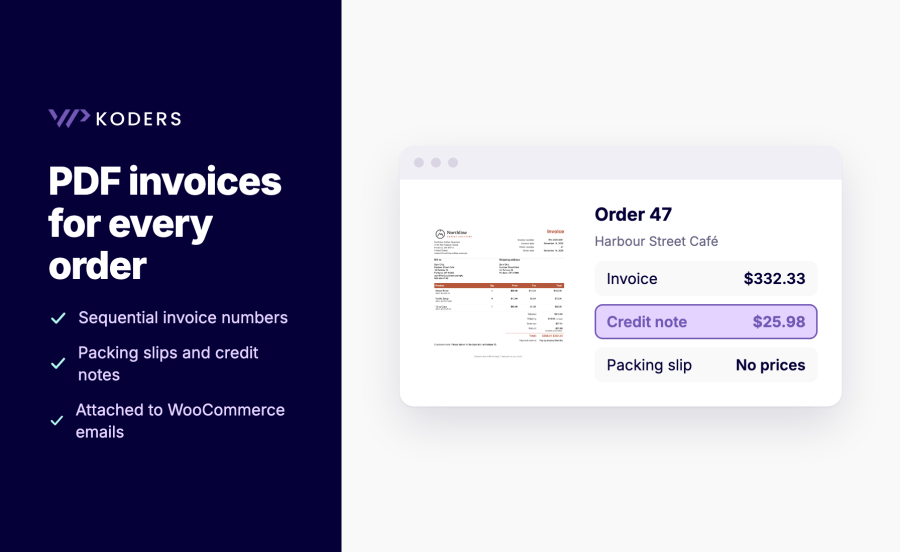
Choose which documents to attach to each WooCommerce email in the Emails section, for example the invoice on "Completed order". The invoice is created and numbered the first time it's needed: by email, download, bulk print or customer download.
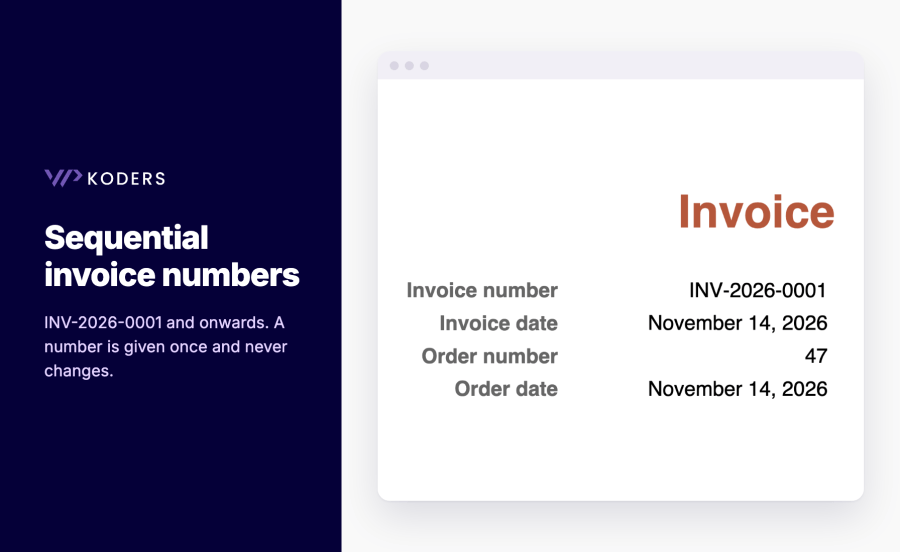
With "Sequential invoice number" selected, each invoice gets the next number when it's first created. The number and date are stored on the order and never change, even if you change the format later. Credit notes have their own sequence, and you can set the next number to continue from your previous system.
Yes. Select orders on the Orders screen and print their invoices or packing slips as one PDF, or download a ZIP with one invoice per order. This works on both the HPOS and legacy order screens.
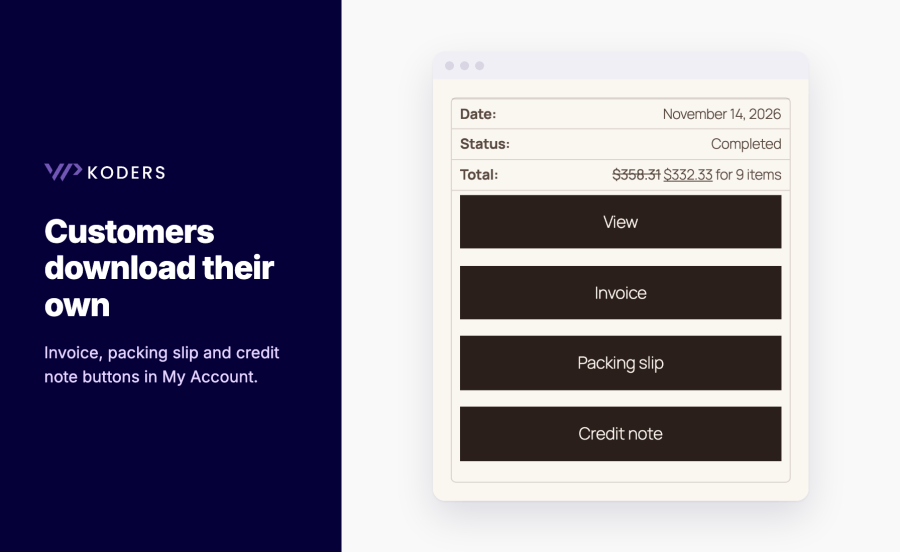
Yes. Turn on Customer downloads. Logged-in customers see buttons in My Account > Orders and on the order page. Guests can use private links secured by the order key. Documents are offered for processing, completed, on-hold and refunded orders.
A credit note is available for every refund, with its own number, the refund reason and the original invoice number. Refund emails can attach the credit note for the refund that was just made.
Choose Modern or Simple, A4 or US Letter, your logo, accent colour and footer text, and check the live preview. Developers can copy any template file into their theme and use the documented hooks.
Yes. A bundled Unicode font is used automatically for characters such as Polish, Greek, Arabic and Hebrew, with right-to-left layout for Arabic and Hebrew. Chinese, Japanese and Korean need a custom font.
Yes. Turn on the optional customer VAT number field. It works on the classic checkout and the Checkout block, and the number prints on the invoice next to your own VAT or tax ID.
Categories
Extension information
Quality Checks
Countries






