

Subscription includes
Support
Your WooCommerce store depends on emails — from order confirmations to customer notifications. But when these emails fail to send or end up in spam, it can disrupt your entire sales process and hurt customer trust.
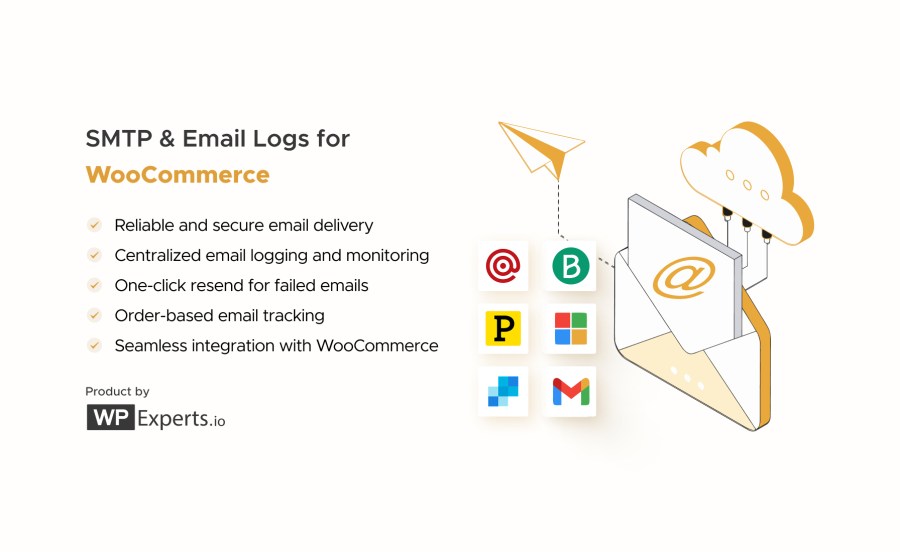
SMTP and Email Logs for WooCommerce ensures every store email (from order receipts to status updates) is delivered securely, reliably, and recorded in a centralized email log for complete visibility and troubleshooting.
With built-in integrations for Brevo, Gmail, Microsoft 365, Mailgun, Postmark, and SendGrid, you can connect your WooCommerce store to trusted transactional email providers in minutes.
Default emails in WooCommerce rely on basic PHP mail, which can frequently fail or get marked as spam.
With the SMTP and Email Logs for WooCommerce extension, your store emails are routed through verified SMTP servers, improving deliverability and reducing spam issues.
At the same time, every outgoing WooCommerce email is stored in a centralized email log, allowing you to track delivery status, investigate problems, and confirm exactly when messages were sent.
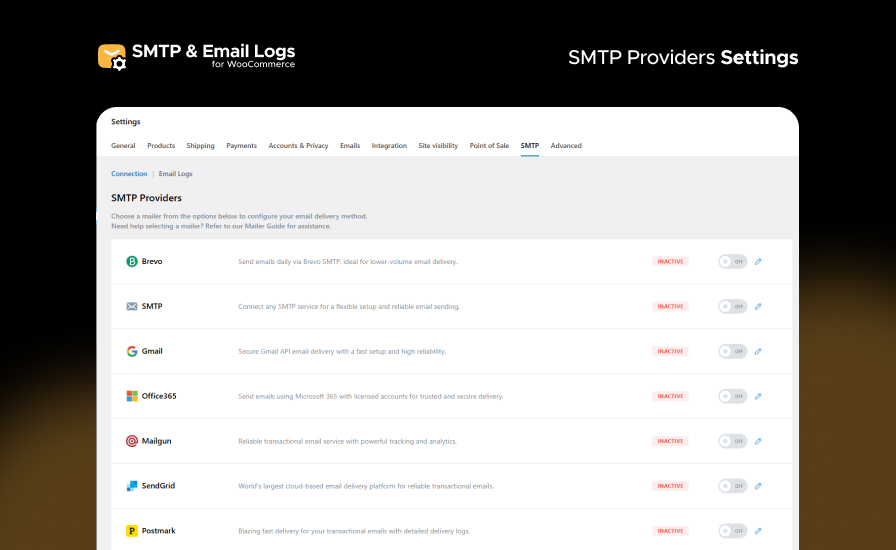
Connect with all major transactional email service providers, including Brevo, Gmail, Microsoft 365, Mailgun, Postmark, and SendGrid, as well as custom SMTP servers. This gives you the flexibility to select the email infrastructure that best fits your WooCommerce store.
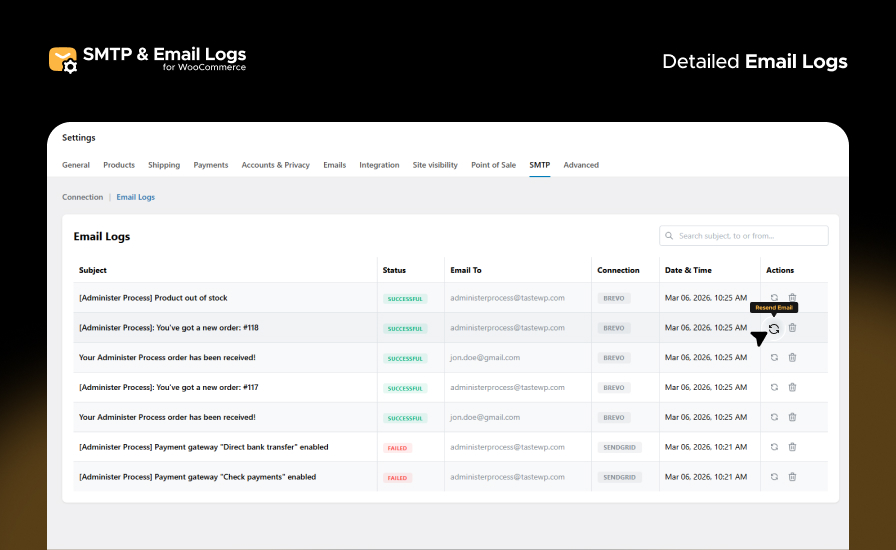
All WooCommerce emails are now recorded in a centralized logging system. View subjects, recipients, timestamps, SMTP connections, and delivery status, and resend failed emails from one place so you can easily monitor email activity and troubleshoot delivery issues.
Keep a complete record of all WooCommerce emails, including subjects, recipients, timestamps, and delivery status directly in your admin dashboard.
Instantly resend failed WooCommerce emails from the logs table to maintain communication without reconfiguring settings.
This extension supports all major SMTP and transactional email providers, including:
Each mailer is simple to install, integrates flawlessly with WooCommerce, and provides encrypted, authenticated email delivery.
No code needed — configure once and forget it.
Need help setting up? Visit our documentation or contact our Support Team for quick assistance.
Stop guessing whether your store emails are delivered — SMTP and Email Logs for WooCommerce gives you complete visibility into every message sent.
Track delivery status, view detailed logs, and resend failed emails — all from your WooCommerce dashboard.
Install SMTP and Email Logs for WooCommerce today and send every WooCommerce email with confidence!
This extension connects your WooCommerce store to trusted SMTP providers to ensure that all outgoing order emails are delivered successfully. It also maintains detailed logs of every email sent, allowing you to track, monitor, and resend messages directly from your WooCommerce orders section.
Absolutely. The extension includes a one-click resend feature that lets you resend any failed or missed emails directly from your email log without reconfiguring your SMTP settings.
No. This extension is lightweight and optimized for performance. It runs efficiently in the background without adding noticeable load to your WooCommerce store.
If an email fails to send, check the error details shown in the email log. Common causes include incorrect SMTP credentials, blocked ports, or authentication issues. Adjust your SMTP settings and use the Resend option once fixed.
Categories
Quality Checks
Countries







