
Subscription includes
Support
Store owners can use conditional payment methods for WooCommerce to restrict which payment methods appear on their store. Control payment gateways by product, category, user role, billing address, or shipping location, giving you complete flexibility over the checkout experience.
Displaying only the most relevant payment options reduces customer confusion and improves their overall experience. The result for store owners is fewer abandoned carts, higher sales, and a seamless checkout flow.
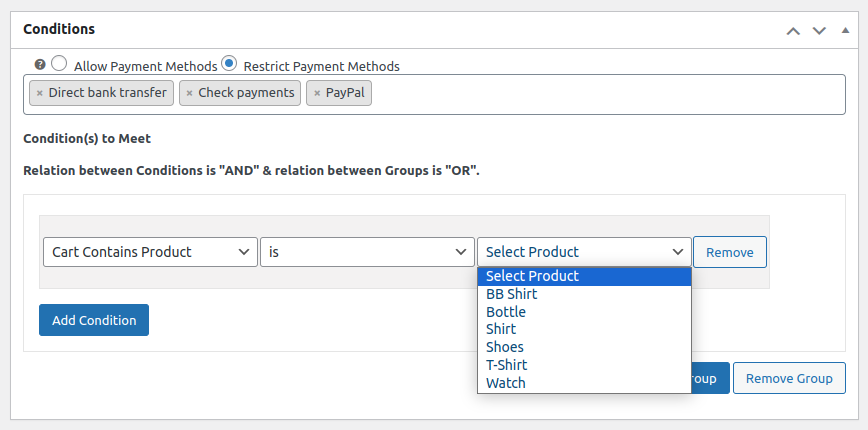
Payment methods can be shown or restricted depending on the specific products or categories in the cart. For instance, adding a particular product to the cart can trigger a specific payment method to hide or display at checkout.
Cart Contains Product:
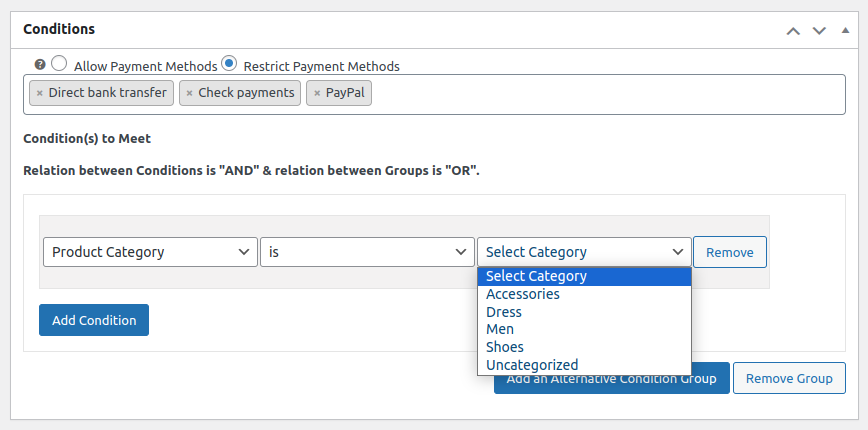
Product Categories:
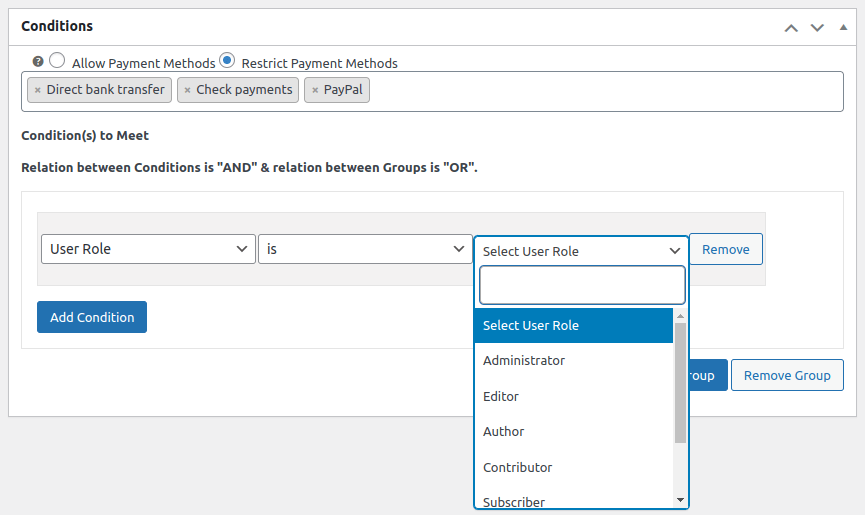
Conditional payments for WooCommerce allow you to manage payment options based on user roles. For example, you can offer specific payment methods to subscribers while limiting certain options for administrators or shop managers.
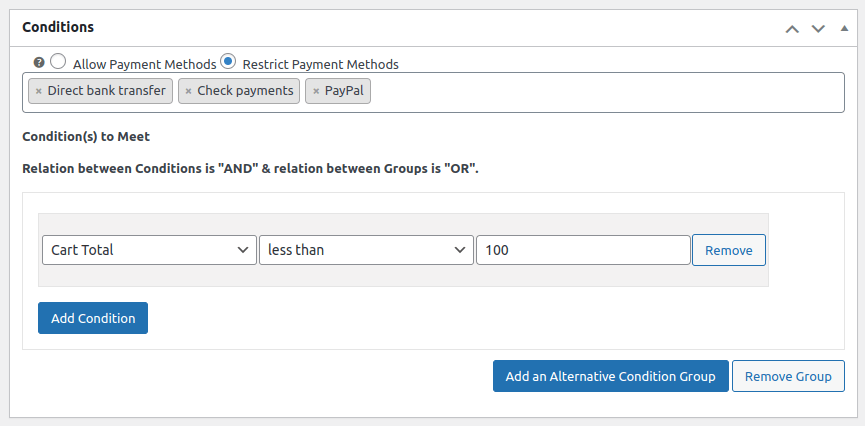
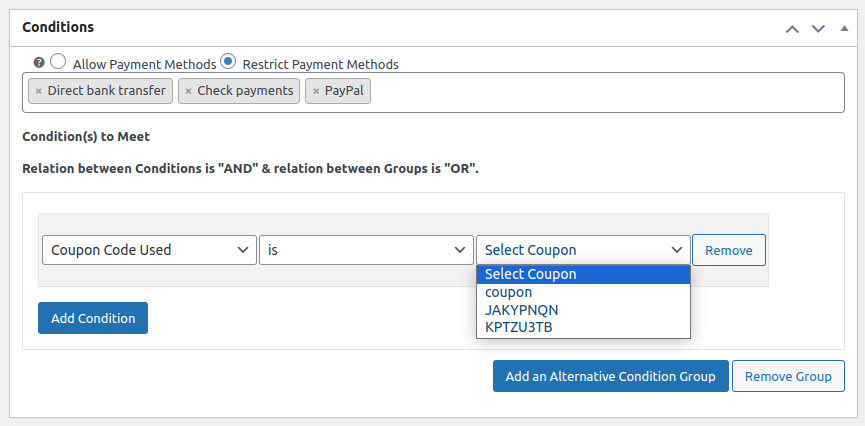
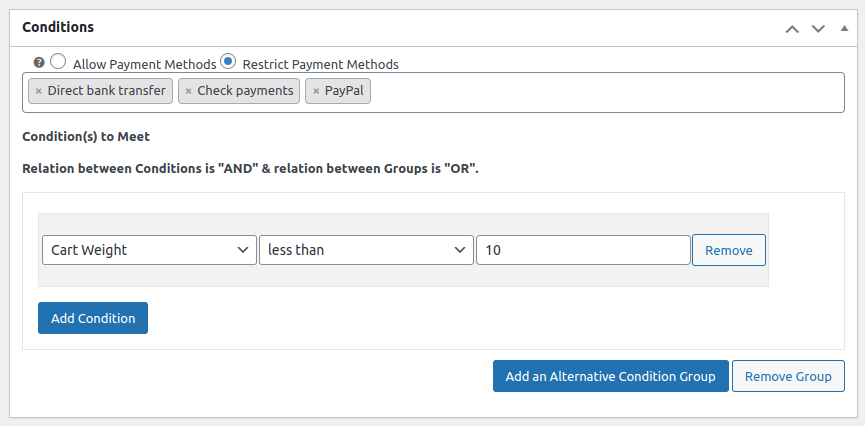
Conditional payments for WooCommerce enable store owners to show or restrict based on cart subtotal, applied coupons, or total weight.
Cart Total:
Coupons:
Total Weight:
Cart Quantity:

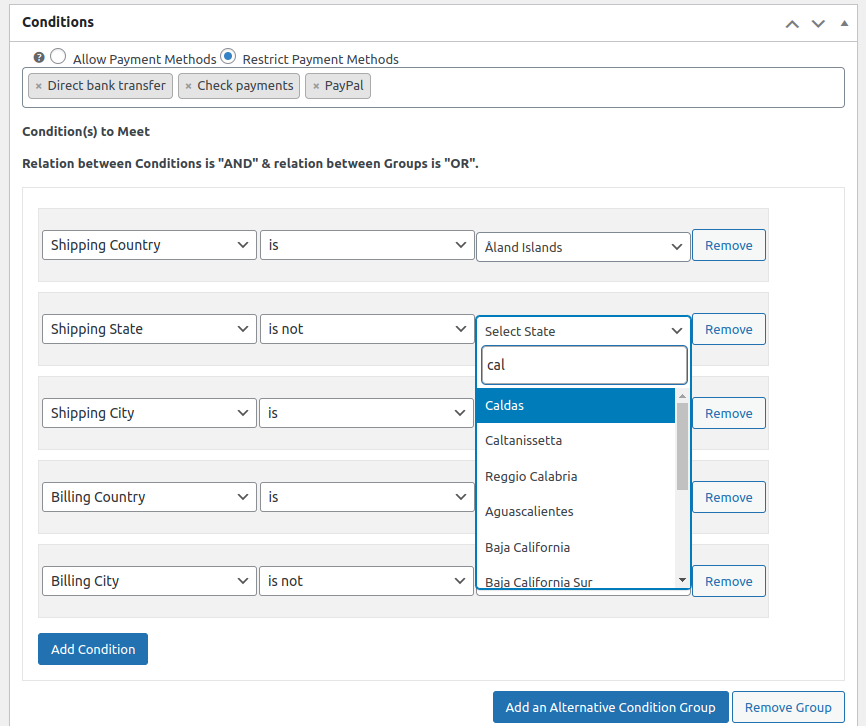
Limit payment methods using detailed address filters, including country, state, city, and even zip code, ensuring compliance with regional rules or preferences.
Hide payment methods for WooCommerce lets you control which payment gateways appear at checkout on specific days of the week. Enable or disable any payment method on selected days to match your store’s operating schedule
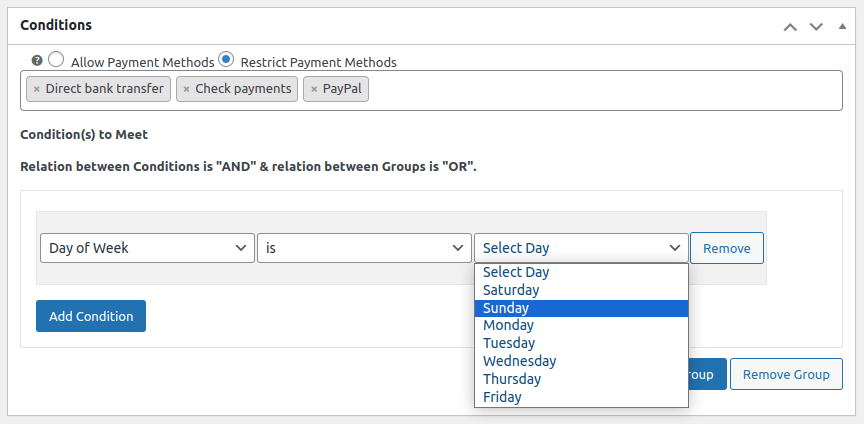
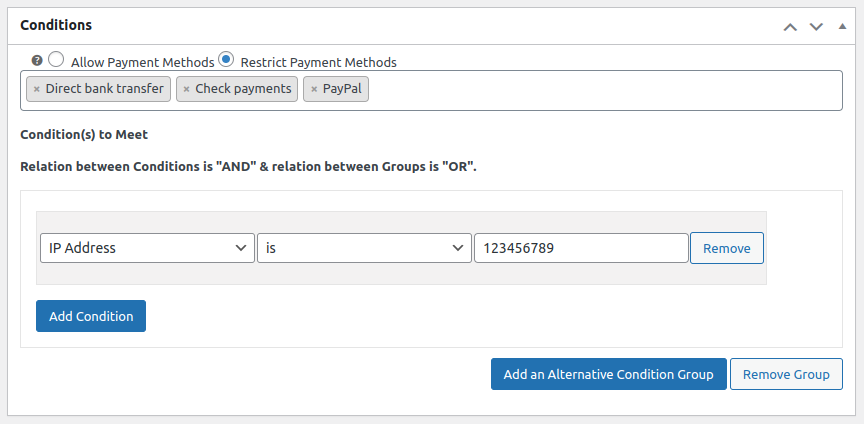
Block or allow specific payment options based on a user’s location, helping you prevent fraudulent transactions and restrict access from certain regions with conditional payments for WooCommerce.
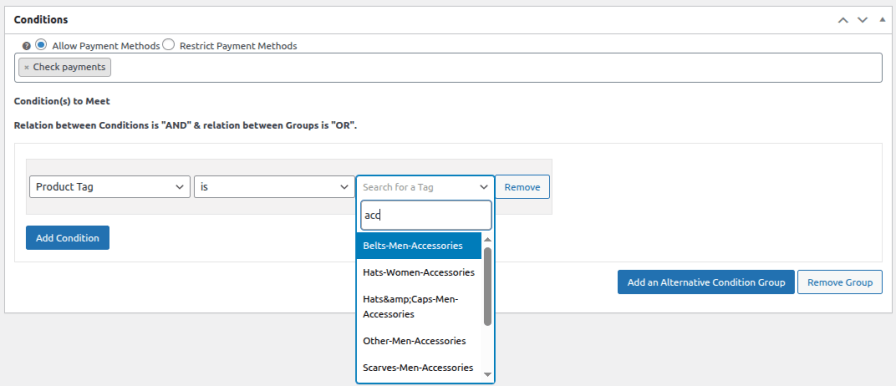
Restrict payment methods based on product tags assigned in your store. For example, if a tagged product is added to the cart, a specific payment method can be triggered to appear or disappear at checkout, giving you finer control beyond just categories.
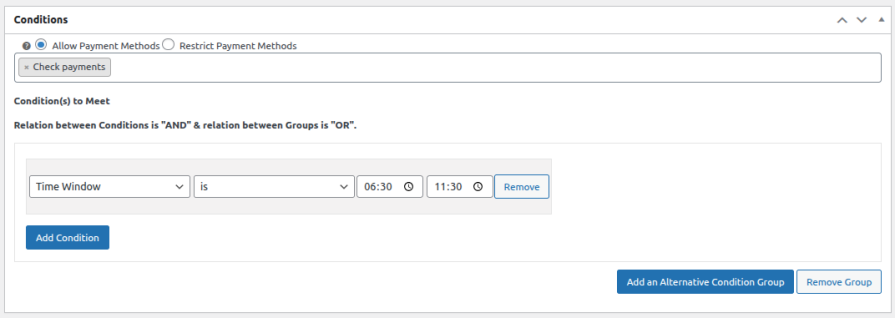
Conditional payments for WooCommerce allow store owners to control which payment gateways are available during specific hours of the day. Define a start and end time to show or hide payment methods within a set time window, helping you align payment options with your store’s operational hours.
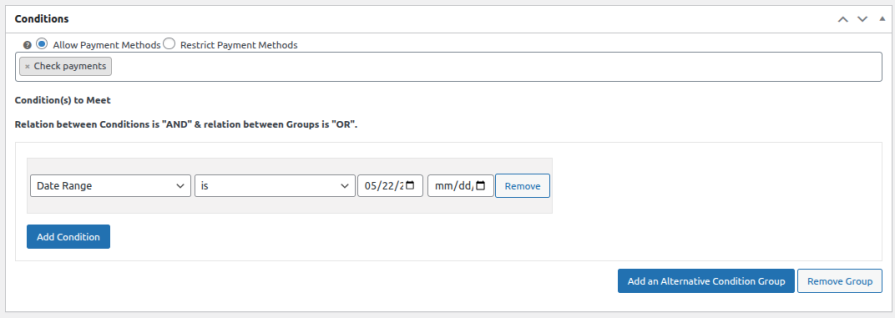
Restrict or enable payment gateways based on a specific date range, allowing you to align payment options with promotions, seasonal campaigns, or limited-time offers. Set a start and end date to automatically control payment method visibility during that period.
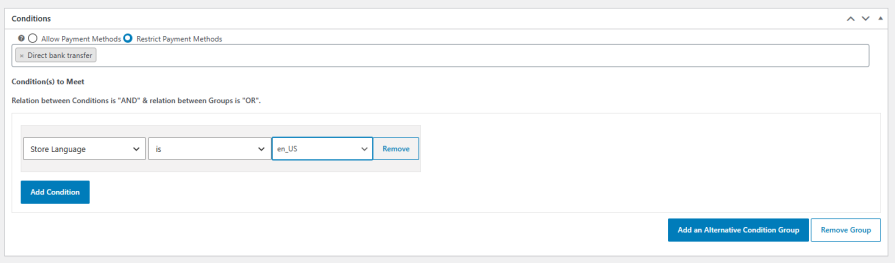
Control which payment methods appear based on the active store language, making it easy to customize the checkout experience for multilingual WooCommerce stores. Show or restrict specific payment gateways depending on the language your customers are browsing.
By showing only the relevant payment options, it minimizes confusion during checkout. This streamlined approach reduces abandoned carts, ensuring that customers see only those methods that apply to their specific purchase and location.
Yes, WooCommerce geolocation plugin allows you to create rules that show or hide certain payment gateways if specific products are in the cart or if items belong to certain categories.
The plugin uses billing or shipping address details such as country, state, city, and zip code to determine which payment methods to display. This is particularly useful for ensuring compliance with regional regulations.
Extension information
Quality Checks
Countries






