

Product comparison
Subscription includes
Support
Products that consume energy — such as appliances, electronics, lighting, and vehicles — are required by EU law to display specific energy labels. These labels provide transparent information about energy consumption and efficiency. The EU Energy Label for WooCommerce plugin helps store owners comply by generating and displaying official EU labels directly on their online products.
The EU Energy Label for WooCommerce plugin allows you to generate and manage EU-compliant energy labels for your products. You can display both new and legacy versions of the label as needed. The plugin also includes label rating support and tooltip functionality.
The EU energy label is a powerful tool to help consumers make informed and eco-friendly purchasing decisions.
Flexible admin settings allow you to activate labels on product, category, tag, archive, and individual product pages with just a few clicks.
To set a label for a product, open the product edit screen and use the dedicated “EU Energy Label” tab:


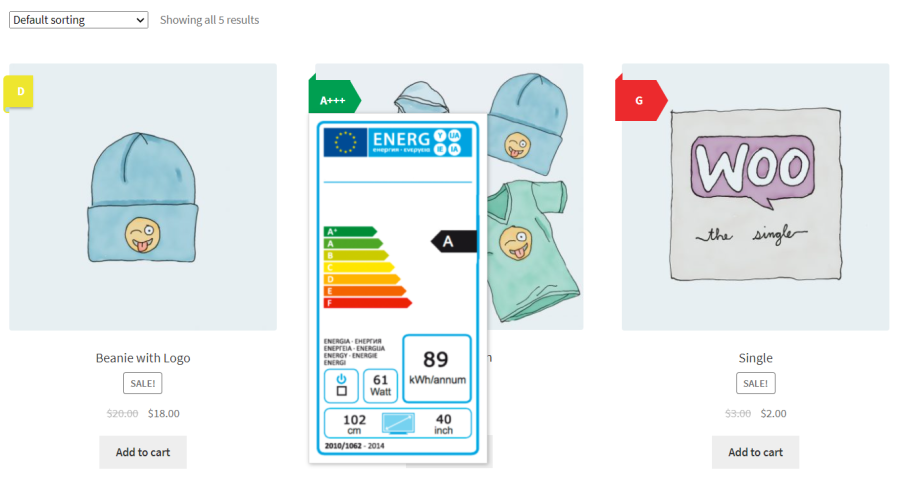
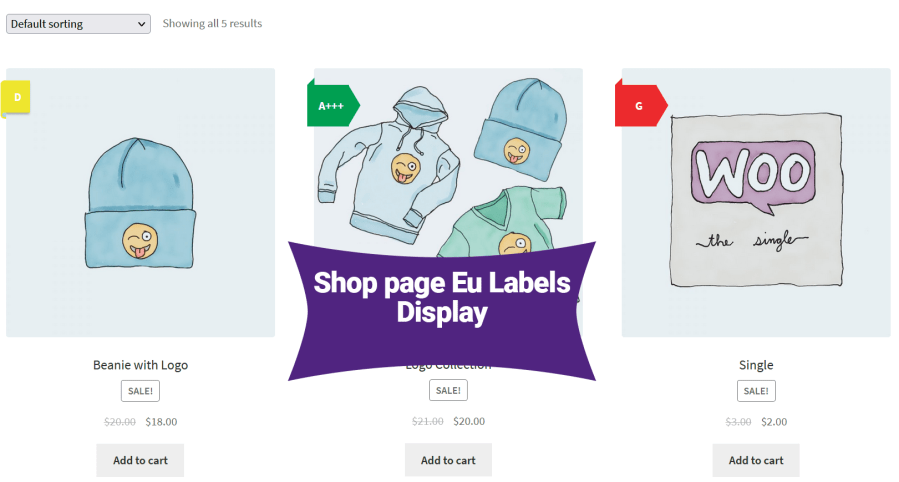
EU energy labels appear on shop and archive pages. The label color varies based on product category, consistent with EU standards.
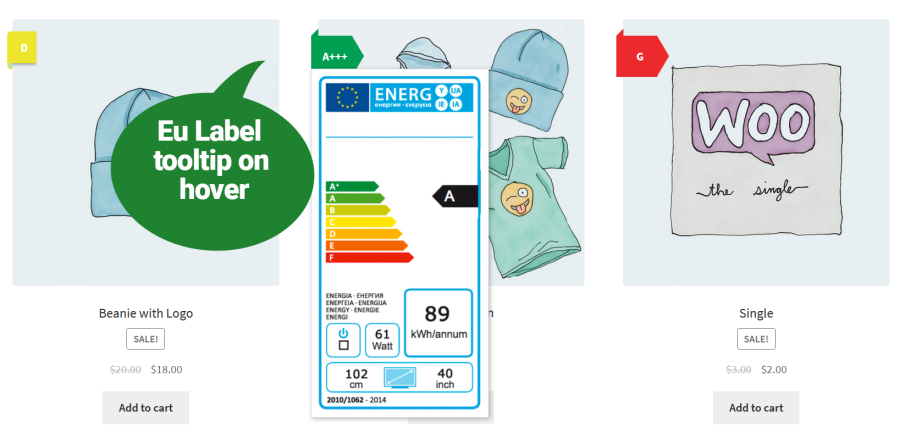
Hovering over the label icon reveals a tooltip showing the full energy label. This enhances usability on shop and category pages.
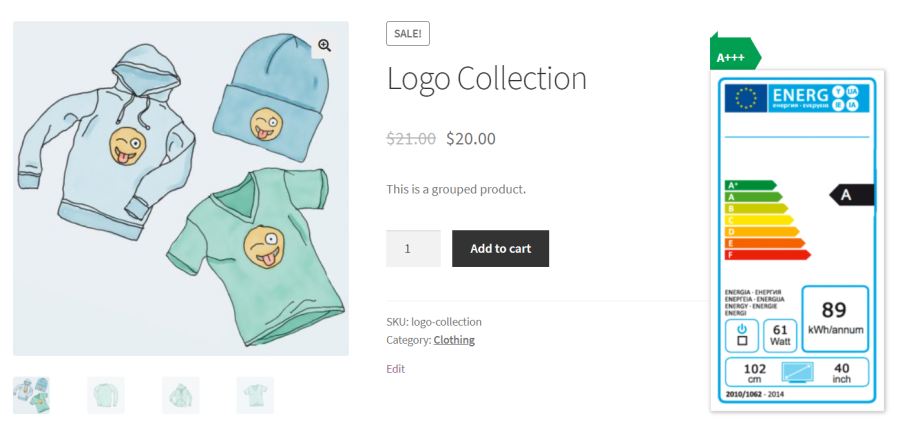
By default, energy labels display on the right side of the product image, with alternative positioning available in settings.
The plugin includes a .POT file for easy translation and is fully compatible with multilingual plugins such as WPML and Polylang.
The EU Energy Label is a standardized label used in the European Union to indicate the energy efficiency of products. It helps consumers make informed decisions based on energy usage and performance.
You can add EU energy labels to your WooCommerce store using this plugin. It allows you to upload official labels or generate them dynamically and display them directly on product pages.
Yes, the plugin is fully compliant with the latest EU energy labelling regulations, ensuring your store meets all legal requirements.
Yes, the plugin allows you to upload and provide downloadable EU energy labels for your customers or documentation needs.
Compared to YITH’s plugin, this plugin is lighter, easier to use, and focuses on seamless integration with WooCommerce without extra bloat.
Yes, you can update or remove the EU energy label at any time from the product settings.
Categories
Extension information
Compatibility
Countries
Languages







