

Active installs
200+
Subscription includes
Support
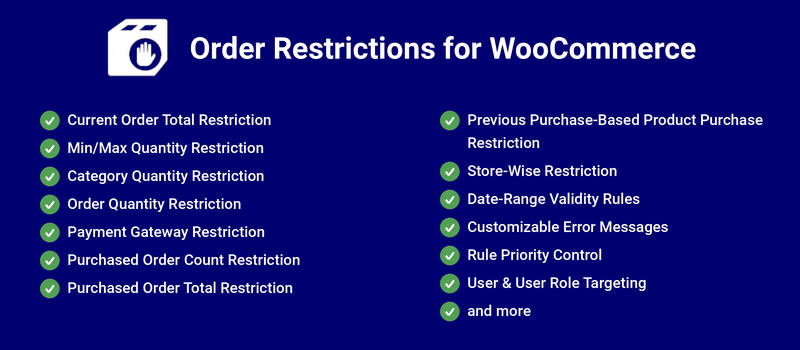
Order Restrictions for WooCommerce allows you to place the following restrictions on orders placed in your shop.
You can configure the restriction based on the minimum and maximum order amount during the order placement on your site.
You can configure the restriction based on previously purchased minimum and maximum order amount during the order placement on your site.
You can configure the restriction based on previously purchased minimum and maximum number of order count during the order placement on your site.
You can configure the minimum product quantity and the maximum product quantity purchased from your site.
You can configure the minimum and maximum order total amount to make payment through each payment gateway on your site.
You can configure the minimum and maximum number of purchases of a Product on your site.
You can restrict the purchase in the store based on the minimum and maximum order amount received as well as minimum and maximum number of orders placed on your store.
By placing restrictions such as minimum order value and minimum quantity to be purchased, you can increase the average order value of all the orders placed on your site.
By setting a minimum order value for specific payment gateways, you can prevent your users from using specific payment gateways if their order value is below the specified threshold. You can help reduce fees paid to payment processors.
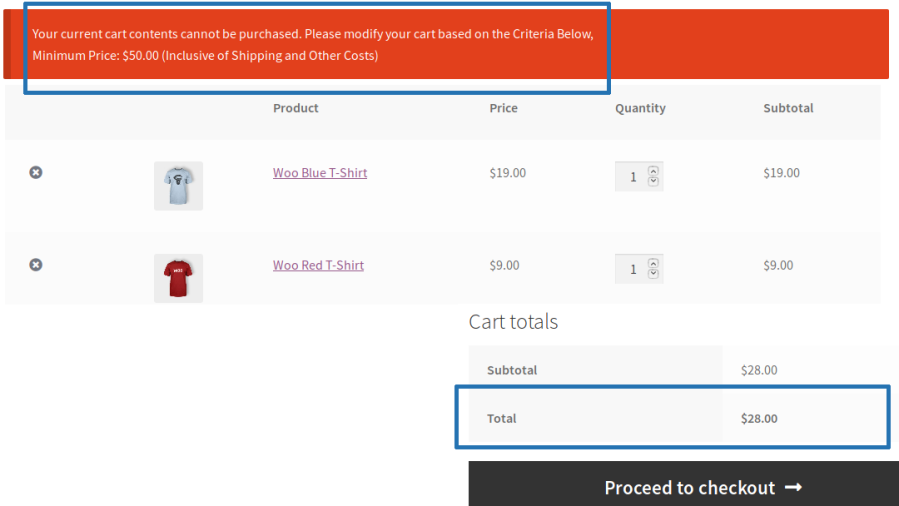
You can configure the restriction based on the minimum and maximum order amount during order placement on your site.
Example:
If you only want to accept orders above $50 on your site, using order total restriction it is possible.
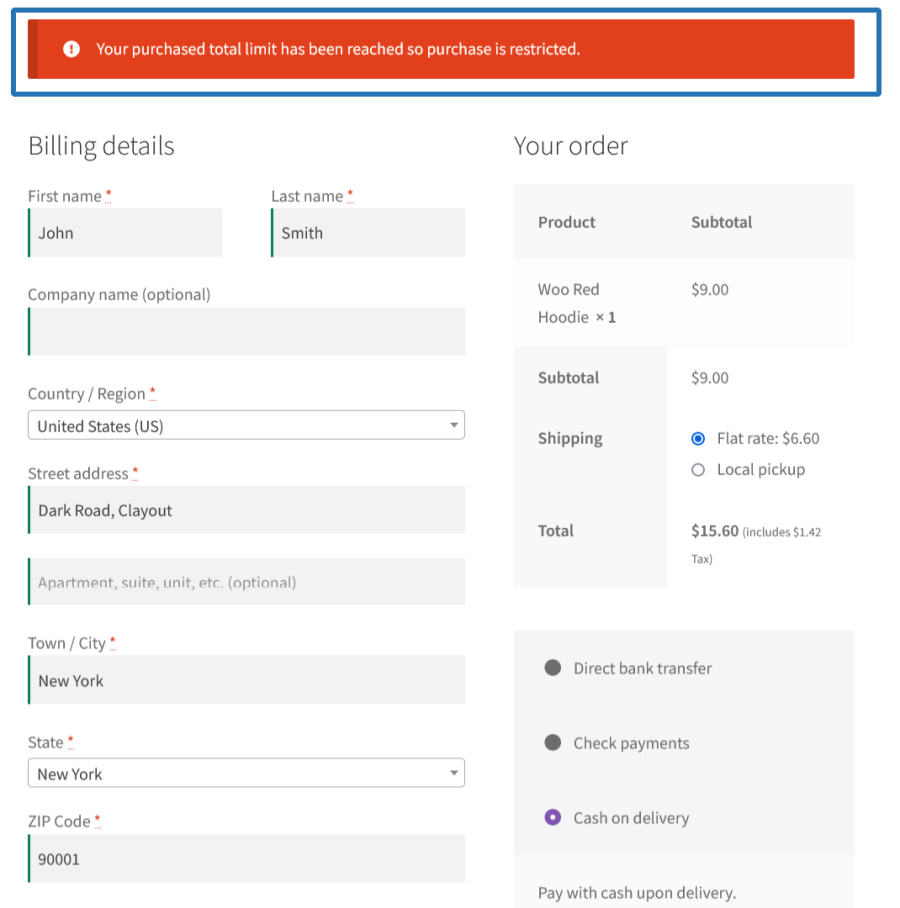
You can configure the restriction based on previously purchased minimum and maximum order amount during the order placement on your site.
Example:
If you only want to accept orders from the customer whose purchased order total is less than $1000 on your site, using Purchased Total restriction it is possible.
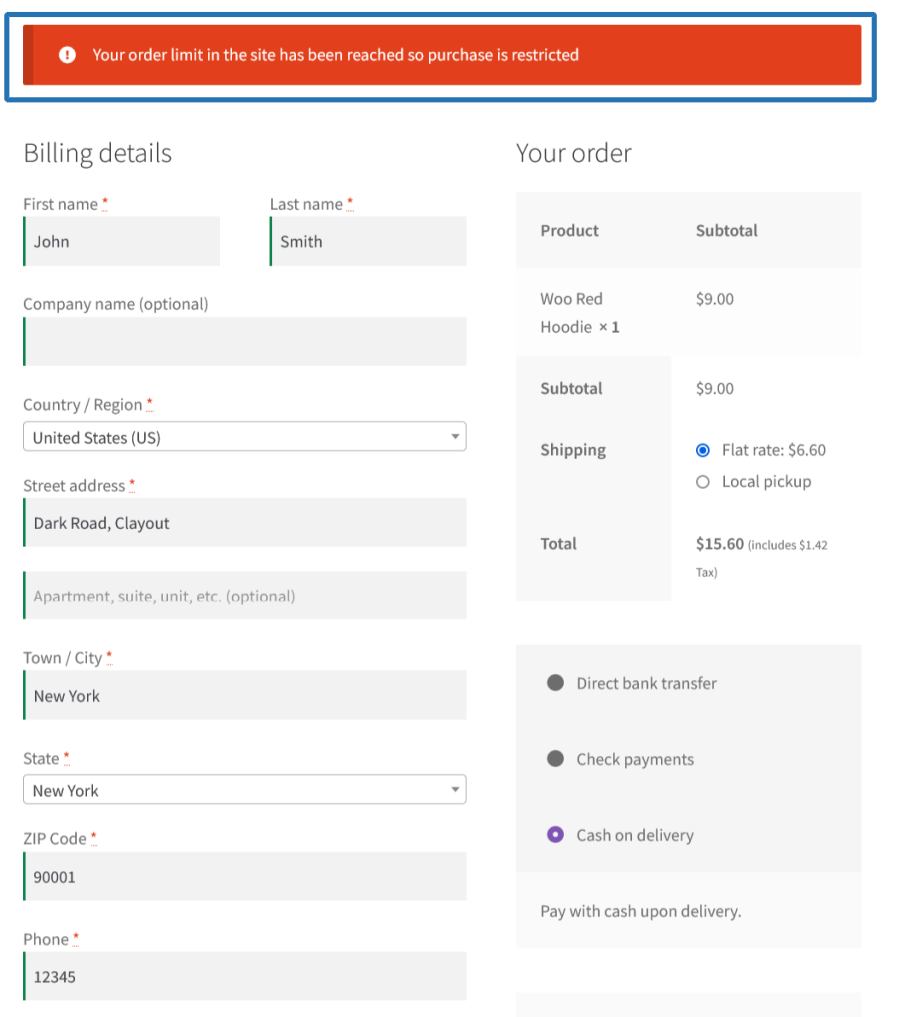
You can configure the restriction based on previously purchased minimum and maximum number of order count during the order placement on your site.
Example:
If you only want to accept orders from the customer whose purchased order count is less than 10 on your site, using Order Count restriction makes it possible.
You can configure the minimum product quantity and the maximum product quantity purchased from your site.
You can configure the quantity restrictions for the following options,
Example:
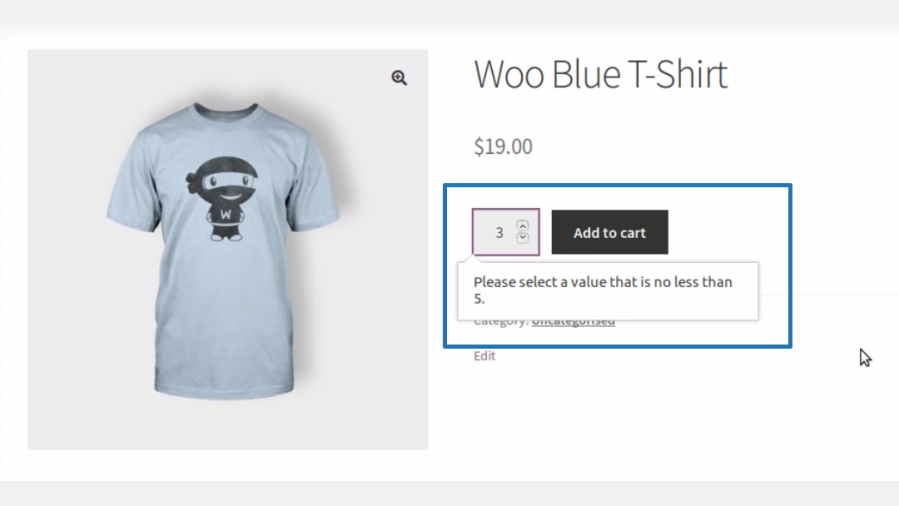
i) If you want your users to purchase a minimum of five (5) quantities of each product on your site, using Min/Max quantity restriction makes it possible.
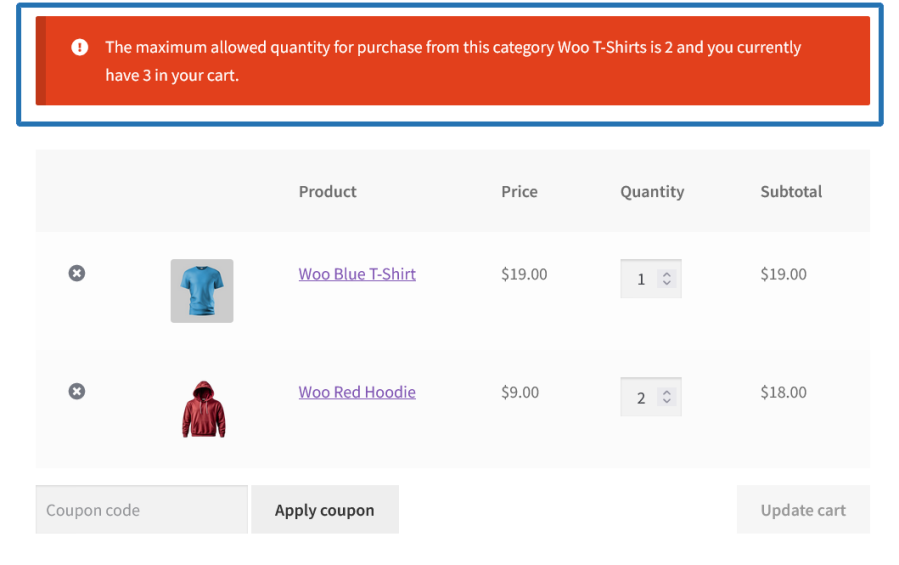
ii) If you want your users to purchase only a total of two (2) quantities from a specific category on your site, using Min/Max quantity restriction under category level it is possible.
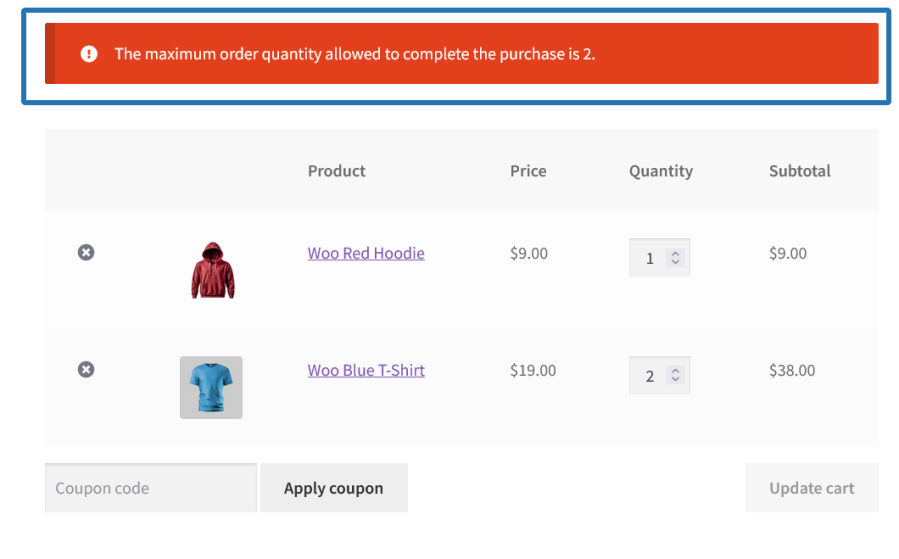
iii) If you want your users to purchase only a total of two (2) quantities in the current order on your site, using Order Quantity Restriction it is possible.
You can also customize the quantity increment value for the products sold on your site.
For example:
If you want your users to increase quantities in increments of five (5), it’s possible.
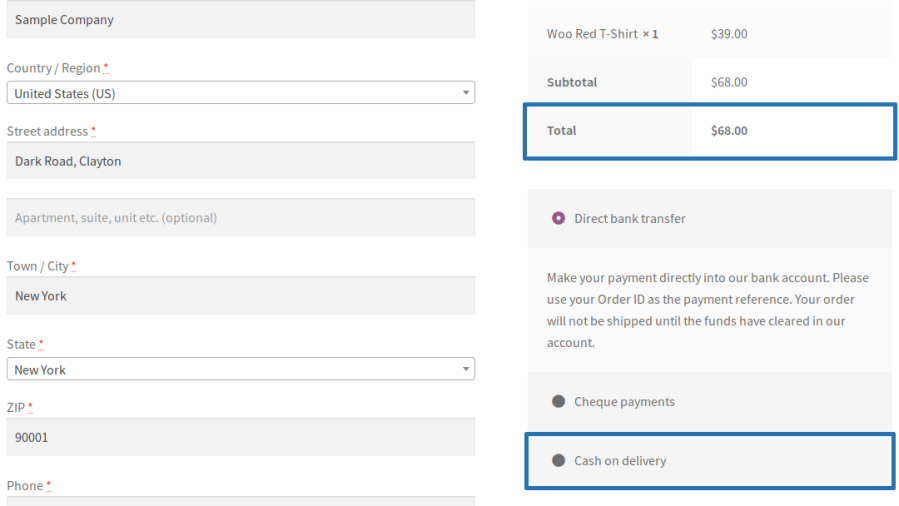
You can configure the minimum order amount and the maximum order amount that can be made through each payment gateway on your site.
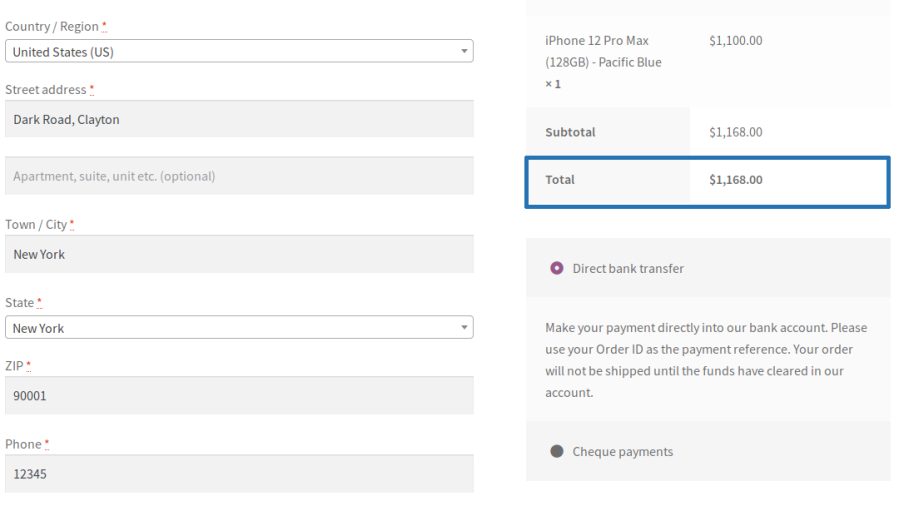
Example: If you want to disable Cash on Delivery for orders above $500, using payment gateway restriction makes it possible.
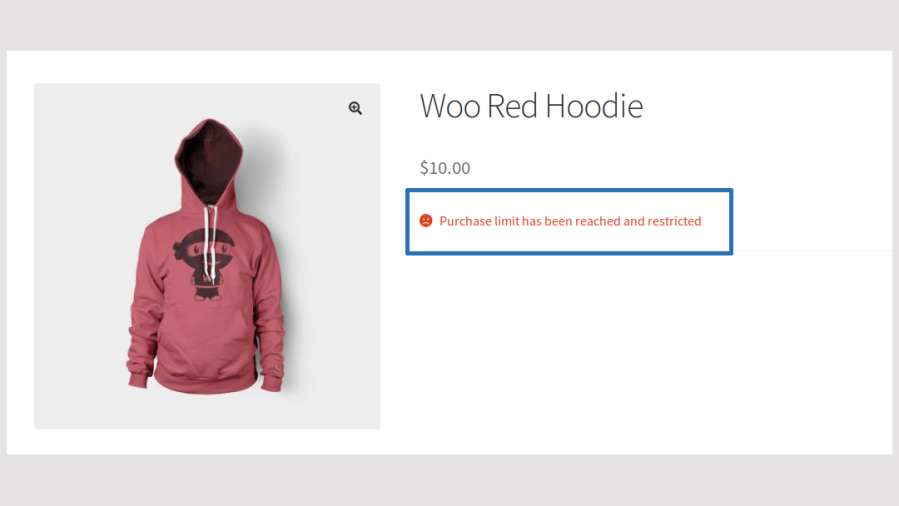
Using this module, you can prevent your users from purchasing a specific product more than the specified number of time(s). By default, the restriction is permanent you can optionally set the validity of the restriction to specific time period.
Example:
If you want to prevent your users from purchasing a product more than 10 times, using product purchase restriction, it is possible.
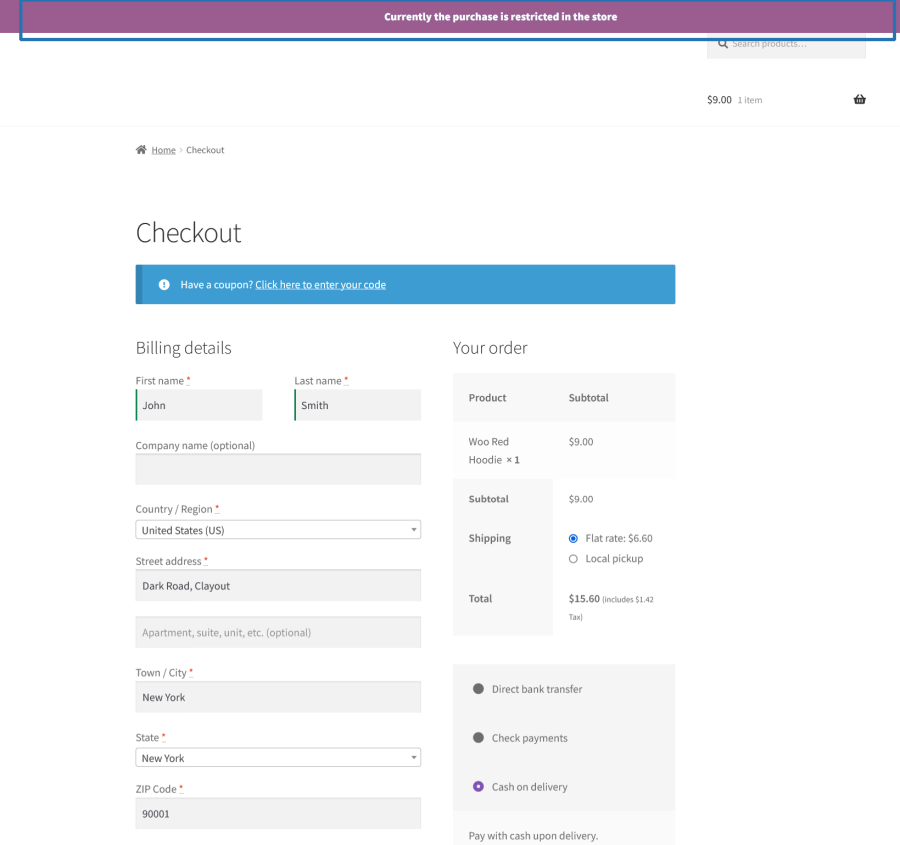
Using this module, you can restrict the order placement on your site when more than the specified number of order(s) or Total value is reached. By default, the restriction is permanent you can optionally set the validity of the restriction to specific time period.
Example:
If you want to prevent the New Order placement when the Order Total has crossed $1000/Order Count then it is possible using Store-wise restriction.
Set minimum and maximum cart value thresholds customers must meet before checking out. Target rules by product, category, tag, brand, user role, or location and optionally lock the checkout button until criteria are met.
Key Capabilities:
Enforce min/max purchase quantities per product, with configurable step increments (e.g., buy in multiples of 3). Set global defaults and override them per product. Supports date-range validity and user/role targeting.
Key Capabilities:
Define minimum and maximum item quantities per product category within a single order. Per-category error messages tell customers exactly which limit they’ve hit, and individual products can override category defaults.
Key Capabilities:
Limit the total number of items a customer can include in a single order. Set a minimum to encourage bulk purchases or a maximum to prevent over-ordering with fully customizable messaging.
Key Capabilities:
Display only the payment methods relevant to a given order. Create rules to show or hide gateways based on cart contents, customer location, or user role — ideal for regional payment enforcement or wholesale accounts.
Key Capabilities:
Block further purchases once a customer has placed a set number of orders within a chosen time window. Useful for capping trial orders or promotional deals. The counter resets automatically on your chosen schedule.
Prevent new orders once a customer’s cumulative spend hits a defined threshold. Set limits that reset on a rolling schedule — great for budget caps, credit programs, or promotional spend limits.
Key Capabilities:
Limit how many times — or how many total units — a customer can purchase a specific product across all their orders. Products over the limit can be hidden from the catalog or shown with a restriction notice.
Key Capabilities:
Cap your entire store’s activity by total revenue or total order count. Once the threshold is hit, all purchases are blocked — perfect for flash sales, limited drops, or capped campaigns. Limits can reset on a schedule and apply globally or to specific user roles.
Key Capabilities:
Extension information
Quality Checks
Compatibility
Countries
Languages







