


Active installs
700+
Subscription includes
Support
With Gift Wrapper for WooCommerce, shoppers can add gift wrap to individual products right from the product page, or gift wrap their entire order from the cart or checkout page. They can also enter a personalized message, and store owners can choose whether to charge a fee for gift wrapping,
Gift Wrapping for WooCommerce supports simple and variable products.
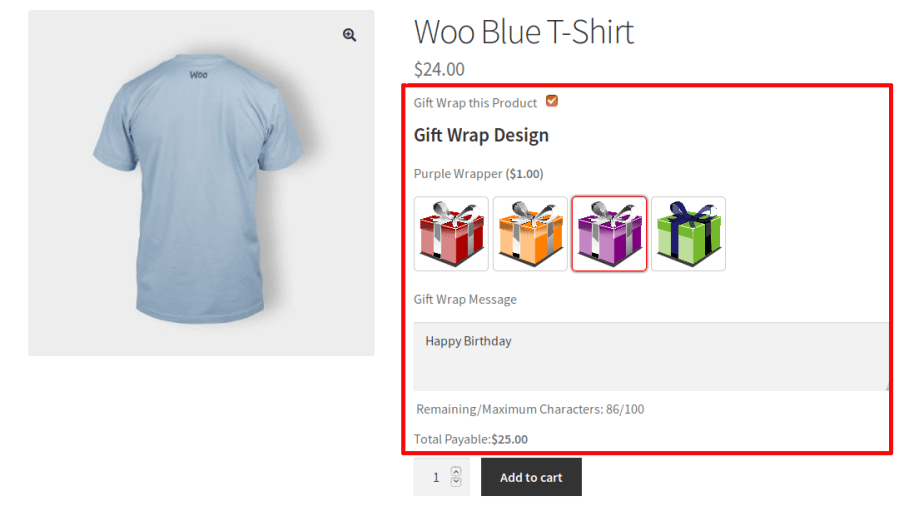
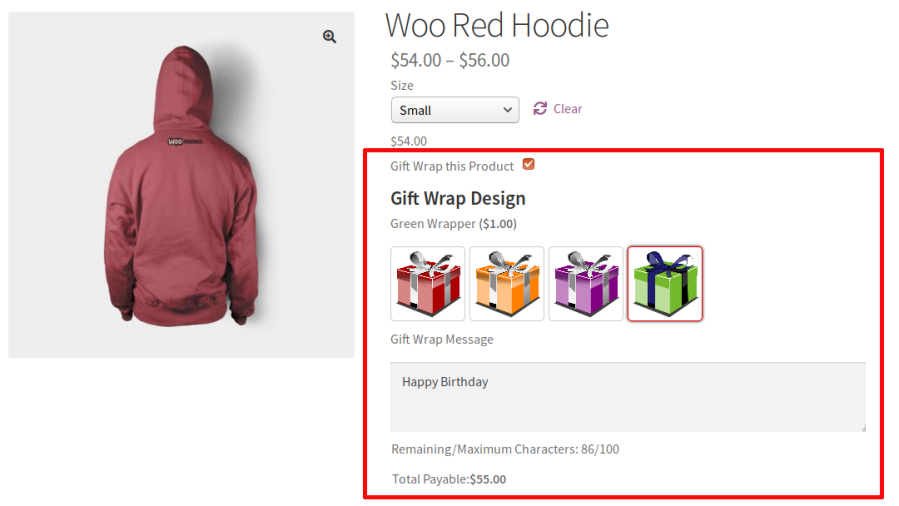
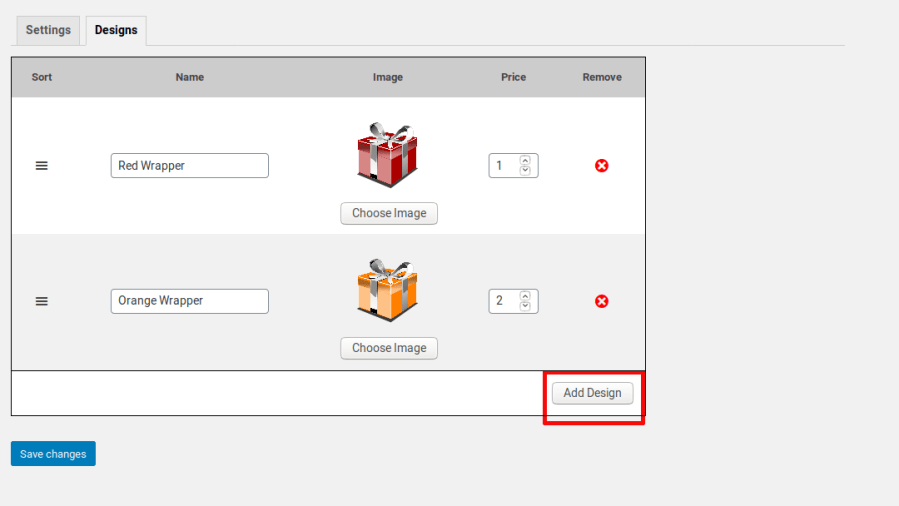
Configure any number of gift wrap designs, and set optional pricing for each one. It is also possible to set gift wrapper without designs.
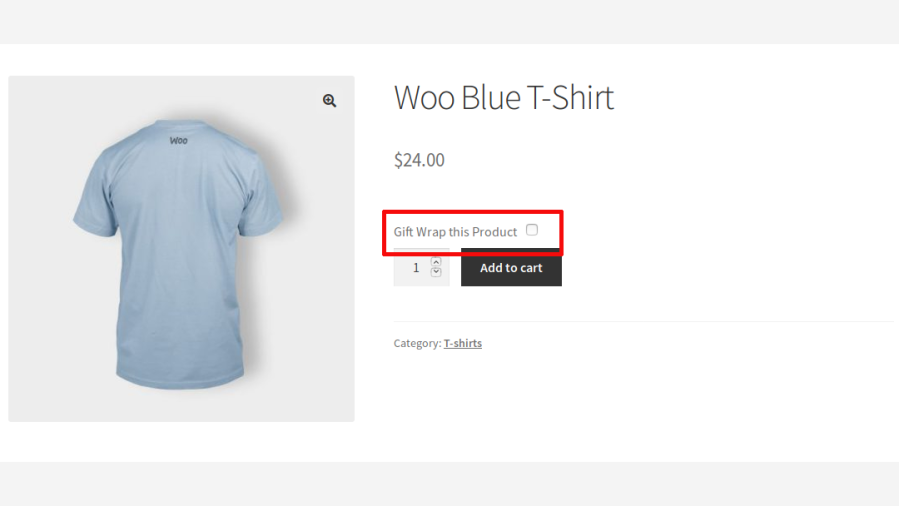
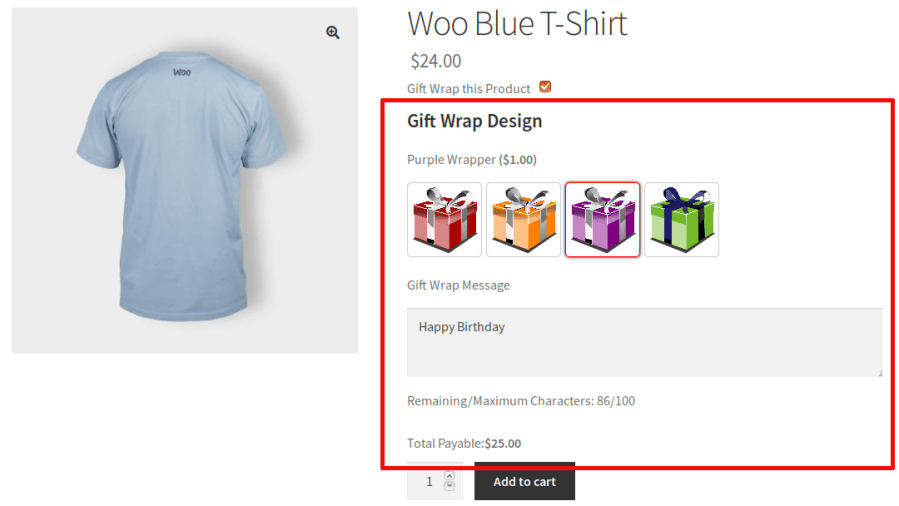
On single product pages, shoppers will see the gift wrap option near the “Add to cart” button:
Once they check the box, the available gift wrap designs will be automatically displayed. When the shopper chooses a design, any gift wrap fee you’ve set will be added to the product’s price, and the total will be updated:
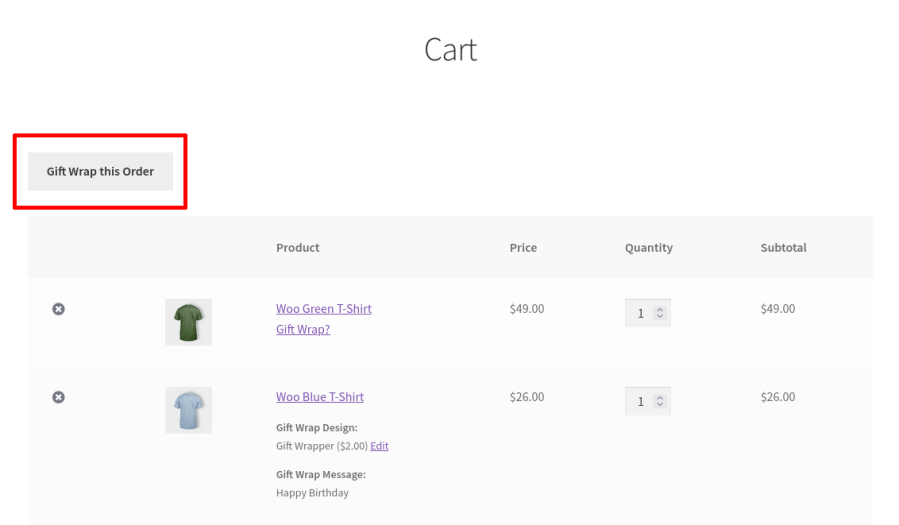
In cart and checkout page, the customer will be able to edit the gift wrapping options which they have selected in product level. If they haven’t selected gift wrapper in product level, then they can choose the gift wrapper for individual items in cart and checkout page.
Customers can also Gift Wrap their entire order in cart and checkout page. When “Gift Wrap this Order” button is clicked, they will be able to select the gift wrapper options.
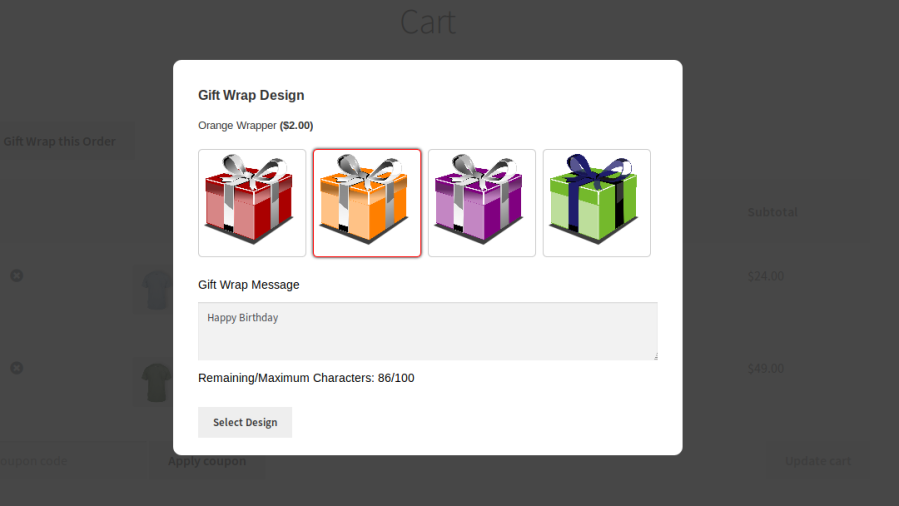
When a shopper clicks the “Gift Wrap this Order” button, the available Gift Wrapper designs display in a pop-up:
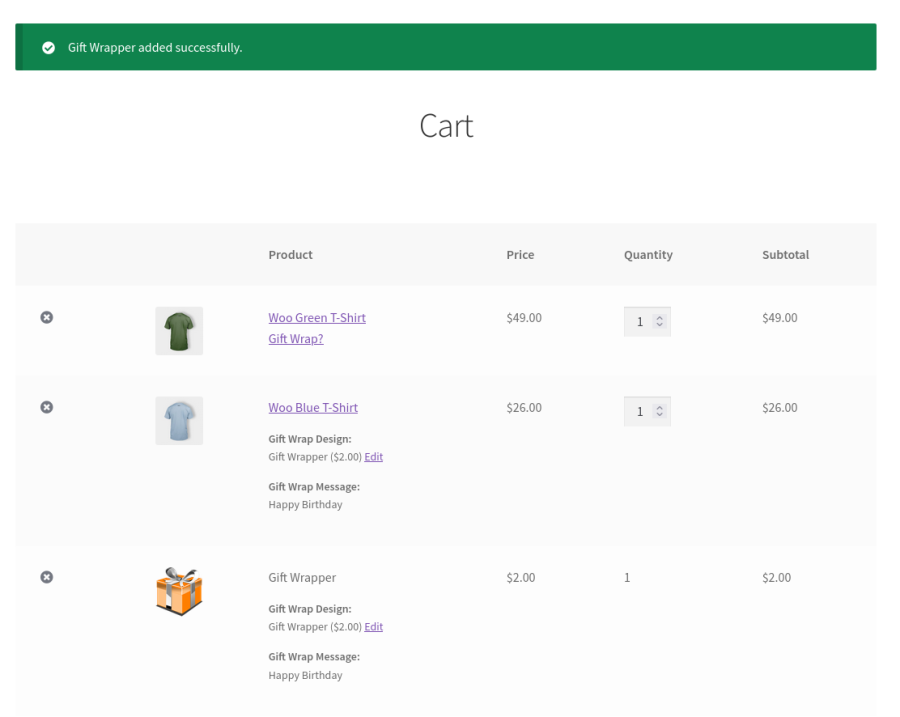
When the shopper chooses a design, a “Gift Wrapper” product will be added to the cart:
Gift wrappers can be created at the product level. Go to the edit product page and you can see the “Gift Wrapper” section where you can create gift wrapper designs for the specific product.
In addition to displaying gift wrapper details in the “Item” section in orders, it will be displayed also in the “Order notes” section. You can use this to flag the gift wrapper information in shipstation.
The labels/messages displayed in the frontend are customizable.
Go to “WooCommerce > Gift Wrapper > Localization” to customize the labels.
Go to “WooCommerce > Gift Wrapper > Messages” to customize the messages.
Extension information
Quality Checks
Compatibility
Countries









