
You can charge customers an extra fee each time they place a clipart or shape on their design. The fee is added to the product price automatically.
For cliparts:
- Go to WordPress Admin → Products → Smart Product Designer → Clip Arts.
- Open the clipart to edit it.
- Enter a value in the Additional Fee field (e.g. 2.00 for $2.00 per use).
- Save.
For shapes:
- Go to WordPress Admin → Products → Smart Product Designer → Shapes.
- Open the shape to edit it.
- Enter a value in the Additional Fee field.
- Save.
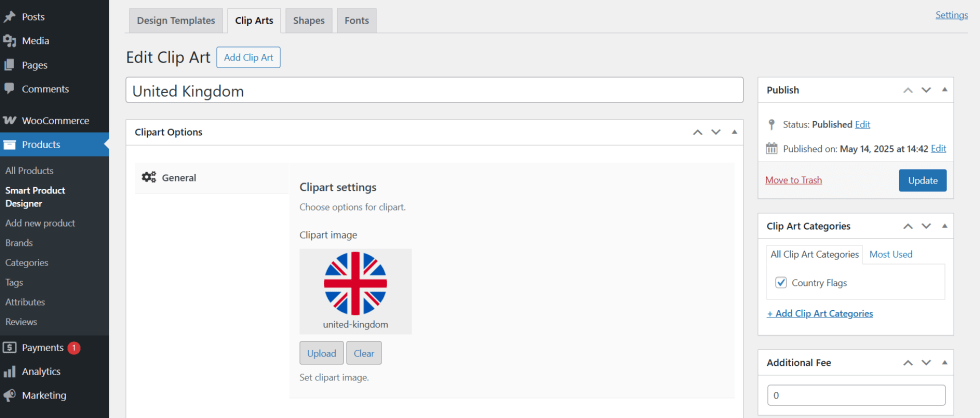
That’s it. The fee is added to the product price each time a customer places that element on their design.

