




Starting an online store means making a handful of early decisions that you’ll live with for a long time: Where you build, who hosts your site, and how you take payment. Get them wrong and you’ll have to rebuild under pressure. Here’s how to get them right the first time.
Your own store is the foundation
↑ Back to topYou have three options for where to sell online: marketplaces like Amazon or Etsy, social commerce on Instagram or TikTok, or your own ecommerce website.
Marketplaces and social media are distribution channels. Someone else sets the rules, controls the algorithm, and owns the customer relationship. When someone buys from you on Amazon, Amazon knows who they are. You don’t. You can’t email them, bring them back, or build anything durable on top of that transaction.
Your own store is yours: Your customer list, your brand, your data, your pricing decisions.
What you need to launch
↑ Back to top1. Choose your domain name
Your domain is your online address. It should match your business name and be easy to spell and say out loud.
If your first choice is taken, a .shop or .store is fine, but make sure that someone can find you again after hearing your name once.
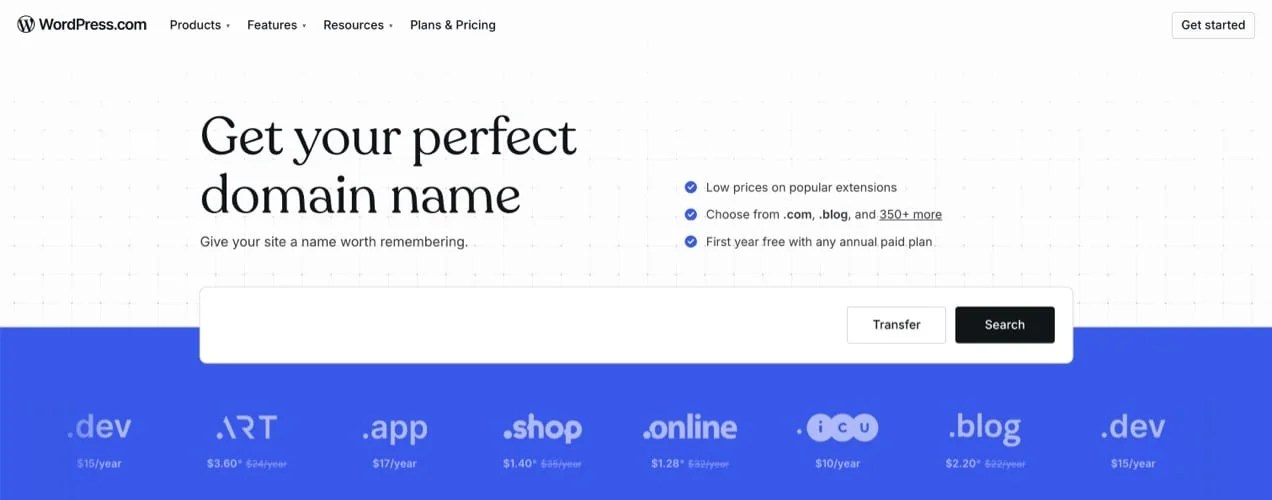
Any reputable registrar works. WordPress.com, Namecheap, and Porkbun are all clean options without aggressive upsells. One thing to check before you commit: The renewal price, not just the registration price. Some registrars discount year one steeply and charge twice as much from year two onward.
2. Find a web host
Hosting is the decision that’s hardest to fix after the fact, and the one new store owners most often get wrong.
Cheap shared hosting is a real trap. The monthly price looks fine, but the performance doesn’t. A store that takes 4-5 seconds to load loses customers before they’ve even seen a single product.
For most new stores, a managed WordPress host is the right starting point. They handle WooCommerce-specific performance tuning, include SSL certificates, and have support teams who’ve seen your problems before. Hosts like WordPress.com, Pressable, Kinsta, and Cloudways are all built for this.
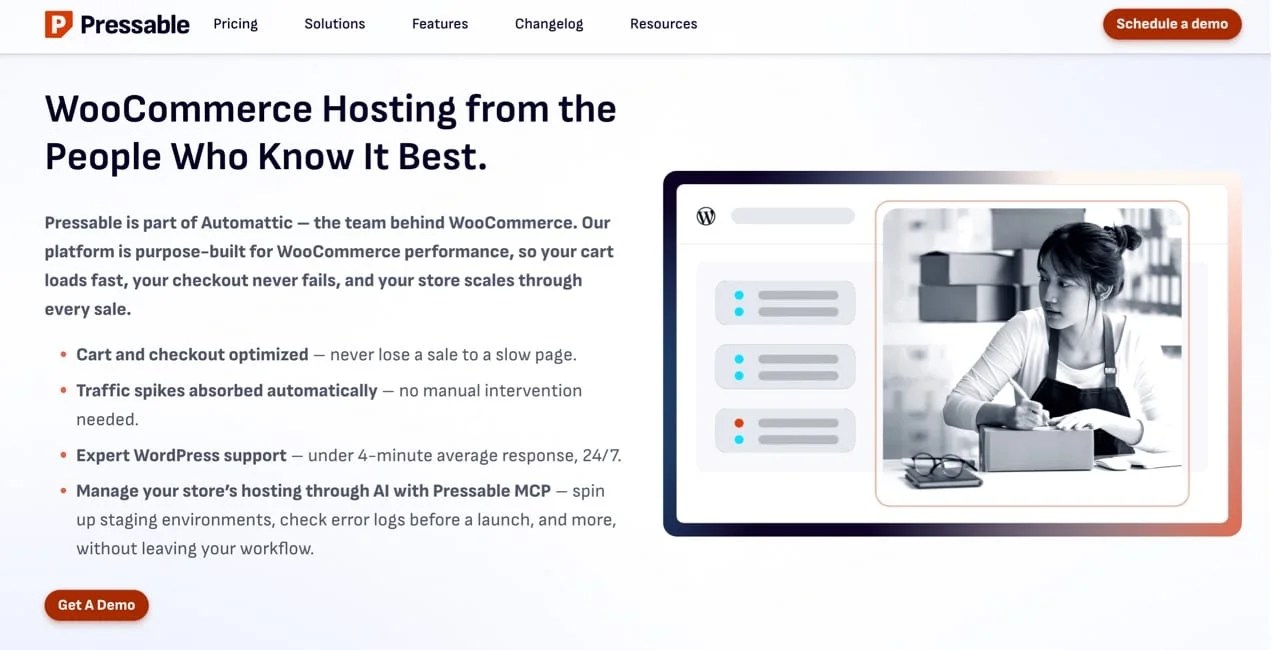
One thing to note: Most ecommerce platforms lock you into their infrastructure. If you’re unhappy, it’s very difficult to move, and if you do, your designs and data stay behind. WooCommerce is open source, so if you outgrow your host or find a better option, you can migrate — no permission needed.
3. Design your store
Bad colors don’t cause the friction that costs you sales. A poor checkout experience does.
Map the path a customer takes from your homepage to a completed purchase first; fonts and color palettes can take a backseat for now. You don’t want to spend hours on aesthetics before the flow is worked out, and then have to rebuild everything later.
Once the flow is right, slow pages are the next thing that stalls conversions and causes customers to bounce. And since most shoppers are on their phones, design for those devices. Watch someone navigate your checkout on mobile if you can. Buttons that feel obvious with a mouse are easy to miss on a six-inch screen and every extra checkout field is a reason not to finish.
WooCommerce works with any WordPress block theme. Twenty Twenty-Five, the latest WordPress default theme, includes shop-ready patterns and is a solid starting point.
4. Set up shipping
Figure out shipping before you set your prices. Your cost per order has to fit inside your margin.
Start by working out your pricing model, your carrier, and how you’ll handle packaging. Consider that free shipping converts well but you’re absorbing the cost. Flat rate is simple, but bleeds money on heavy items. Real-time carrier rates are accurate and take the most setup.
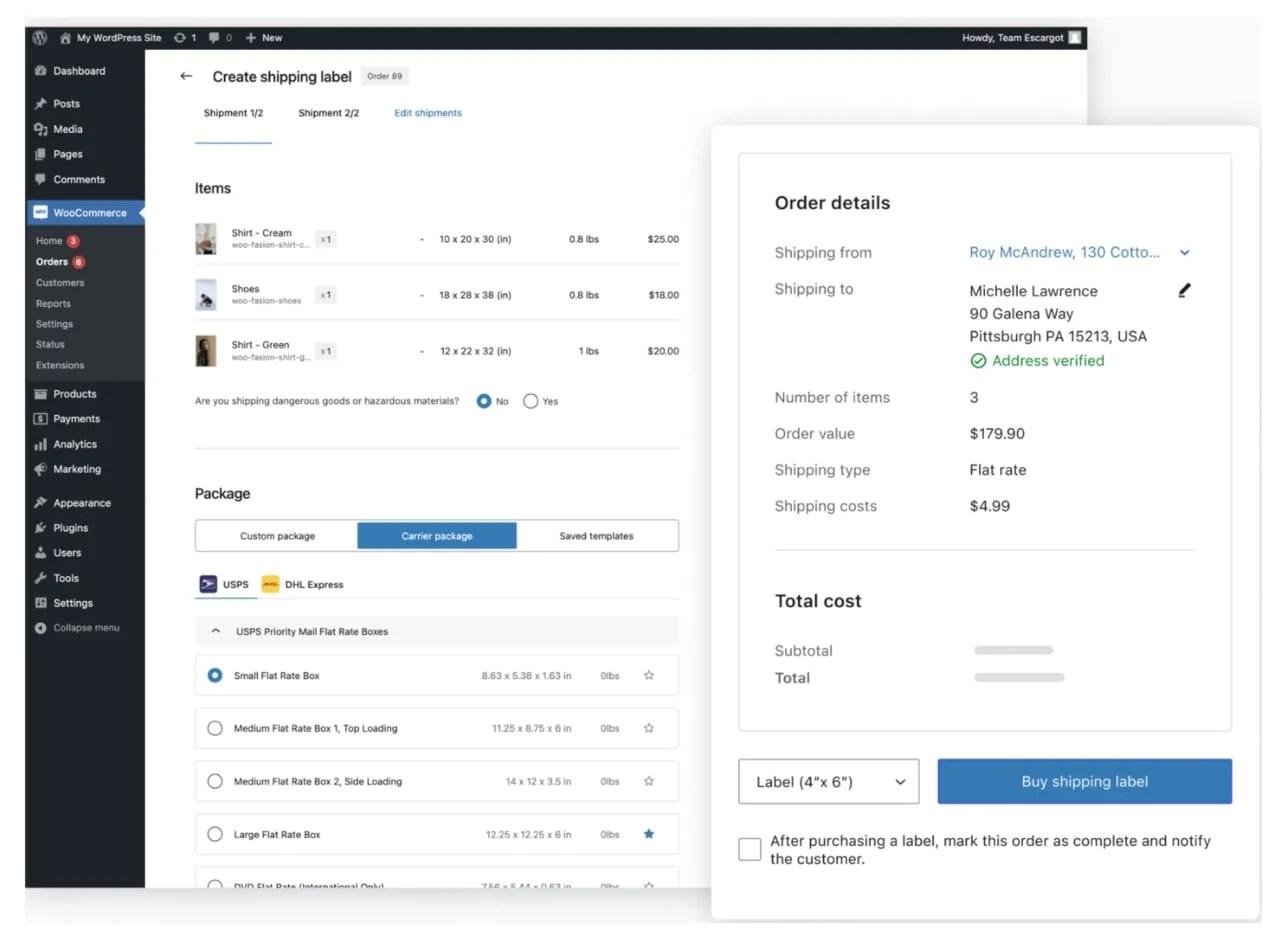
WooCommerce Shipping integrates USPS and DHL directly for US sellers, and you can print labels from your dashboard. Outside the US, ShipStation and EasyShip handle multi-carrier setups for most countries.
5. Choose how you’ll get paid
Now it’s time to decide on your payment processor. This is important because a confusing checkout loses sales, every processor takes a cut, and your fraud exposure depends on who you use. Nail down your fees, understand how long payouts take, and confirm that your checkout accepts what your customers actually use, like card, Apple Pay, and Buy Now, Pay Later.
Fewer payment options at checkout can actually lift conversions because too many buttons create hesitation. Start with one primary method and add a second only if customers are asking for it.
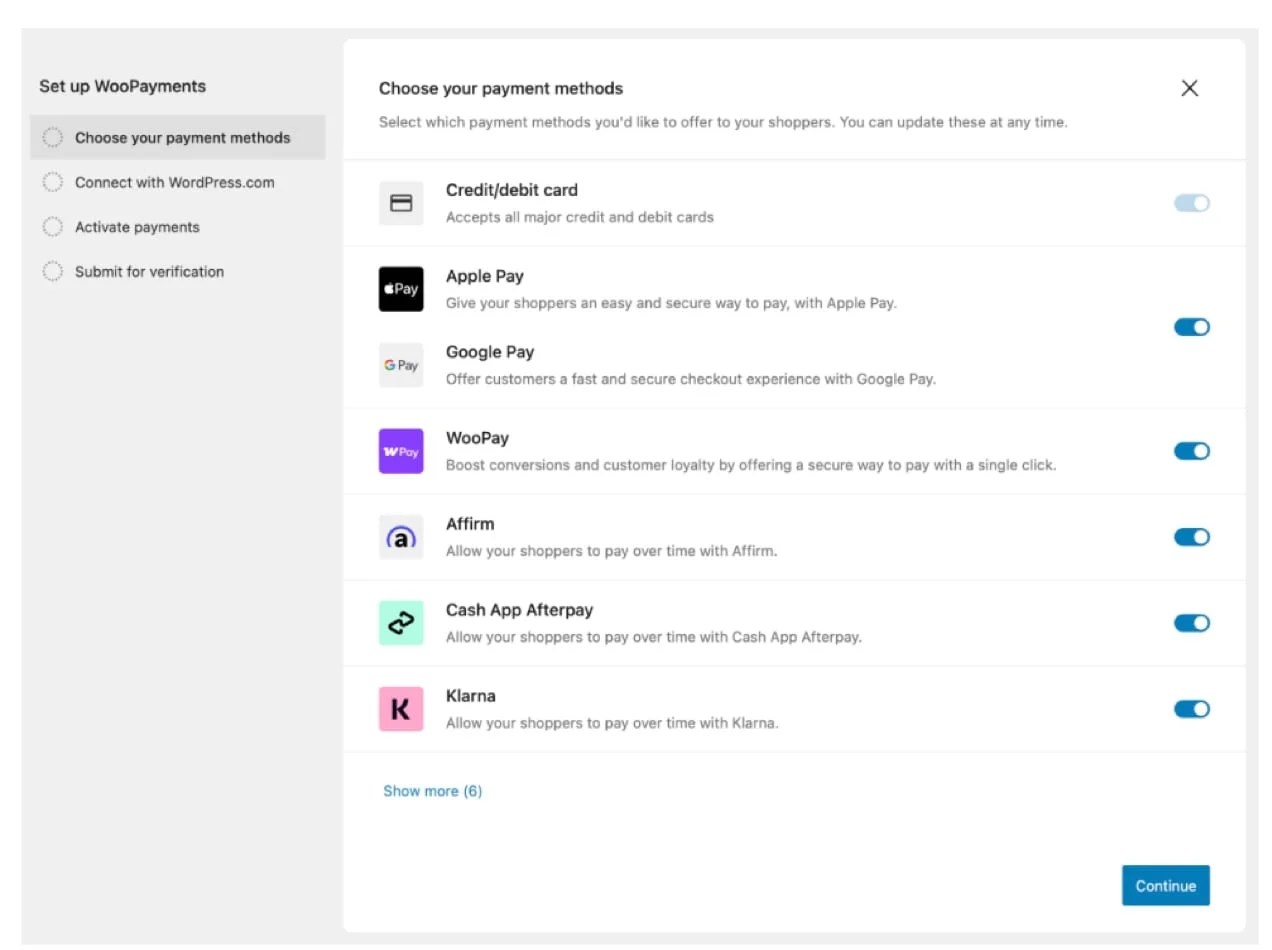
WooPayments keeps transactions, payouts, and reporting in one place. It’s available in the US, Canada, Australia, the U.K., Ireland, New Zealand, and a growing list of countries. Outside supported regions, Stripe and PayPal both integrate cleanly. If you go with PayPal, expect to verify your business identity before you can start accepting payments. Have your business registration details ready.
Before your first sale
↑ Back to topProduct photos and copy
Shoppers commit when a photo shows exactly what they’re buying and the description answers whether it’ll work for them. The add-to-cart button should feel like the obvious next step.
No studio needed. A smartphone, window with good natural light, and neutral background is enough for most products. Shoot from multiple angles: front, back, detail, scale reference. A lifestyle shot of the product in use often converts better than a white-background-only image.
Inventory
Before you go live, do a full count of everything and be more specific than feels necessary. Three sizes in five colors is 15 SKUs, not five.
Set reorder alerts before they hit zero. The calculation is simple: How many units you sell per day times how long your supplier takes to restock. WooCommerce tracks this automatically once your store is live. If you’re selling across multiple channels, Inventory Management for WooCommerce and Multi Inventory Management handle the more complex cases.
The decisions that feel uncertain right now — hosting, payments, shipping rates — have clearer answers than they seem. The goal is to make them before launch, not while you’re trying to fill orders.


About




good article
Thanks for reading!
Salut suis prêt pour lancer ma boutique
Excellent guide for anyone starting an online business! I like how the article breaks down the process into simple and practical steps, especially for beginners who may feel overwhelmed at first. Selling online today requires more than just listing products, and the tips about branding, customer experience, and marketing are really valuable. Thanks for sharing such an informative resource!
https://kissasian-tv.cam/