
How do I re-connect the plugin to my shop’s Facebook page?
↑ Back to topA frequent troubleshooting step when encountering issues with product sync or the connection, in general, will be to re-connect the plugin to Facebook. You can do so with the following steps:
- In your WordPress admin head to Marketing > Facebook.
- Go to the “Connection” tab and click the “Disconnect” button.
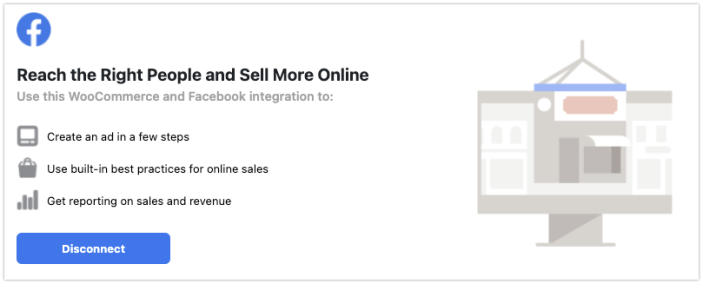
- Once the page refreshes, you should be presented with the default “Get Started” screen.
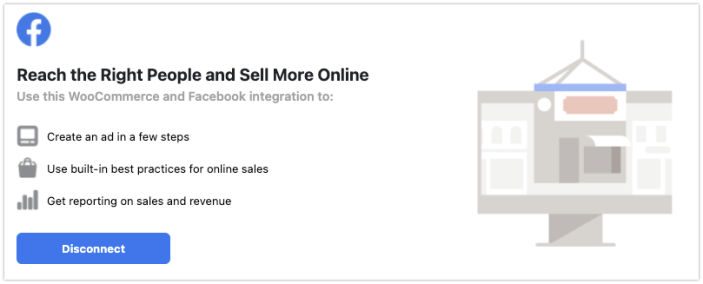
- Set up the connection as described in our Getting Started documentation.
Questions & Support
↑ Back to topHave a question before you buy or already purchased and need some assistance? Please check out our frequently asked questions for common issues or get in touch with support via the help desk if you need more help.