
Booking Templates for WooCommerce allow you to create bookable products faster by starting with a predefined setup tailored to common booking scenarios. Instead of configuring every booking option from scratch, you can select a template that closely matches your business model and then adjust the settings as needed.
Each template creates a new Bookable Product with the appropriate booking structure already applied. The product is saved as a draft, giving you the flexibility to review and customize it before publishing.
Using Booking Templates
↑ Back to topTo create a bookable product using the booking template, follow the steps given below.
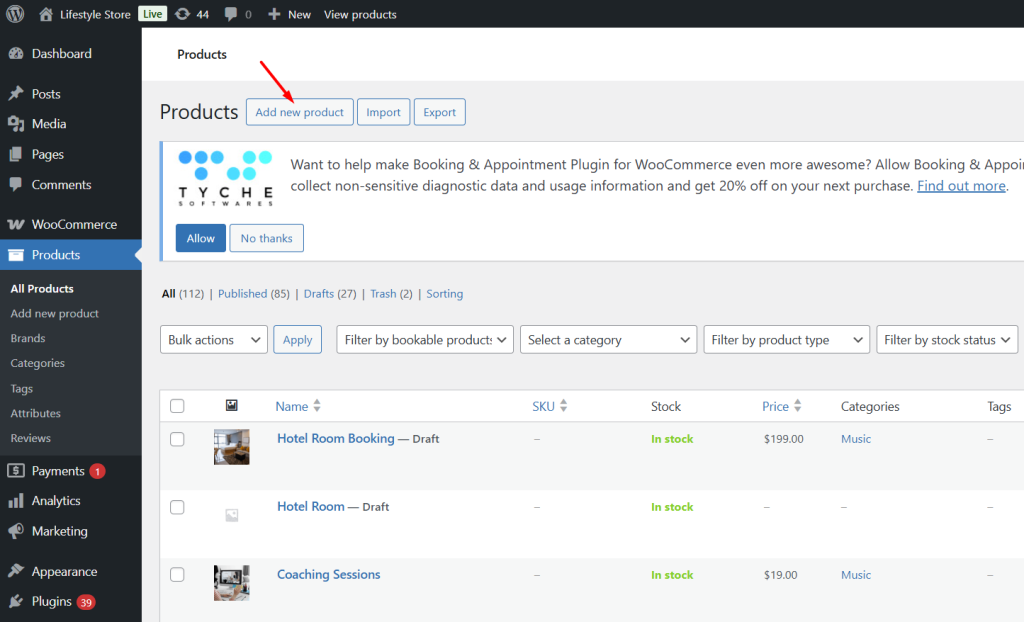
- From your WordPress admin dashboard, go to Bookings → Add Product.
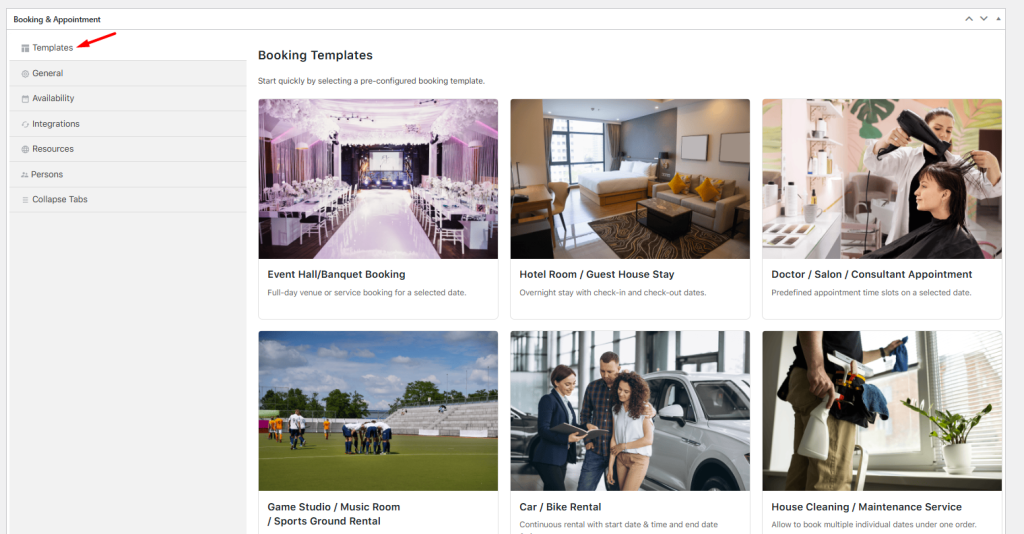
- Scroll to the Booking meta box and select the Templates tab.
- Click a template card to open a pop-up displaying additional details.
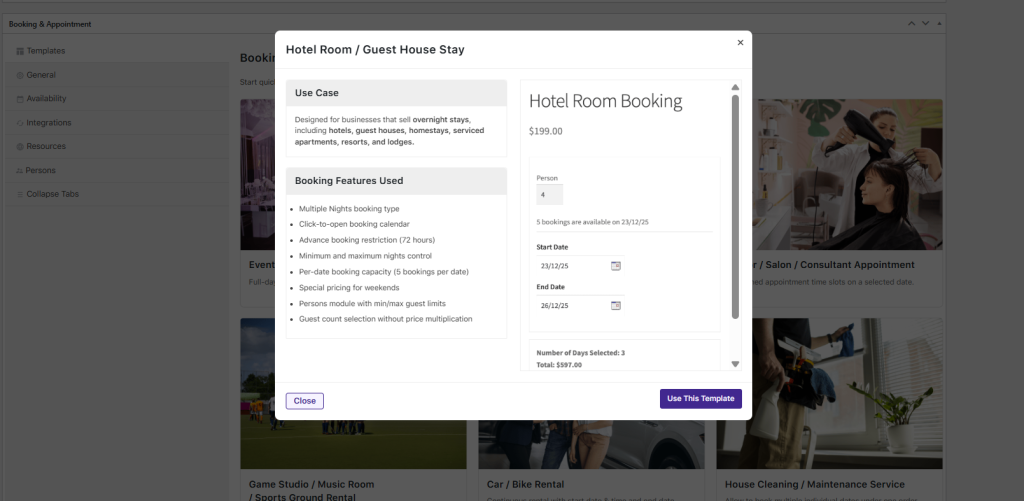
- Click the ‘Use this Template’ button, and a new bookable product is created in Draft status.
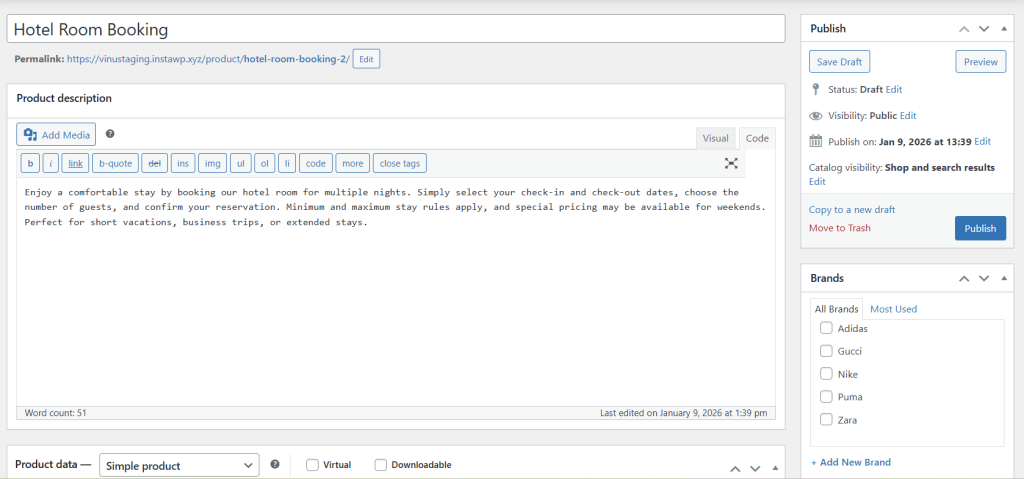
- Review and customize the product and booking settings, then publish when ready.
Included Booking Templates
↑ Back to topThe following booking templates are available to help you get started. Each template is designed around a common booking use case and applies a suitable booking structure automatically.
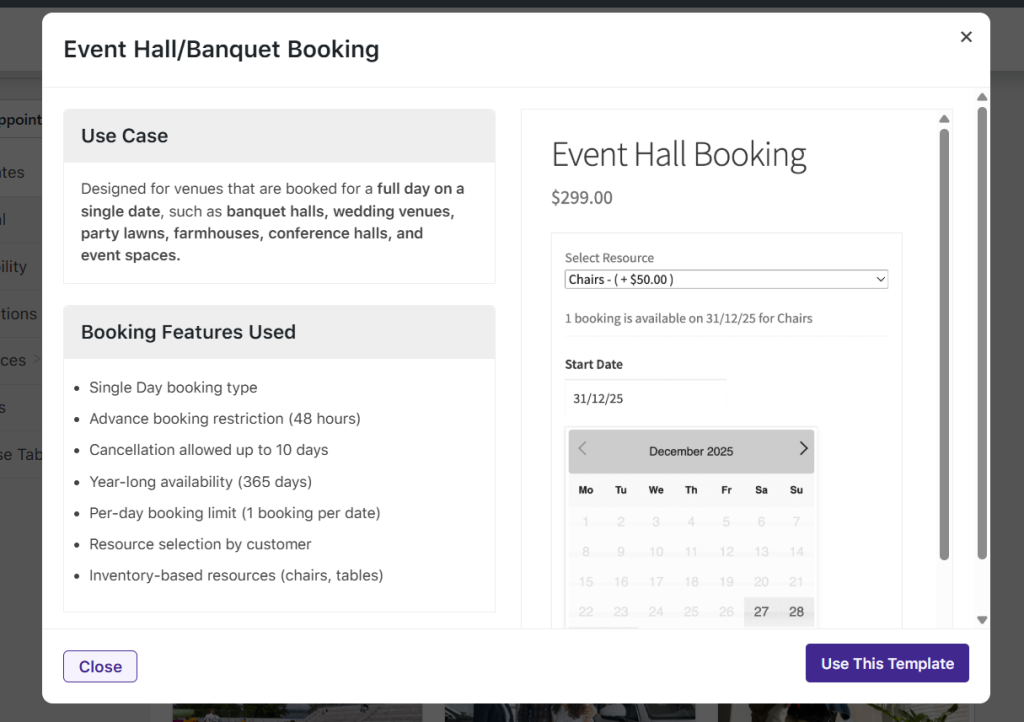
Event Hall / Banquet Booking
↑ Back to topDescription
Full-day venue or service booking for a selected date.
Use case
Suitable for venues that are booked for an entire day, such as banquet halls, wedding venues, party lawns, farmhouses, conference halls, and event spaces.
Hotel Room / Guest House Stay
↑ Back to topDescription
Overnight stay with check-in and check-out dates.
Use case
Designed for businesses offering overnight accommodations, including hotels, guest houses, homestays, serviced apartments, resorts, and lodges.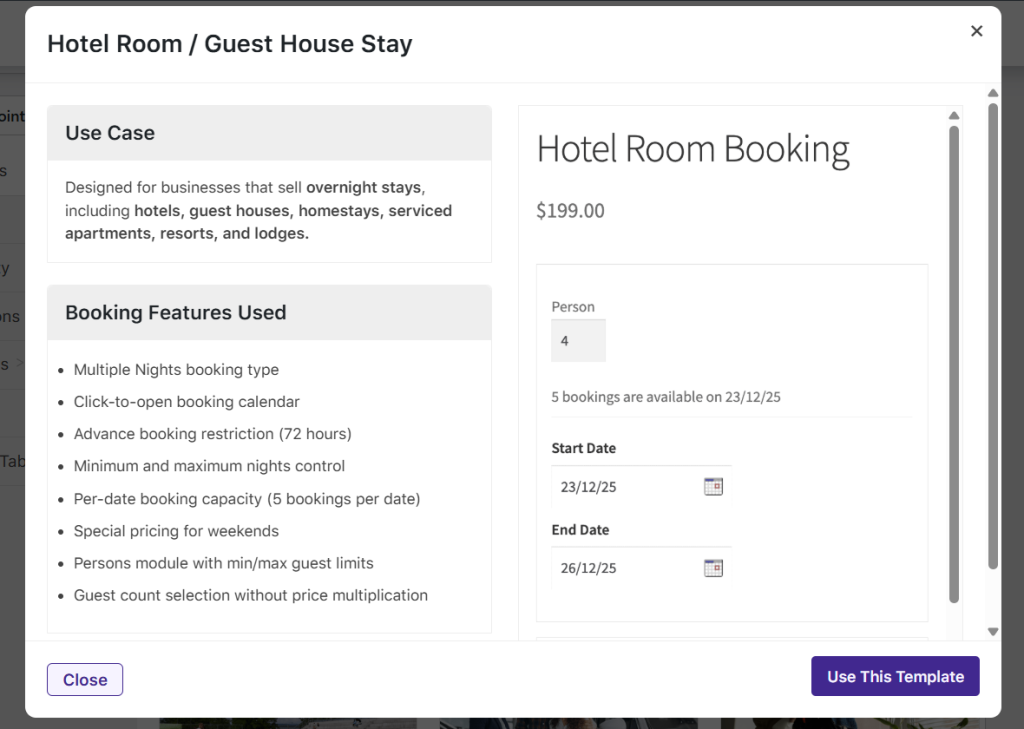
Doctor / Salon / Consultant Appointment
↑ Back to topDescription
Appointment bookings with predefined time slots on a selected date.
Use case
Ideal for businesses that offer appointments at fixed times, such as salons, clinics, consultants, spas, tutors, and other service professionals.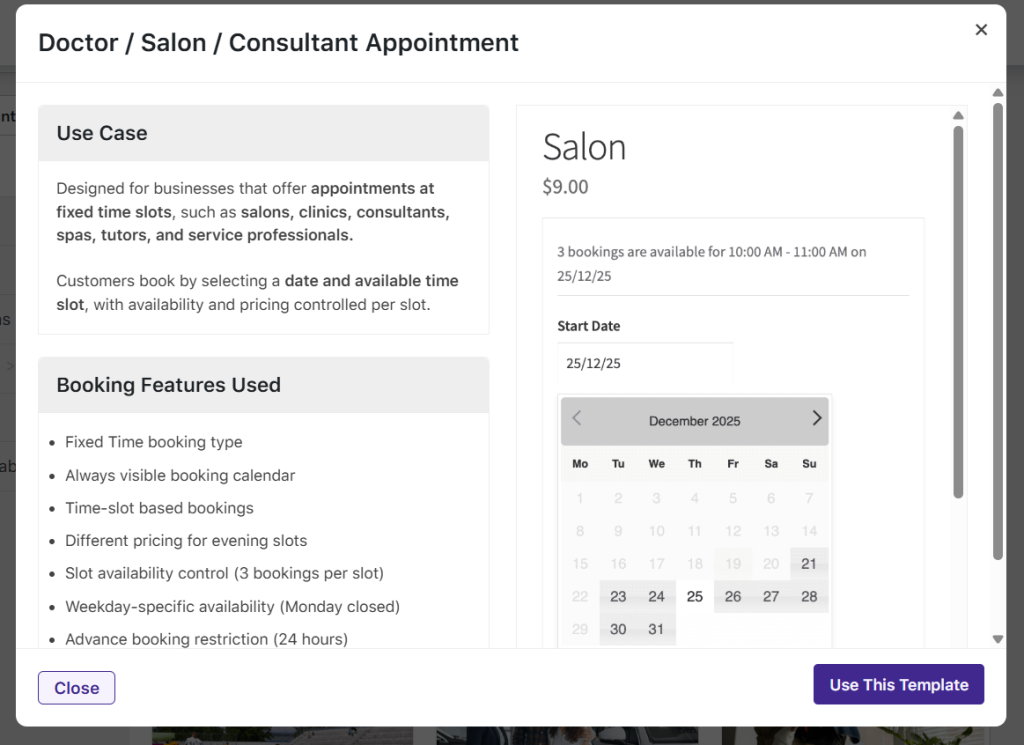
Game Studio / Music Room / Sports Ground Rental
↑ Back to topDescription
Hourly booking with a selectable start time and duration.
Use case
Best suited for spaces rented by the hour, such as sports grounds, turf fields, game zones, music studios, shooting ranges, and practice facilities.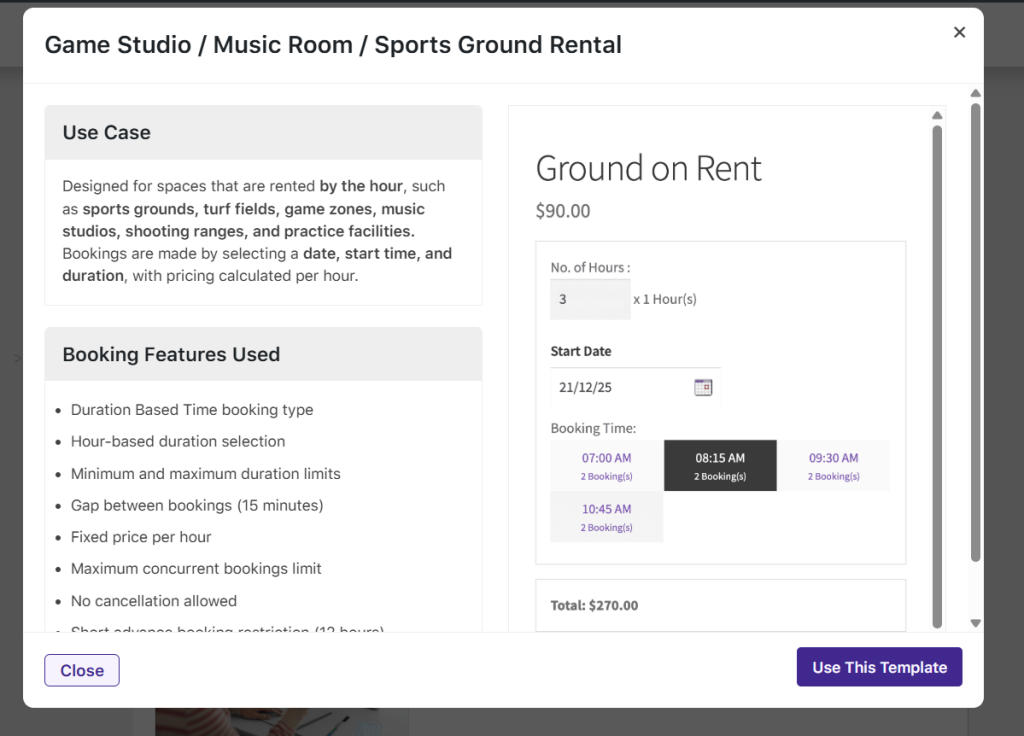
Car / Bike Rental
↑ Back to topDescription
Continuous rental with a start date and time and an end date and time.
Use case
Designed for vehicles and equipment rented over multiple days, such as car rentals, bike rentals, scooter rentals, and equipment hire services.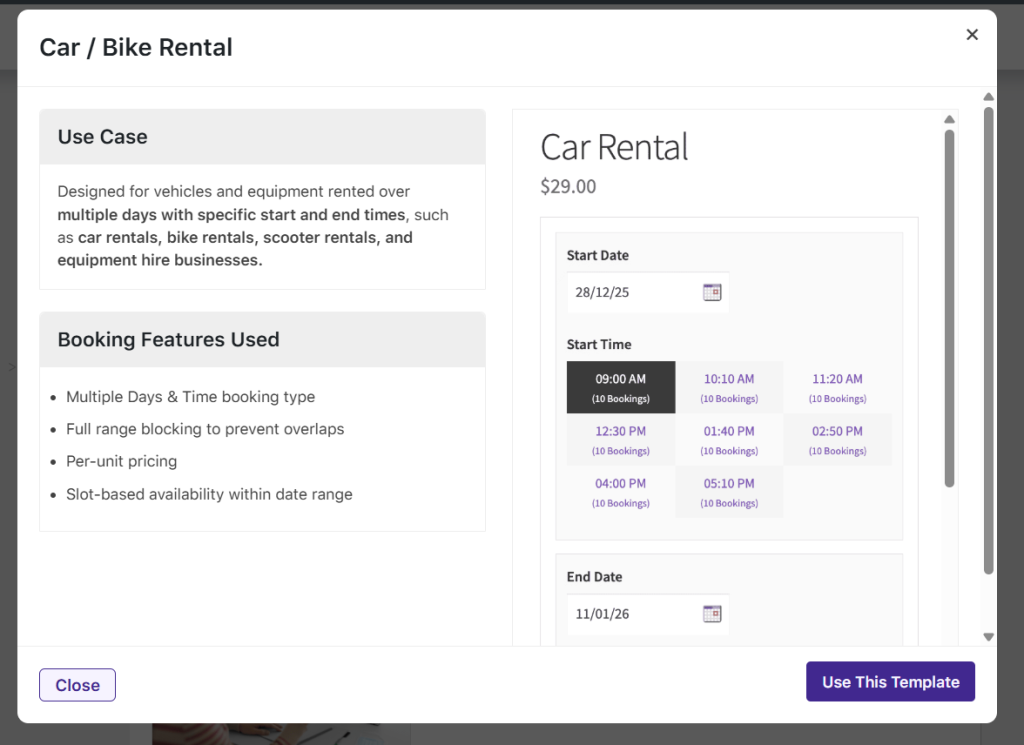
House Cleaning / Maintenance Service
↑ Back to topDescription
Multiple service dates booked under a single order.
Use case
Suitable for services that require multiple visits on different dates, such as house cleaning, pest control, appliance servicing, painting, and routine maintenance.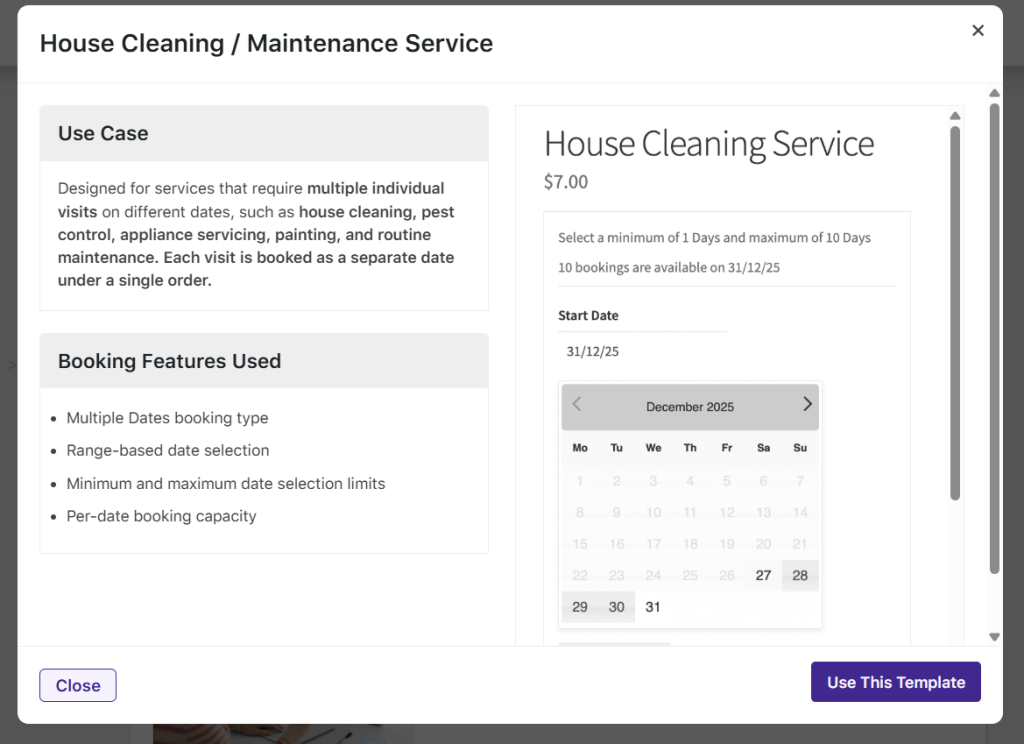
Online Classes / Coaching Sessions
↑ Back to topDescription
Multiple sessions are scheduled across different dates and times.
Use case
Designed for programs with recurring or multi-session schedules, including online classes, coaching programs, workshops, training batches, and tuition courses.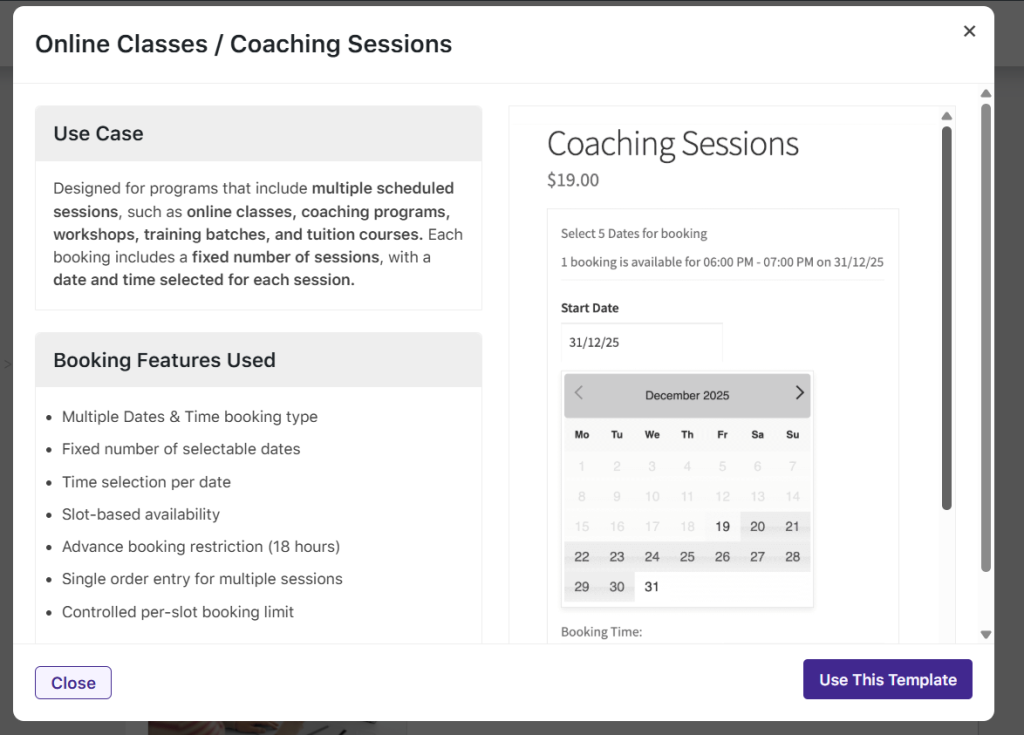
Customizing Template-Based Products
↑ Back to topAfter creating a product using a booking template, you can modify all aspects of the booking configuration, including availability, pricing, resources, persons, and restrictions. Depending on your use case, you can fine-tune settings such as time availability, maximum bookings, and special pricing for weekdays or specific dates.
Booking Templates are intended to provide a starting point only. They do not limit customization, and all settings can be adjusted to match your specific business requirements.