
Unwanted or excessive email notifications can frustrate customers, leading to increased unsubscribe rates or mark-as-spam actions that harm your store’s email deliverability. Giving customers control over their email preferences ensures a better user experience while keeping your marketing communication effective.
Follow this guide to learn how customers can easily unsubscribe and resubscribe coupon reminder emails in WooCommerce using Smart Coupons.
How customers can unsubscribe reminder emails
↑ Back to topNo settings need to be setup in the WordPress admin. This feature is enabled by default for the supported reminder emails. If a customer no longer wants to receive these emails:
- Open a Coupon Expiry Reminder or Unused Coupon Reminder email that was already received.
- Click the Unsubscribe link in the email.
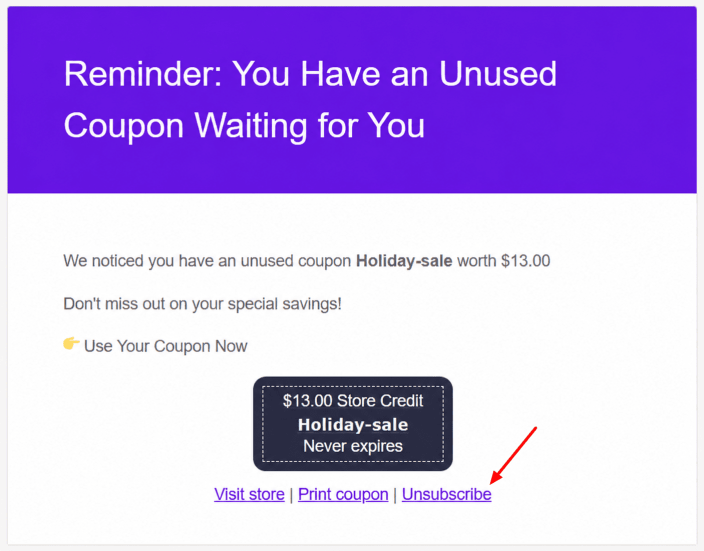
- The customer will no longer receive the applicable reminder emails.
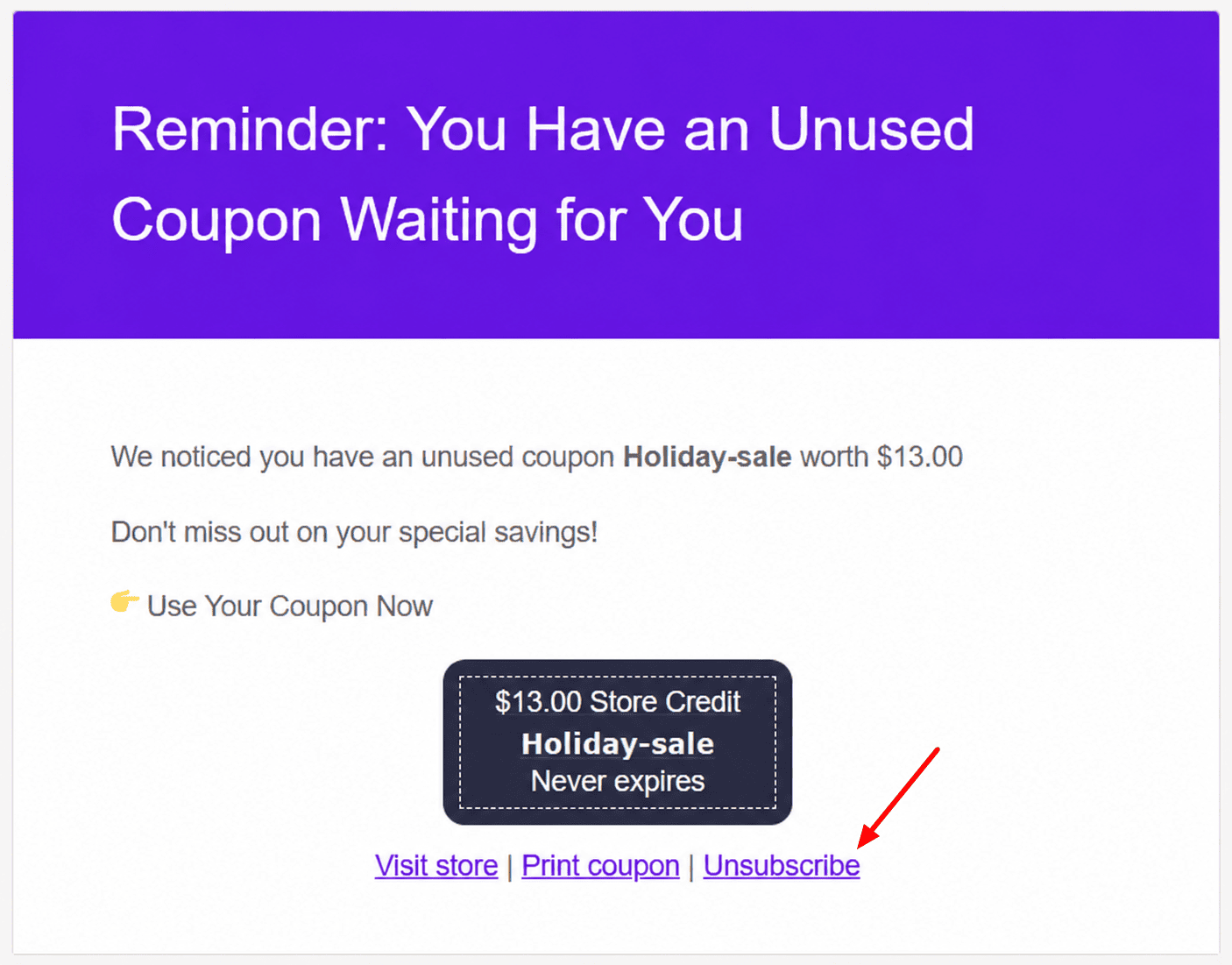
That’s it.
Note: Customers can unsubscribe directly from the reminder emails. No action is required from the store owner.
How customers can resubscribe reminder emails
↑ Back to topCurrently, if a customer unsubscribes from a reminder email, they can resubscribe by clicking the “Resubscribe” button shown on the unsubscribe success page.
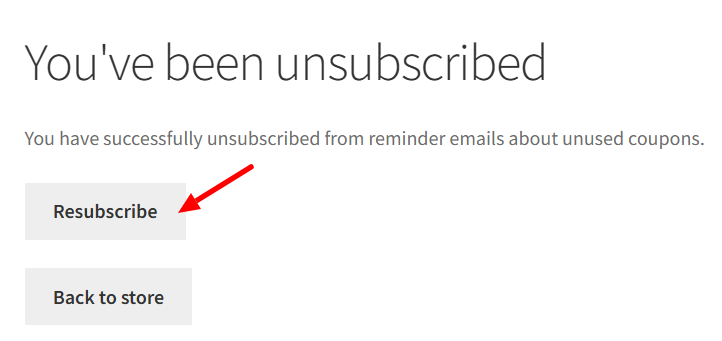
This immediately subscribes them back to that specific reminder type.

