
Smart Coupons provides a powerful, “all-in-one” solution for gift cards, store credits, discount coupons and vouchers extending the core functionality of WooCommerce coupons.
This document describes how to display promotional messages on Product pages of WooCommerce using the Smart Coupons plugin.
Prerequisites: Before you begin, enable the option to display the message by following the steps here.
Steps to show promotional messages
↑ Back to top- Go to WooCommerce > Marketing > Coupons > Add Coupon.
- In the General tab, select the discount based on your requirement. For example, “Fixed cart discount”
- In the Coupon amount field, set as per your needs. For example, as “5”.
- Enable Auto Apply. For more details, you can refer to our documentation here.
- Go to the Usage Restriction tab and add the product to the Products field, for which you want to show the promotional message.
- Publish the coupon.
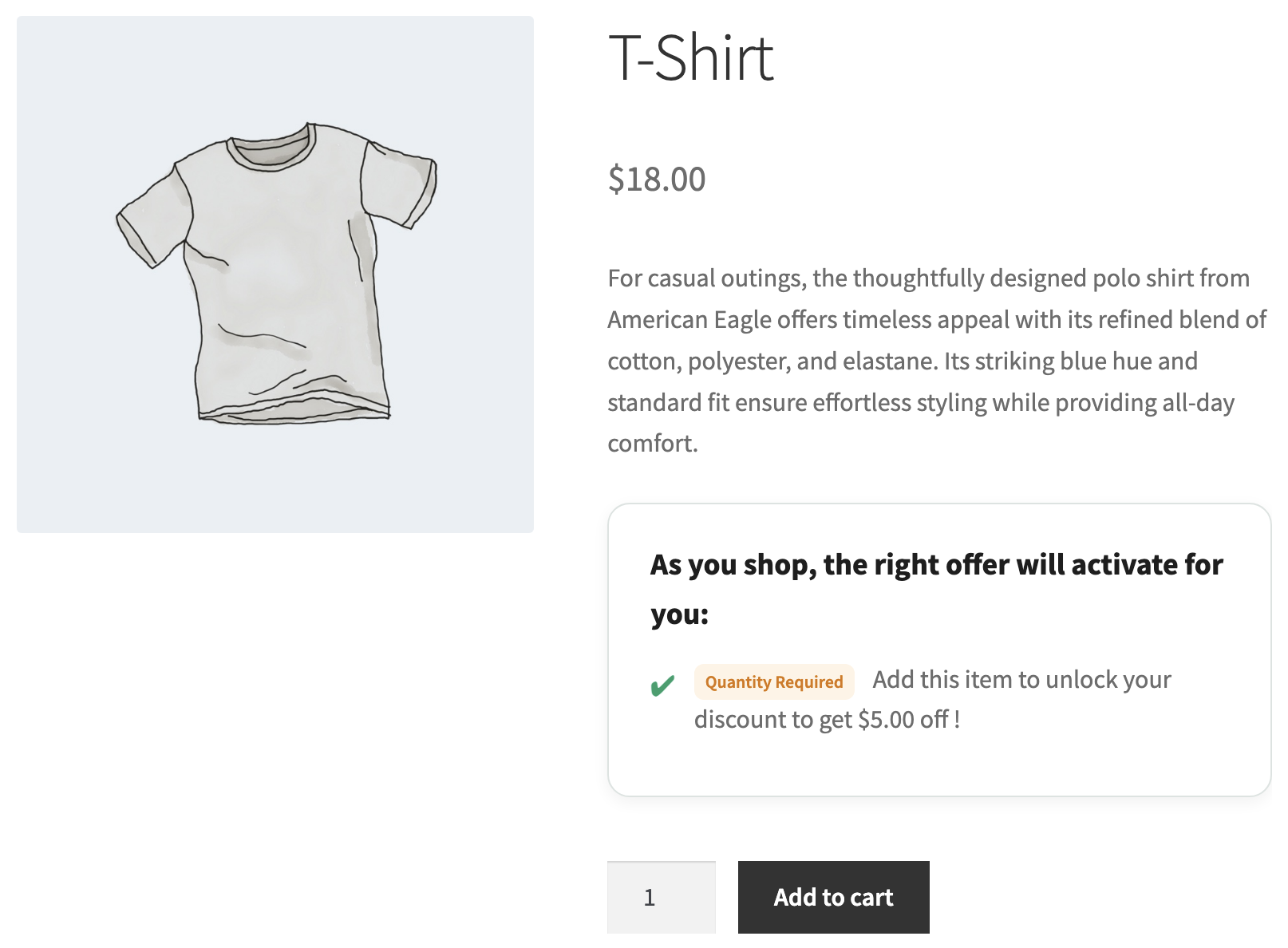
Thats it!

