Use case
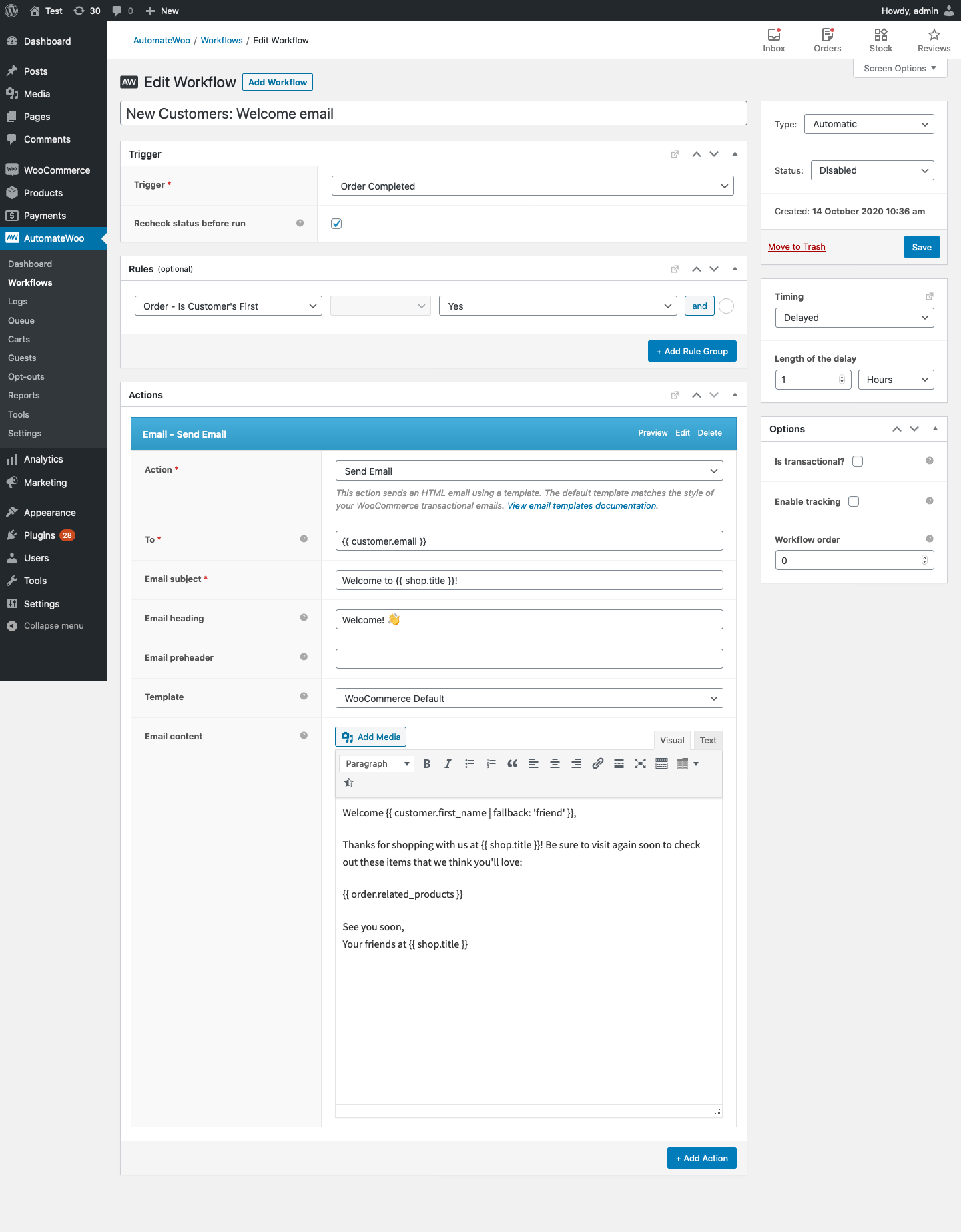
↑ Back to topTrigger a welcome email when someone makes their first purchase on your store – give them a personalised welcome from the business owner.
Workflow setup
↑ Back to top- Create a new workflow.
- Select the
Order Completedtrigger. - Select the
Order Is Customers First = Yesrule - Click Add Action and select Send Email and include the variable
{{ customer.email }}as the email address. - Populate the required fields.
- Craft the content of the email.
- Click the Preview link to preview your email to ensure it is correct.
Example
↑ Back to top