Installation
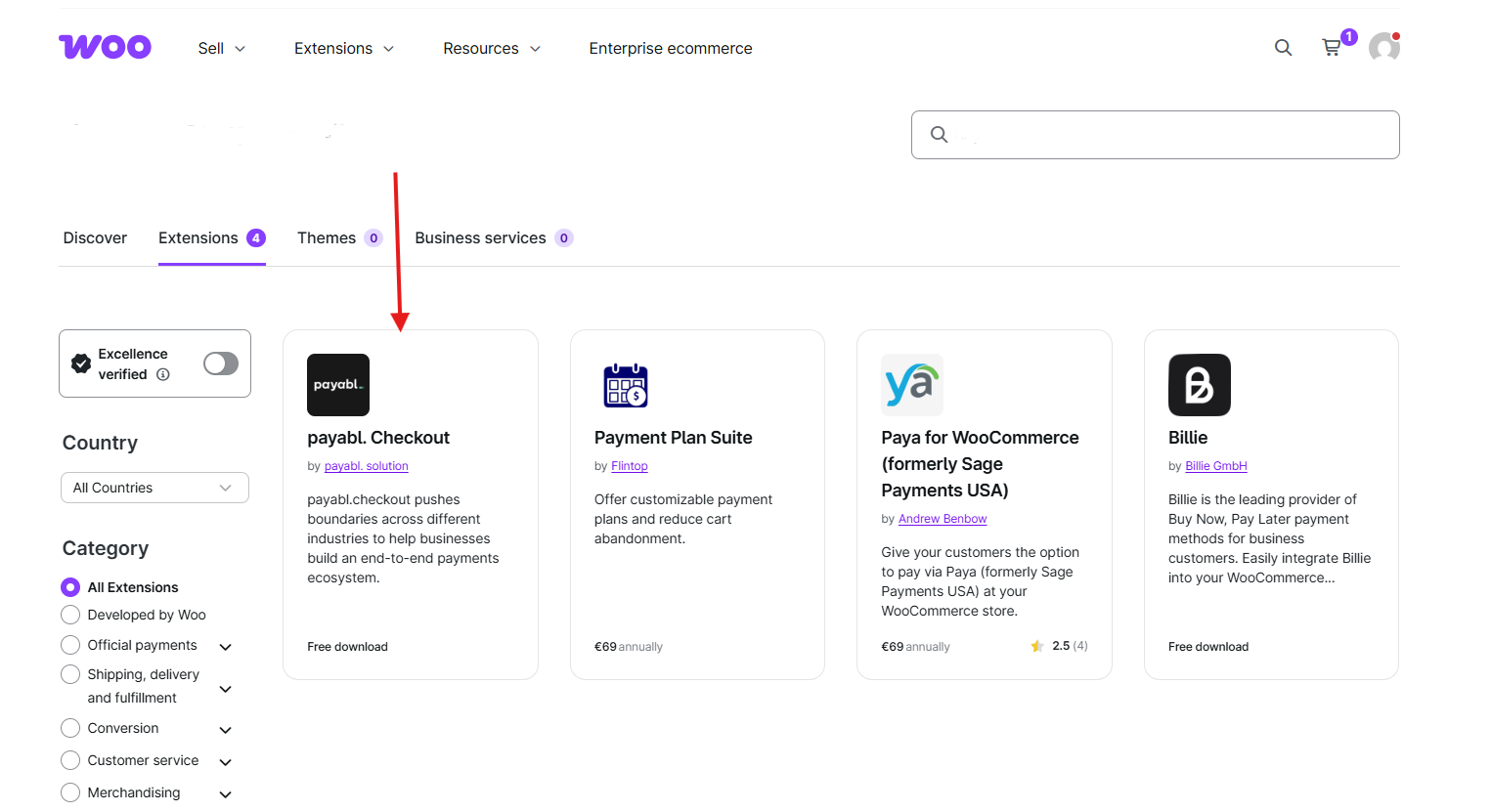
↑ Back to topTo start using a product from WooCommerce.com, you can use the “Add to store” functionality on the order confirmation page or the My subscriptions section in your account.
- Navigate to My subscriptions.
- Find the Add to store button next to the product you’re planning to install.
- Follow the instructions on the screen, and the product will be automatically added to your store.
Alternative options and more information at:
Managing WooCommerce.com subscriptions.
Configuration
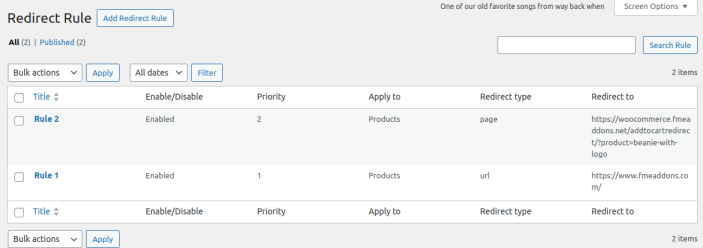
↑ Back to topAfter you have installed and activated the Plugin, Go to WooCommerce > Redirect Rules. Here you can create multiple rules for Add to Cart Redirects on various conditions, You can also manage already created rules in this section.
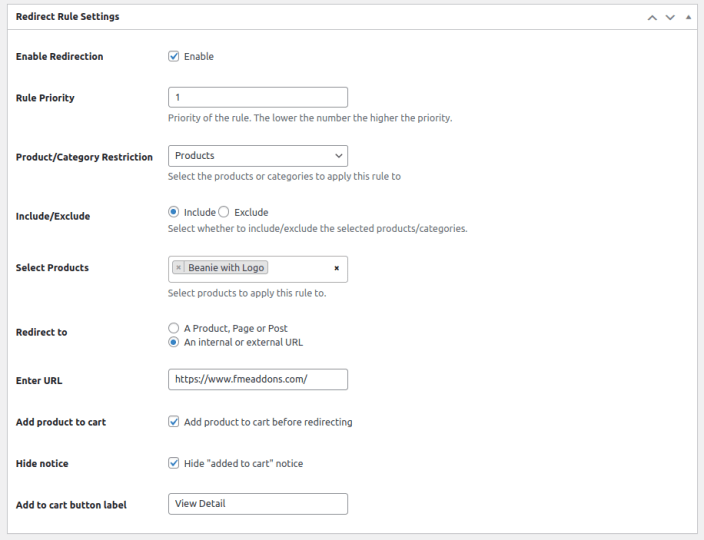
For Adding new Rule click on Add Redirect Rule button to configure the followings:
- Rule Title: Set the title of the rule.
- Enable Redirection: Checkbox option to enable restriction on add to cart.
- Rule Priority: Set the priority of the rule.
- Product / Category Restriction: Select the products or categories to apply this rule.
- Include / Exclude: Select whether to include/exclude the selected products/categories.
- Select Products / Categories: Select products / Categories to apply this rule to.
- Redirect to: Redirect to following
- Product
- Page
- Post
- An Internal URL
- External URL
- Add Products to Cart: Checkbox option on redirection also adds product to cart.
- Hide “Added to Cart” Notice: Hide add to cart notice when click on add to cart button.
- Add to Cart Button Label: Write the label of add to cart button.