
The MLM plan type decides the shape of your affiliate network: how many direct recruits each member has, and what a member must do before network commissions start. Affiliate and Referral Program for WooCommerce offers Binary, Forced Matrix, Unilevel and Unlimited. This page compares them so you can pick before recruiting starts. Setup itself is covered in How to Set Up MLM in Your Affiliate Program; this page is part of the Affiliate and Referral for WooCommerce documentation.
What the plan type controls
↑ Back to topAll four plans pay the same way — per-level rates on sales made below a member, up to your configured Depth. What the plan type sets is the recruit-slot rule: each member has a number of direct-recruit slots (the Child value), and a member starts earning from the chain once all of their slots hold active recruits. The affiliate dashboard shows this as “Number of Childs to start earning commission”.
Choosing Binary or Unilevel fills the Child number in for you; Forced Matrix leaves the width for you to set. Unlimited stands apart: it has no slot requirement for earning at all.
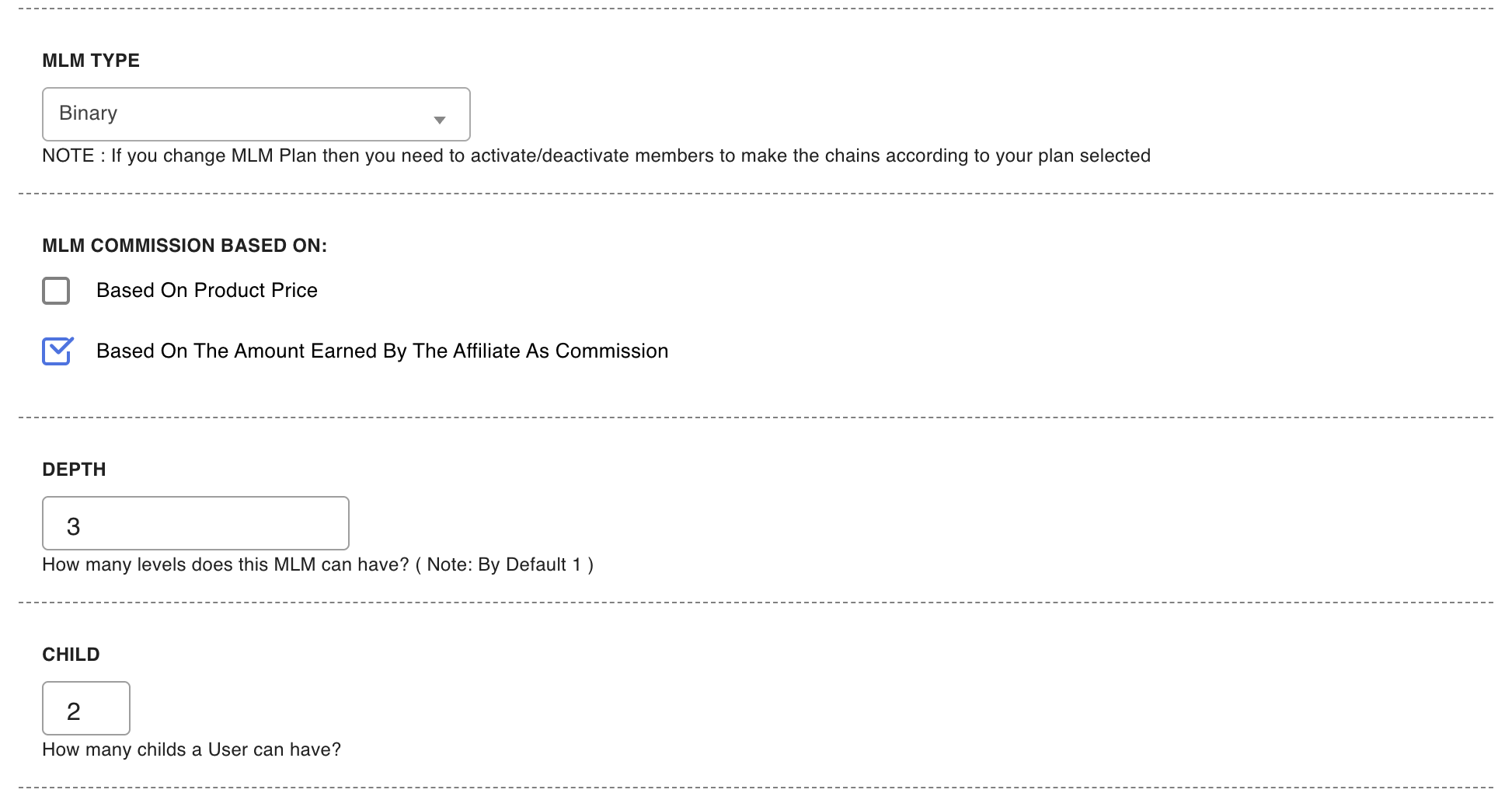
Binary — two slots per member
↑ Back to topEach member has two direct-recruit slots, so the network grows as a symmetrical tree of pairs. A member earns from their chain once both slots hold active recruits. Binary is the classic choice when you want every member recruiting at least a little before they earn from others’ work — the target is small, visible and the same for everyone.
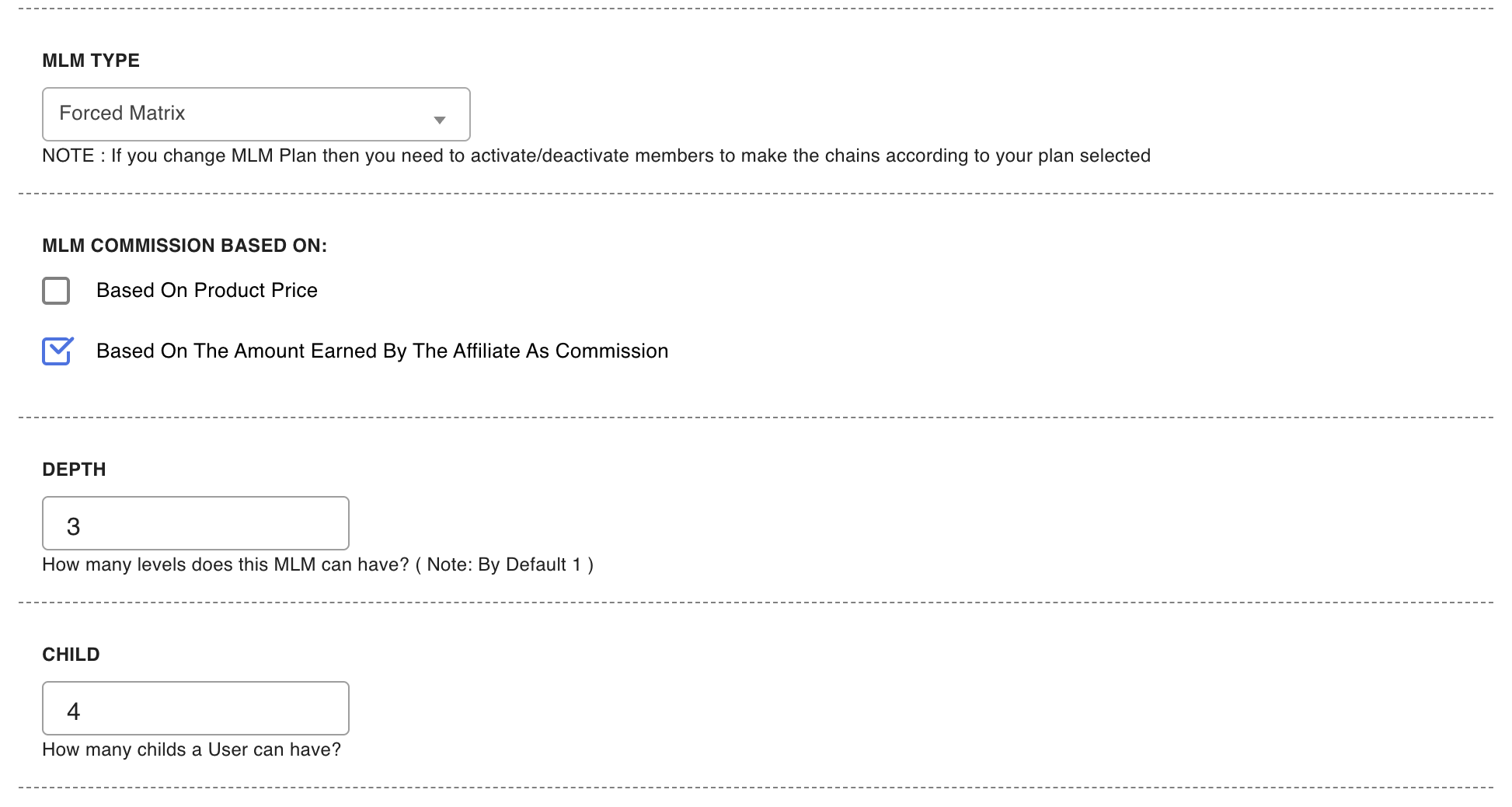
Forced Matrix — a width you choose
↑ Back to topA Forced Matrix is a grid: you decide the width by setting Child yourself, and together with Depth that fixes the network’s dimensions — a 3×5 matrix is three slots per member, five levels deep. Members earn from the chain once all their slots hold active recruits, so a wider matrix sets a higher bar. Pick a width that matches how much recruiting you realistically expect from a member.
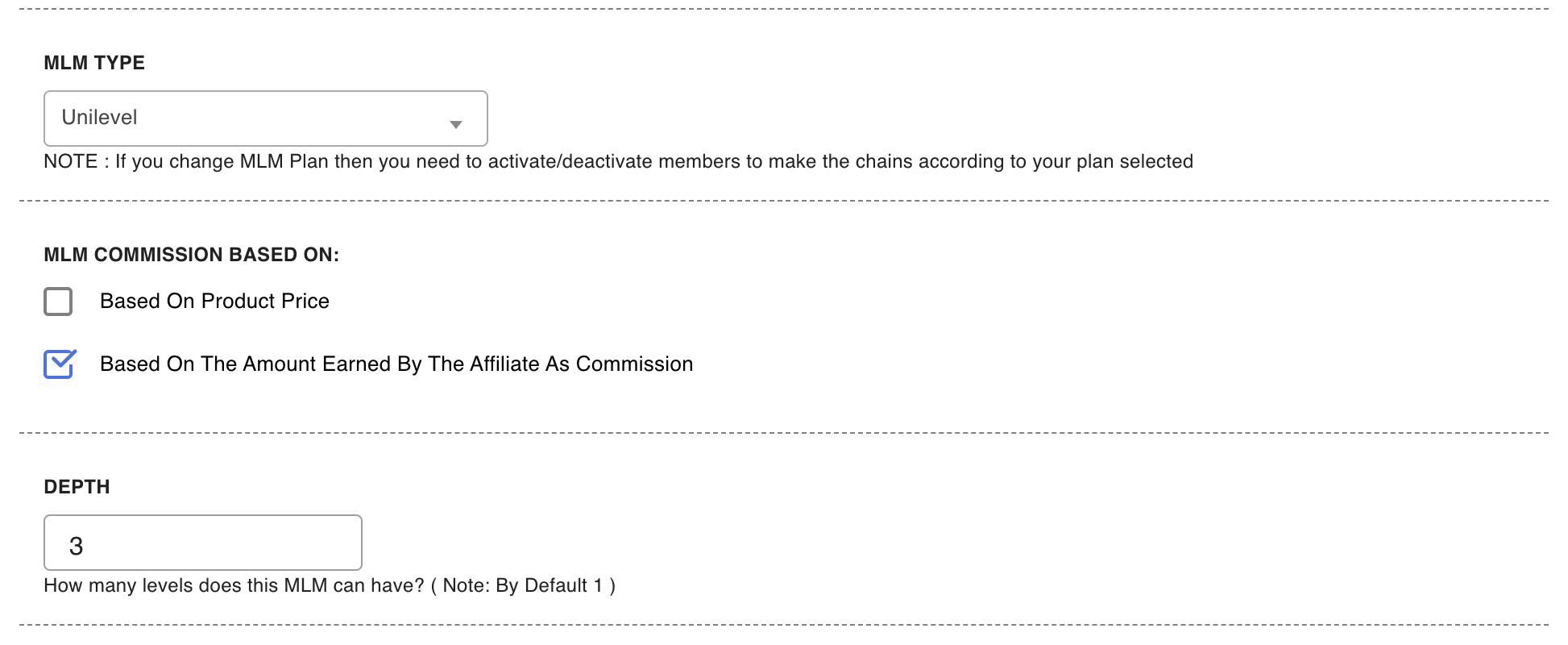
Unilevel — a single line
↑ Back to topIn this plan each member has one recruit slot, so every branch is a straight line of members, each recruited by the one above. One active recruit is all it takes for a member to start earning from the line below them. Note that this is the plugin’s own definition of Unilevel — a one-slot-per-member chain — so read it from the settings, not from how other software may use the same word.
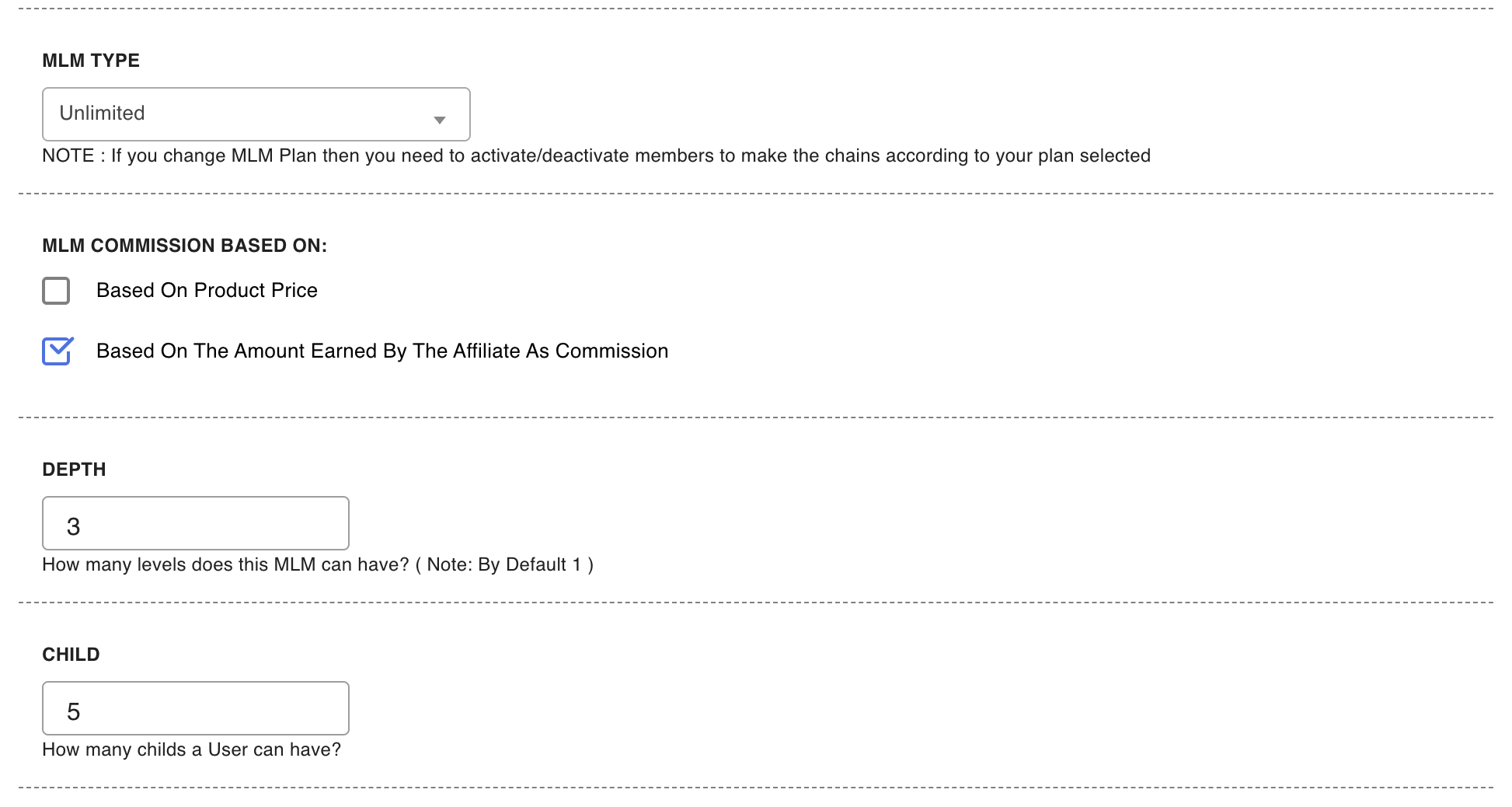
Unlimited — no earning requirement
↑ Back to topUnlimited removes the recruit-slot requirement from earning: a qualifying sale anywhere in a member’s downline pays the upline levels no matter how many recruits each member has — even one. Choose it when you want network earnings to start from the very first recruit, with no recruiting target gating anyone’s commission.
Changing plans later
↑ Back to topThe settings screen carries the plugin’s own caution: “NOTE : If you change MLM Plan then you need to activate/deactivate members to make the chains according to your plan selected”. An existing network was built to the old plan’s shape, so after switching — or after changing the Child width — walk the genealogy tree and activate or deactivate members until each branch fits the new plan. Until you do, members whose slot counts no longer match the plan will not earn from their chains.
Pick the plan before recruiting starts. Reshaping a live network means touching real people’s positions and pausing real commissions while branches are adjusted — far more disruptive than choosing carefully up front.
FAQ
↑ Back to topWhich plan type should I pick?
↑ Back to topMatch the earning bar to your program’s culture: Unlimited if commissions should flow from the first recruit, Binary for a small uniform recruiting target, Forced Matrix when you want to set that target yourself, and Unilevel for simple one-line chains.
Does the plan type change the commission rates?
↑ Back to topNo. Rates always come from your MLM Levels rows and apply per level regardless of plan. The plan changes who is eligible to earn, not how much a level pays.
Is Depth part of the plan type?
↑ Back to topNo — Depth is set separately and works the same under every plan: it is how many levels above a sale can earn from it. More questions are answered in the Affiliate and Referral Program: FAQ.

