
To pay affiliates with store credit, Affiliate and Referral Program for WooCommerce gives every affiliate a wallet: approved commissions land there, and the affiliate chooses whether to withdraw the balance as money or turn it into a store coupon and spend it with you. This guide explains how the wallet fills, withdrawals, wallet coupons and how refunds affect the balance. Part of the Affiliate and Referral for WooCommerce documentation.
How the wallet fills
↑ Back to topThe wallet is credited at the moment a commission is approved — by you on the Manage Referrals screen, or automatically by Affiliate Referral Automation or a return period. Pending commissions are visible to the affiliate but not yet spendable. Every earning type ends up in the same wallet: sale commission, multi-tier commission and approved bonuses.
Withdrawals
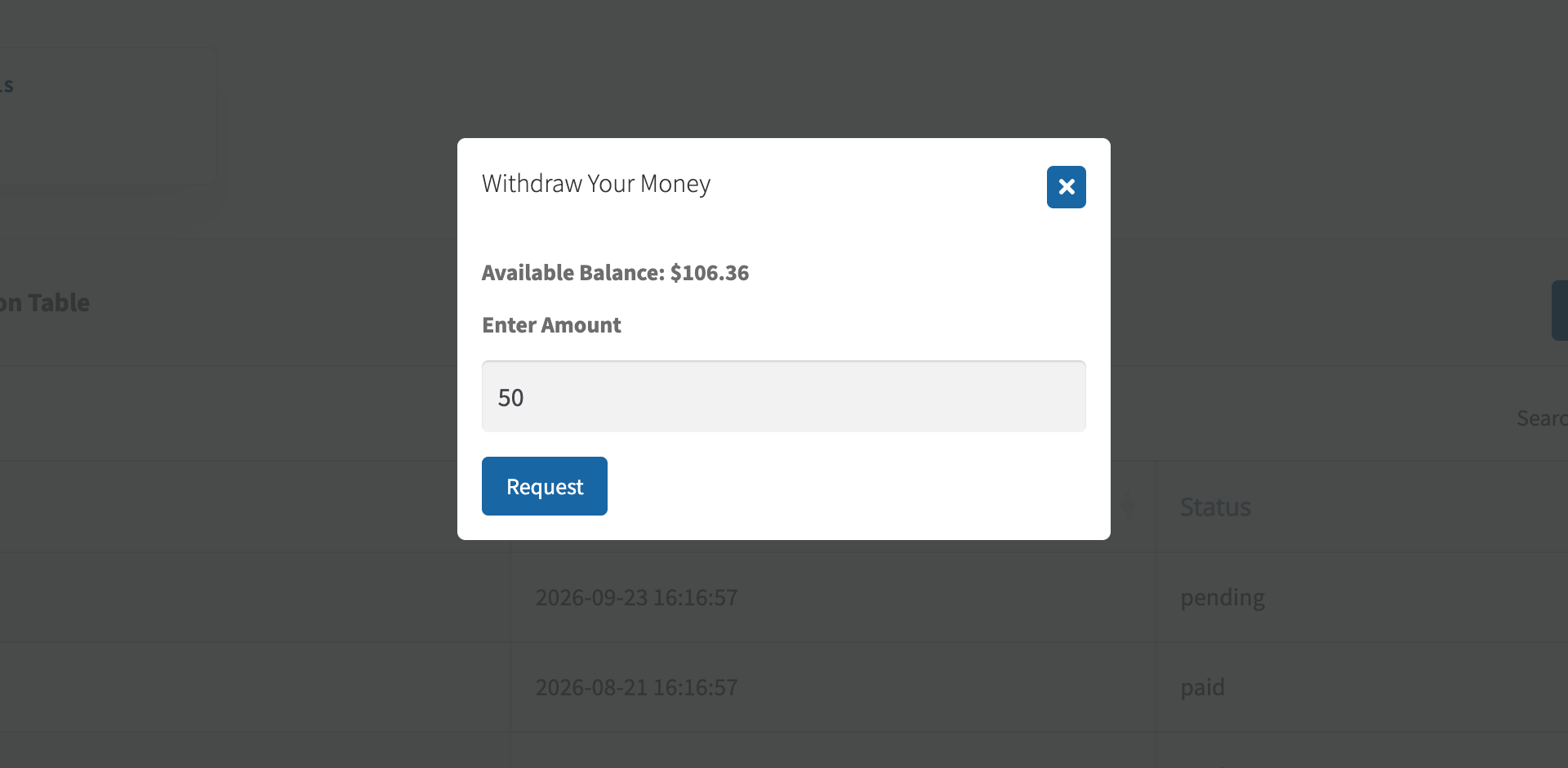
↑ Back to topFrom the Payout tab of their dashboard, the affiliate requests a withdrawal for any amount up to their balance, within the limits you set on the Settings tab of the Commission screen:
- Minimum amount of money an affiliate needs to withdraw – requests below this are refused.
- Maximum amount of money an affiliate can withdraw – caps a single request.
- Withdrawal Fees – a fixed fee subtracted when you pay a request through PayPal or Stripe; see Pay Affiliates via PayPal, Stripe and Bank.
The amount must be exact, with no more than two decimal places, and a request outside the limits is refused with a message saying why. The wallet is debited when the request is made, not when you pay it. Affiliates cannot cancel a submitted request themselves; if you reject it on the Payouts screen, the amount goes back to their wallet.
Turn wallet balance into a store coupon
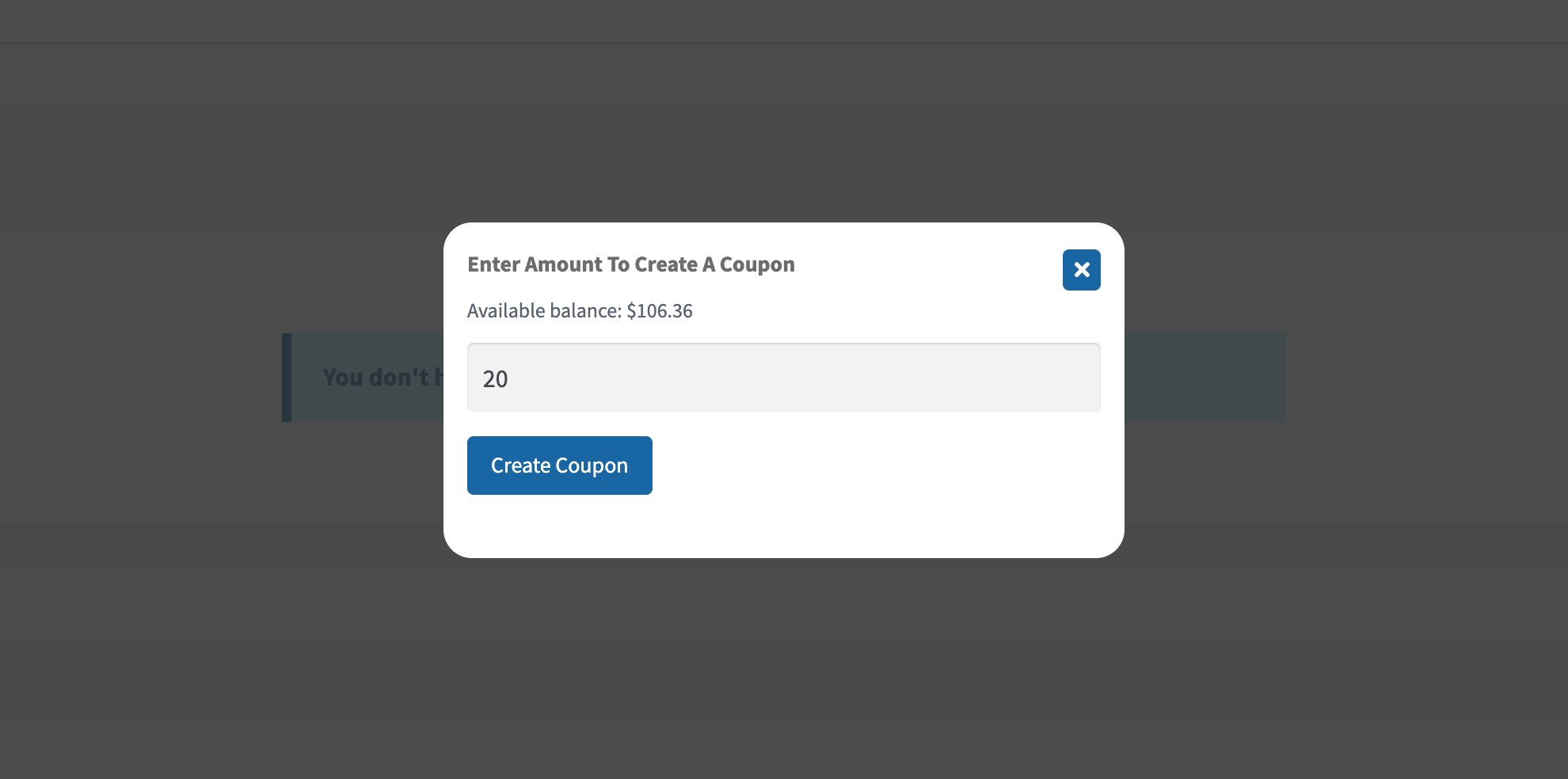
↑ Back to topStore credit keeps the money in your store. Turn it on with Activate Generation of Coupons on the Settings tab of the Commission screen, and optionally set a floor with Minimum amount for Coupon generation. The affiliate then creates a coupon from Affiliate Tools on their dashboard:
- The coupon’s value is deducted from the wallet when it is created.
- It is restricted to the affiliate’s own email address and has no expiry date.
- It can be used once, so it is best spent on an order worth at least its value.
Wallet coupons are a way to spend earnings — they are not the coupons affiliates share with customers to earn commission. Those are covered in How to Track Affiliate Sales with Coupon Codes.
How refunds affect the wallet
↑ Back to topDepending on Commission handling on refund, a refund can take commission back out of the wallet. A wallet never goes below zero: whatever it cannot cover is recorded as owed and settled from the affiliate’s later commission before they can withdraw it or turn it into a coupon. See Refunds, Return Periods and Commission Recovery.
Two balances, two programs
↑ Back to topAffiliate wallets and customer referral credits are separate balances in separate programs. A customer earning credit through the refer-a-friend program has a store-credit balance in My Account; an affiliate has a wallet in the affiliate dashboard. They never mix, and each creates its own coupons. See Set Up a Refer a Friend Program in WooCommerce.
Track wallet activity
↑ Back to topEvery withdrawal request and payout is recorded and visible on both sides: affiliates see their history on the Payout tab of their dashboard, and you see every request with its status and payment details on the Payouts screen.
FAQ
↑ Back to topWhen is the wallet credited?
↑ Back to topWhen each commission is approved — never at order time. Pending commissions are not spendable.
Do wallet coupons expire?
↑ Back to topNo. The coupon is the affiliate’s own earned money, so it has no expiry date. It is single-use and restricted to their email address.
Can an affiliate hold both cash and credit?
↑ Back to topYes. The wallet is one balance; the affiliate decides per amount whether to request a withdrawal or create a coupon, in any mix.

