
The Search Engine gathers priceless information on the searches it handles. You can use the reports that are based on this data to gain valuable insights about what your customers and potential customers are looking for when they browse your shop.

The Search Reports menu provides access to the reports*.
We will discuss these reports in detail on the documentation pages below.
If you have just installed the extension, there will be little to be displayed yet, just give it a few hours or days to gather information from what your visitors are searching for.
You will be amazed at the extent of the valuable insights the system will provide to you — it offers a truly invaluable amount of information about your customers’ needs. Just check back regularly to see it evolve and then use the information to optimize your business revenue.
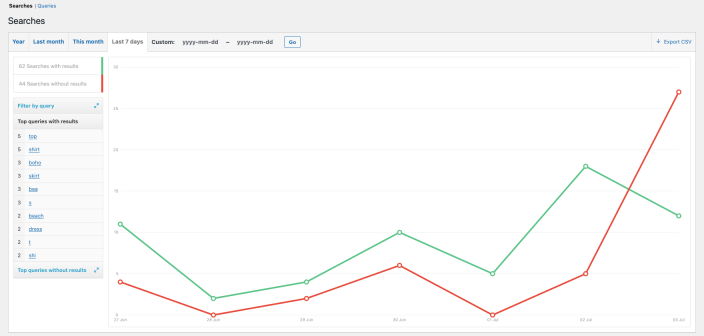
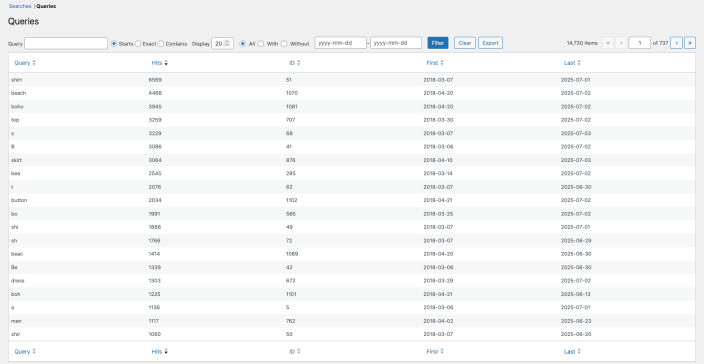
The following sections provide details on each kind of report:
* The Search Reports menu is available as of version 7. In previous versions, these reports were available under WooCommerce > Reports > Search.

