
Smart Buttons
↑ Back to topPayPal’s Smart Buttons provide customers with a tailored checkout experience. These buttons are designed to maximize conversion by offering PayPal, Pay Later options, and credit/debit card payments. The Smart Buttons can be easily customized to fit your site’s design and offer multiple payment options, improving the user experience.
PayPal on Non-Checkout Pages
↑ Back to topPayPal can be integrated on non-checkout pages, including product pages and the shopping cart. This allows users to quickly initiate payments without navigating to the checkout page. By offering PayPal on non-checkout pages, customers can easily pay and complete transactions directly from anywhere on your site.
The smart buttons on product and cart pages simplify the checkout process by auto-populating the customer’s address details from their PayPal account to the WooCommerce checkout form. This feature was previously called PayPal Express.
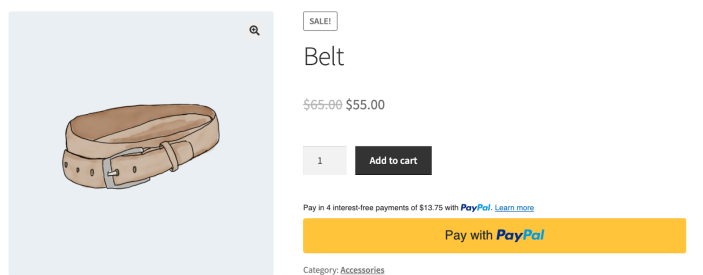
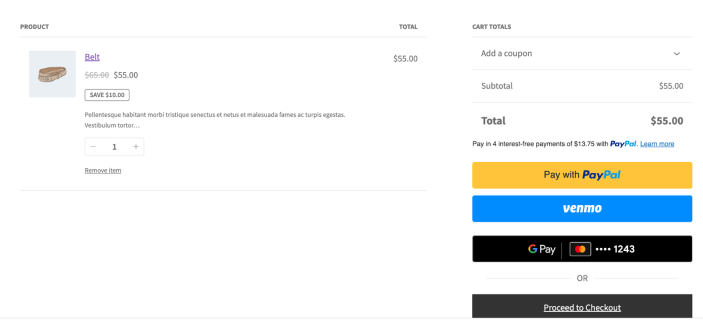
The customer experience:
- Customer adds items to the cart
- Customer clicks the PayPal button on the cart page
- Customer logs in to PayPal and authorizes the transaction*
- PayPal sends the customer’s billing/shipping information to the WooCommerce Checkout page
- Customer confirms shipping preferences and taxes on the Checkout page
- Customer clicks “Place order” to complete the transaction with PayPal.
This process reduces the amount of data entry required by the customer, streamlining the checkout experience.
*PayPal obtains order authorization for an amount up to 150% of the subtotal to account for taxes and shipping costs, capped at $75. The original subtotal is used if no taxes or shipping costs apply, otherwise the updated total is used.
Pay Now Experience
↑ Back to topThe Pay Now Experience allows your customers to complete their purchase directly within PayPal’s payment window, bypassing the WooCommerce order review page. When enabled, this feature synchronizes your store’s shipping methods with PayPal, enabling shoppers to select their preferred shipping option directly within the PayPal interface. This streamlined checkout flow helps reduce cart abandonment by providing a faster, more seamless payment experience.
Mobile App Integration (AppSwitch)
↑ Back to topWhen customers use iOS or Android devices with the PayPal app installed, the Pay Now Experience enables AppSwitch functionality. This automatically redirects users from their mobile browser to the PayPal app to securely confirm their payment, providing an even more streamlined and trusted checkout experience on mobile devices.
The AppSwitch feature works by:
- Detecting when the PayPal app is available on the customer’s device
- Seamlessly transitioning the payment flow from the browser to the native PayPal app
- Returning customers to your store after payment confirmation in the app
This mobile-optimized experience is particularly valuable for customers who prefer using native apps for secure payments, as it leverages the trusted PayPal app interface while maintaining the convenience of the Pay Now flow.
PayPal on the Checkout Page – Express Checkout
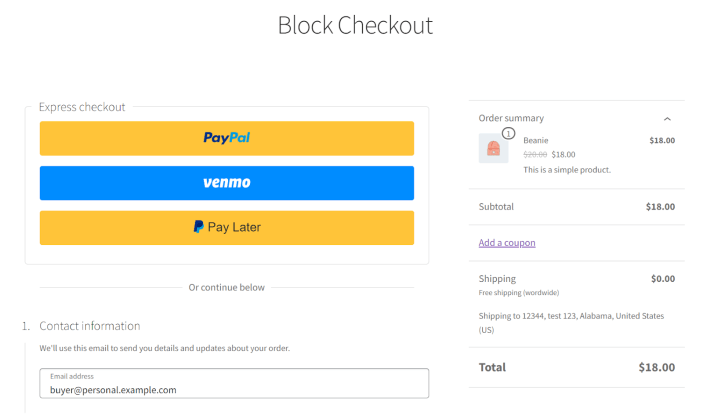
↑ Back to topExpress Checkout streamlines the checkout process by enabling customers to make quick payments with PayPal. It bypasses traditional checkout steps, offering a faster and more efficient method of processing payments for returning customers or those who already have their payment information saved.
PayPal on the Checkout Page – Classic Checkout
↑ Back to topPayPal can be added to the checkout page, providing a seamless payment experience. The PayPal button will be prominently displayed, enabling users to complete transactions using their PayPal account or other payment methods directly from the checkout.
The PayPal buttons on the WooCommerce Classic Checkout page replace the “Place order” button. Customers must complete all required form fields before making a payment. When a smart button is clicked, the form fields are checked on the server before creating the PayPal order. If necessary, this form field validation can be turned off with a filter to avoid compatibility issues with third-party code. The WooCommerce form field validation occurs after the PayPal order has been created. If the WooCommerce validation fails, the customer will not be charged and no WooCommerce order will be created.
Depending on customer eligibility and plugin configuration, Alternative Payment Methods are automatically presented in the PayPal Payments Checkout gateway.