With all these features Restaurant for WooCommerce provides a unique online ordering system for your WooCommerce website which allows you to:
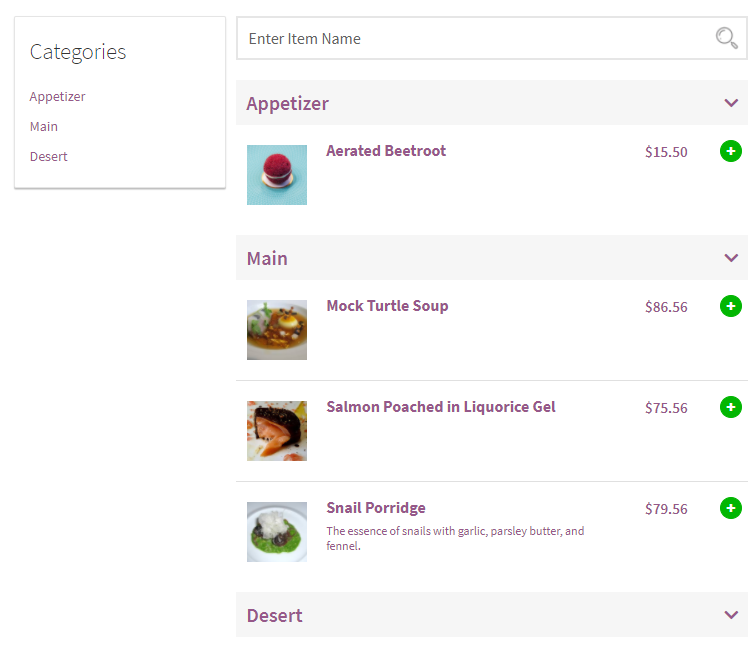
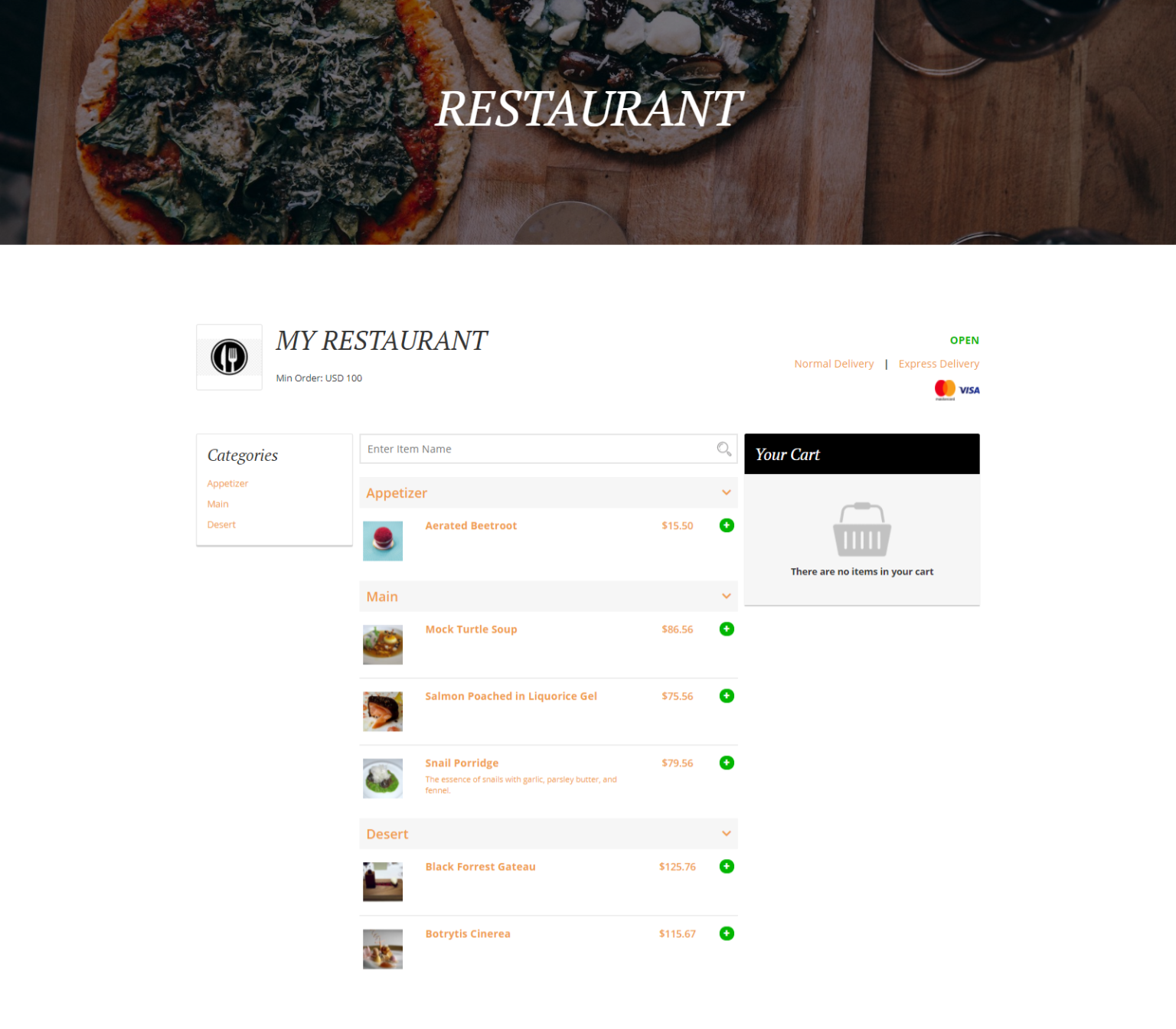
- Display your restaurant’s menu items in categories or as individual products. You can also set their sorting order from the back-end settings.

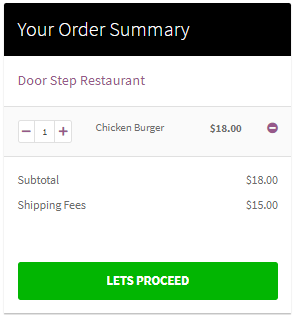
- Display the customer’s order summary through the mini-cart widget. They can also increase or decrease the number of items in the cart.

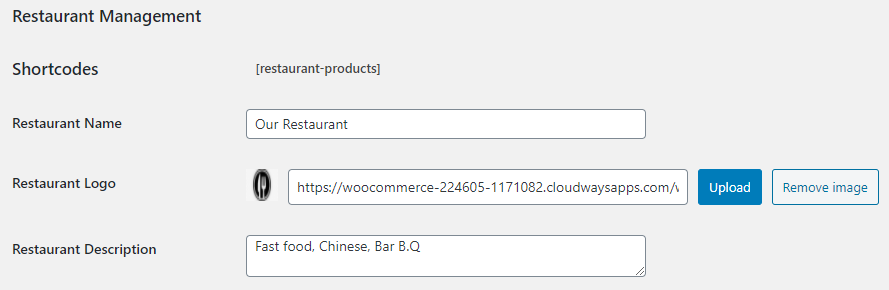
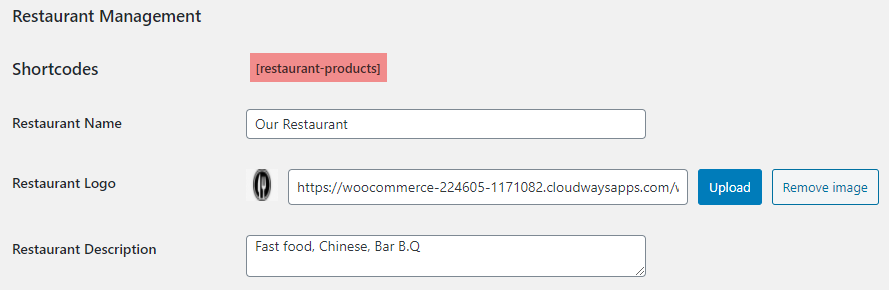
- Display your restaurant’s name, logo, and description on the front-end menu. Menu product data is automatically fetched from your WooCommerce’s inventory.

- Add a minimum order total to let the customers know what order amount they need to check out. The inability to do so will show an error on the checkout page.

- Add unlimited delivery options (free delivery, express delivery, etc.) for your customers’ convenience.

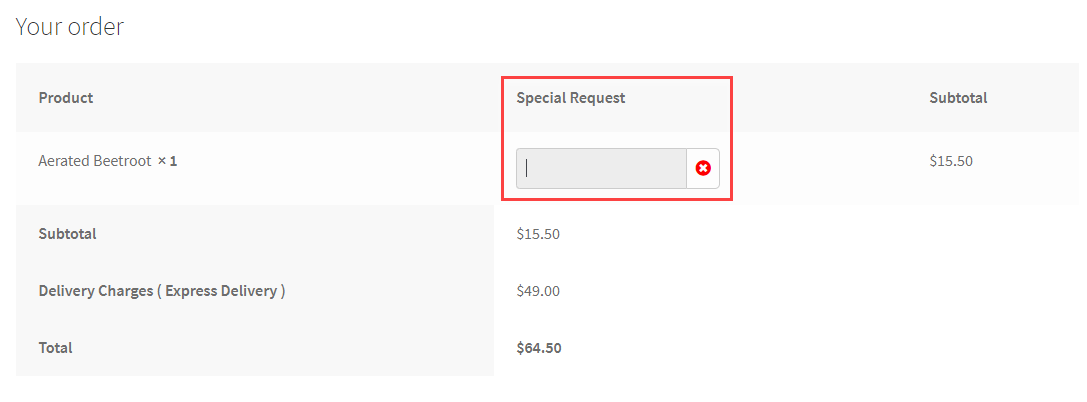
- Let your customers add a special request (comments) to their order before proceeding to the checkout page.

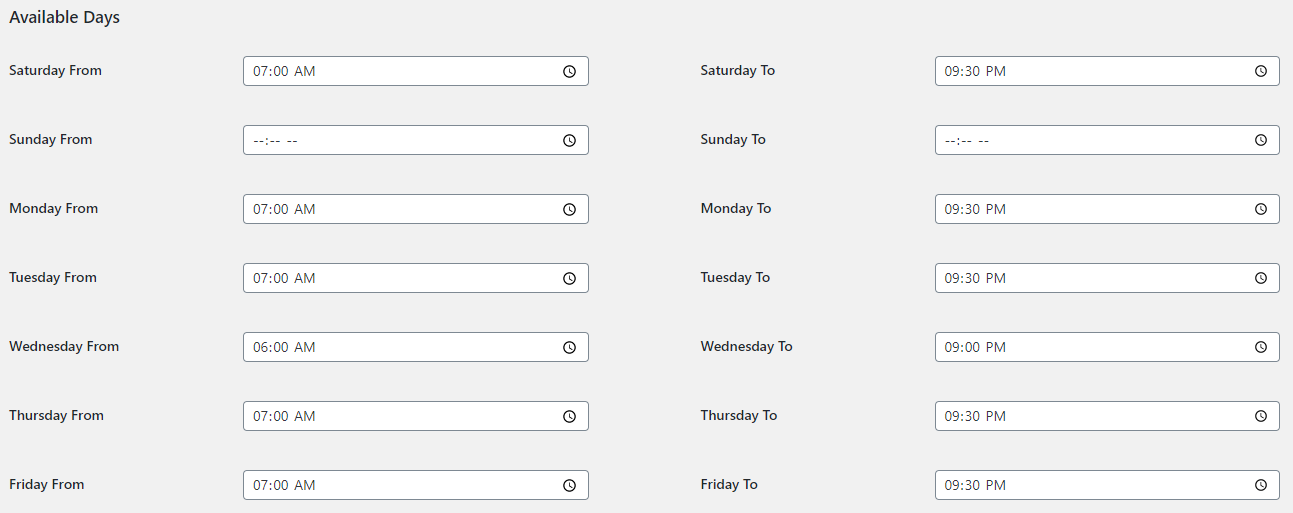
- Set the daily opening and closing time for your restaurant so that your customers can see the restaurant status (open or closed) before ordering.

- Display a text and image when the mini-cart widget is empty or no orders have been added to the cart.

- Use a unique shortcode to display your restaurant’s order menu on any page or post.


- Buy Restaurant for WooCommerce.
- Download and install the extension.
- Activate, set up, and configure the extension.
Read the
technical documentation to help you walk through the process of setting up your restaurant’s menu, mini-cart widget, closing, and opening timings, and more.