
Note: This product has been retired and is not for sale. Documentation is no longer being updated.
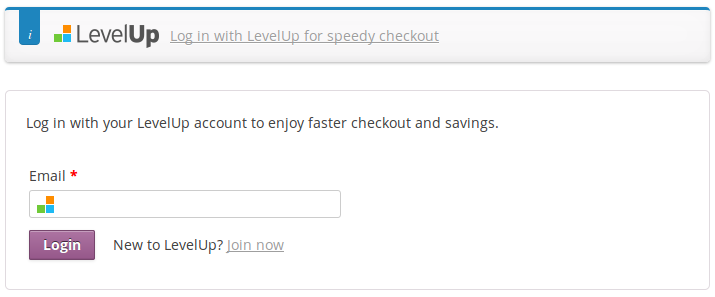
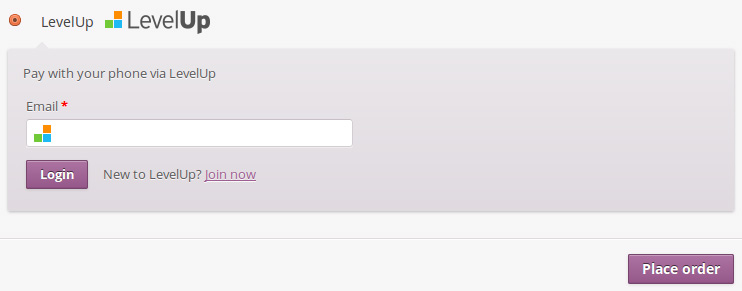 LevelUp Quick Checkout enables customers to check out using addresses stored in LevelUp.
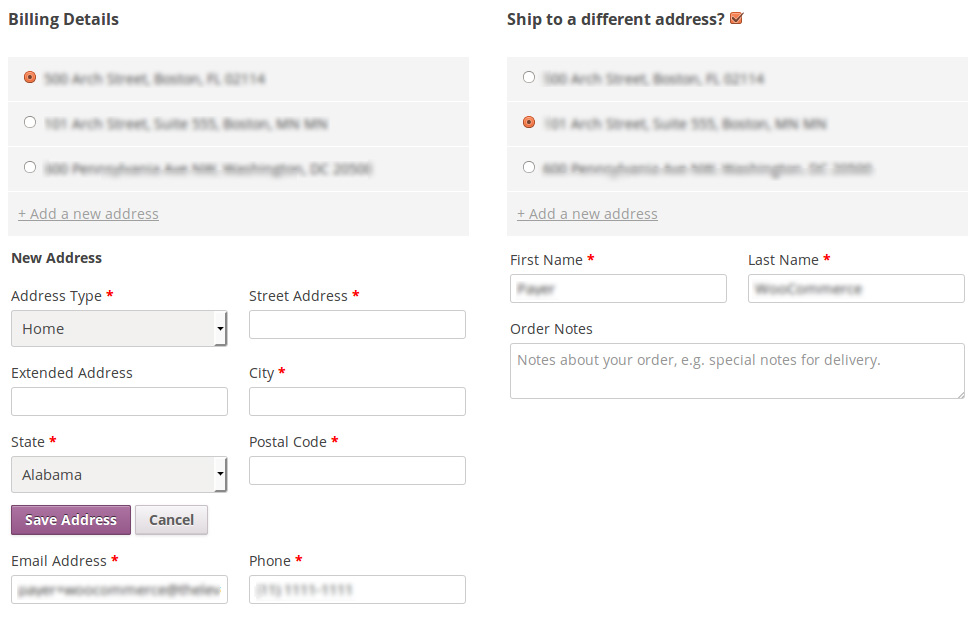
 Customers can also register new addresses.
Requirements
↑ Back to top- LevelUp Merchant account. Visit LevelUp and sign up now.
Installation
↑ Back to top- Download the .zip file from your WooCommerce account.
- Go to: WordPress Admin > Plugins > Add New and Upload Plugin with the file you downloaded with Choose File.
- Install Now and Activate the extension.
Setup and Configuration
↑ Back to topLevelUp Setup
↑ Back to top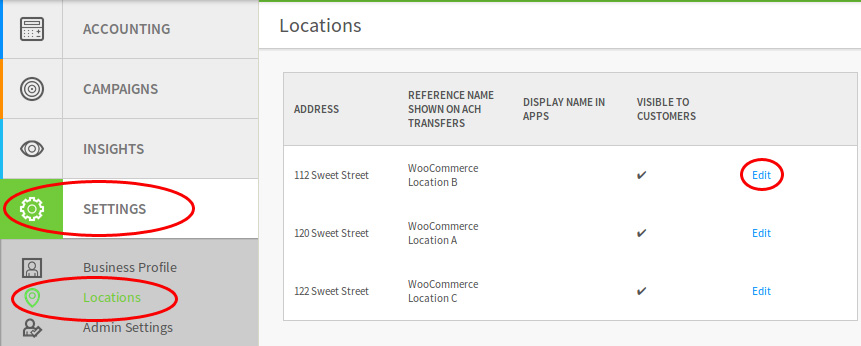 You will access a URL like:
XXXX will represent the Location ID, save this information!https://www.thelevelup.com/dashboard/profile/locations/XXXX/edit
Extension/Store Setup
↑ Back to top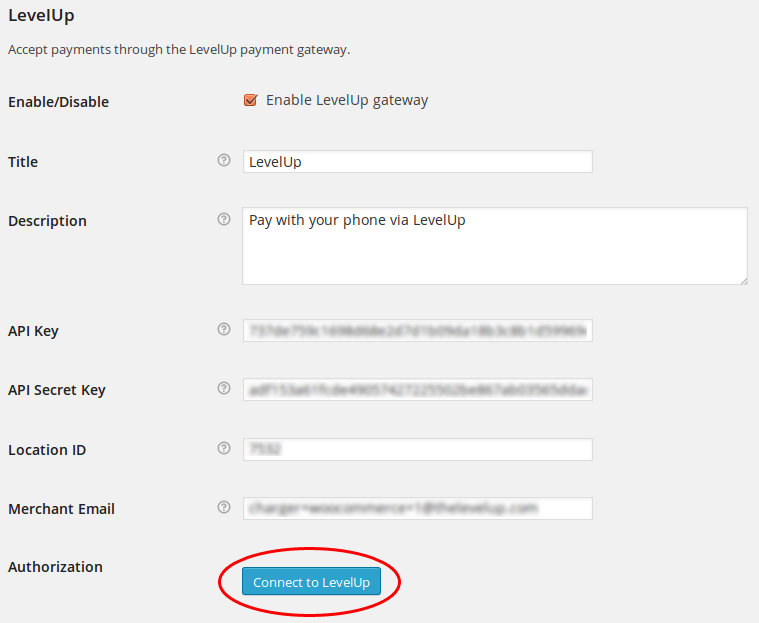 Click the Connect to LevelUp button and allow access by the LevelUp app on your phone.
For a LevelUp full integration you probably want to enable Quick Checkout (optional):
Click the Connect to LevelUp button and allow access by the LevelUp app on your phone.
For a LevelUp full integration you probably want to enable Quick Checkout (optional):
 Ready to receive payments by LevelUp!