
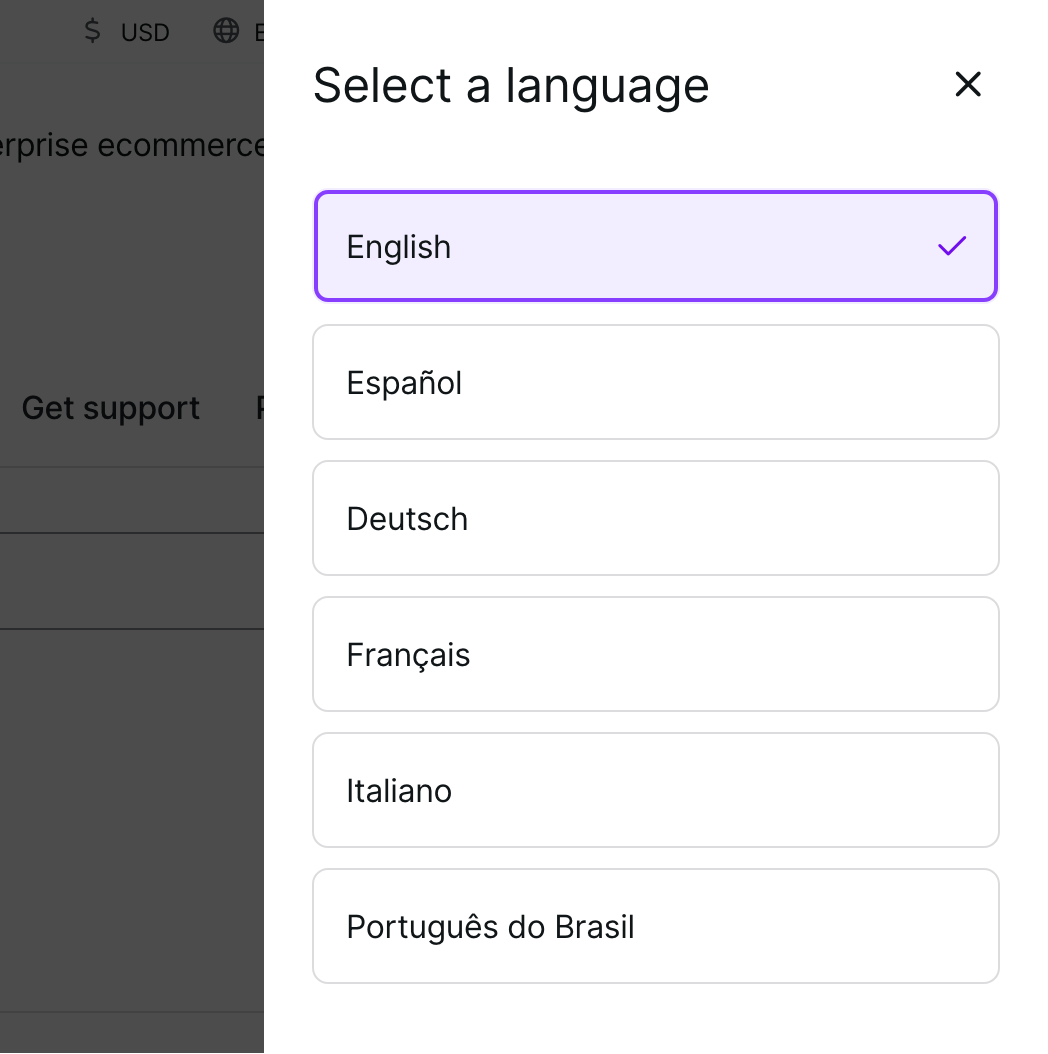
By default, WooCommerce.com is available in English. Additionally, some content on is available in the following languages:
- Spanish
- German
- French
- Italian
- Portuguese (Brazilian)
To change the default language, navigate to a page that has translated content available — such as the WooCommerce.com home page — and select the language of your choice.
Find the language switcher menu
↑ Back to topIf the page you are viewing is offered in a different language, you will see a globe icon followed by the current language in the top-right corner and the footer of the page.


Clicking this language selection link in either location will display a menu with the list of supported languages. Choose your preferred language; the page will reload to display the translated content (where available).
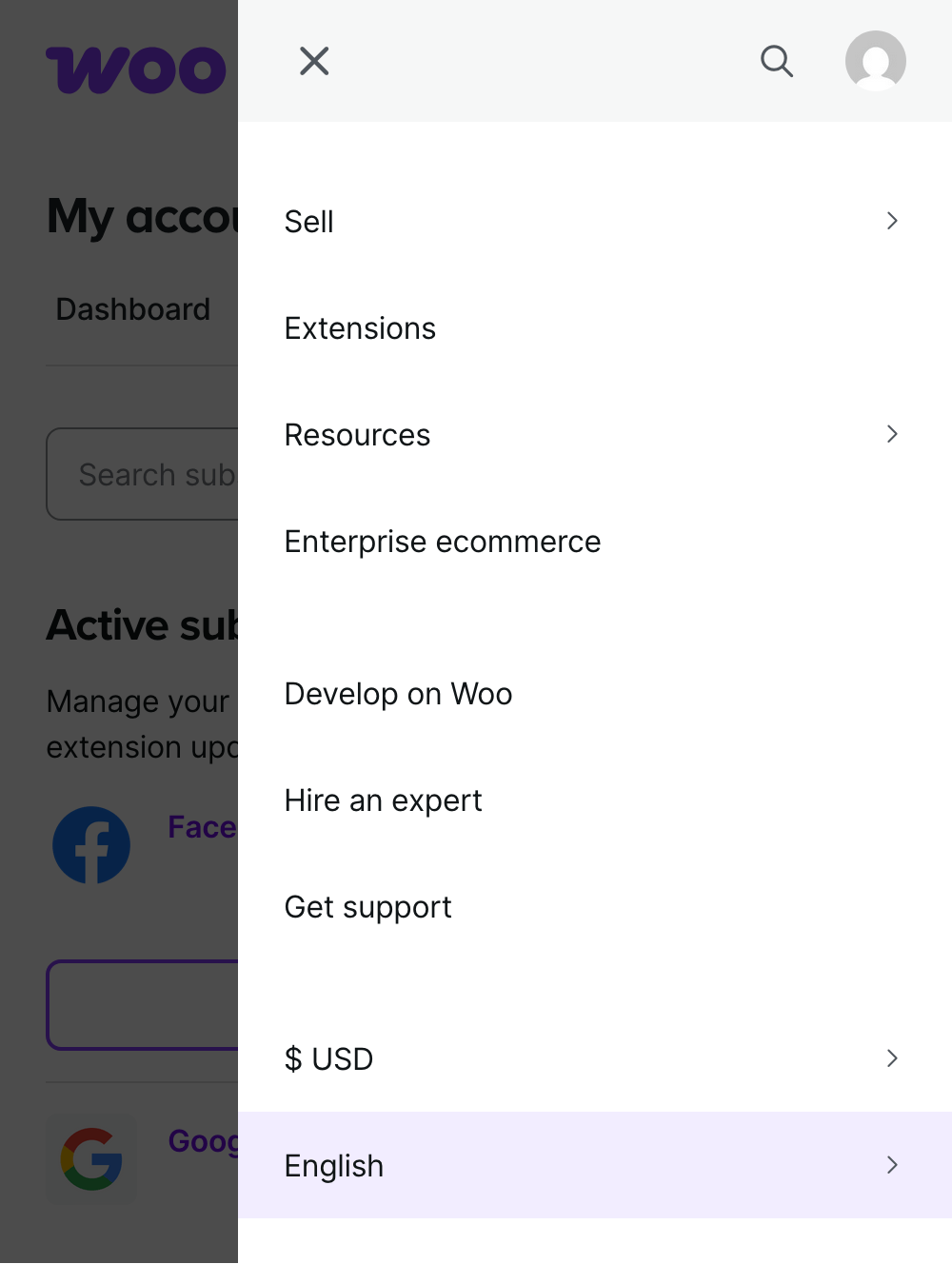
In the mobile view of the site, language options will appear in the menu sidebar when expanded.
If the page you’re viewing is available in the language you select, a translated version of it will be displayed.