
First-time visitors are often more price-sensitive than returning customers. A discount reserved just for their first order or first purchase can be the nudge that turns a browse into a sale.
This doc covers how to create a coupon that only new customers can redeem, so returning customers can’t reuse it on later orders.
Smart Coupons adds a “For new customers?” checkbox to any coupon, restricting it to customers making their first purchase.
Steps to create a first purchase discount coupon
↑ Back to top- Go to your WordPress Admin panel > Marketing > Coupons > Add coupon.
- Click on the ‘Generate coupon code’ button or enter your own promo code.
- Under the “General” tab, select the Discount type and set the Coupon amount.
- Enable the “For new customers?“ checkbox.
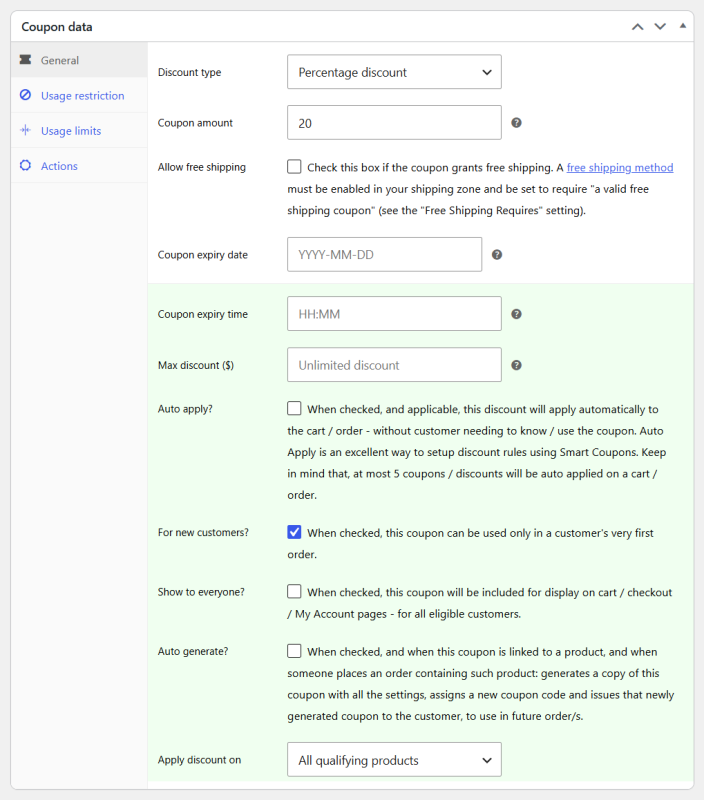
- Set this coupon to auto-apply if desired.
- Set other restrictions and limits for the coupon as per your requirements.
- Publish the coupon.
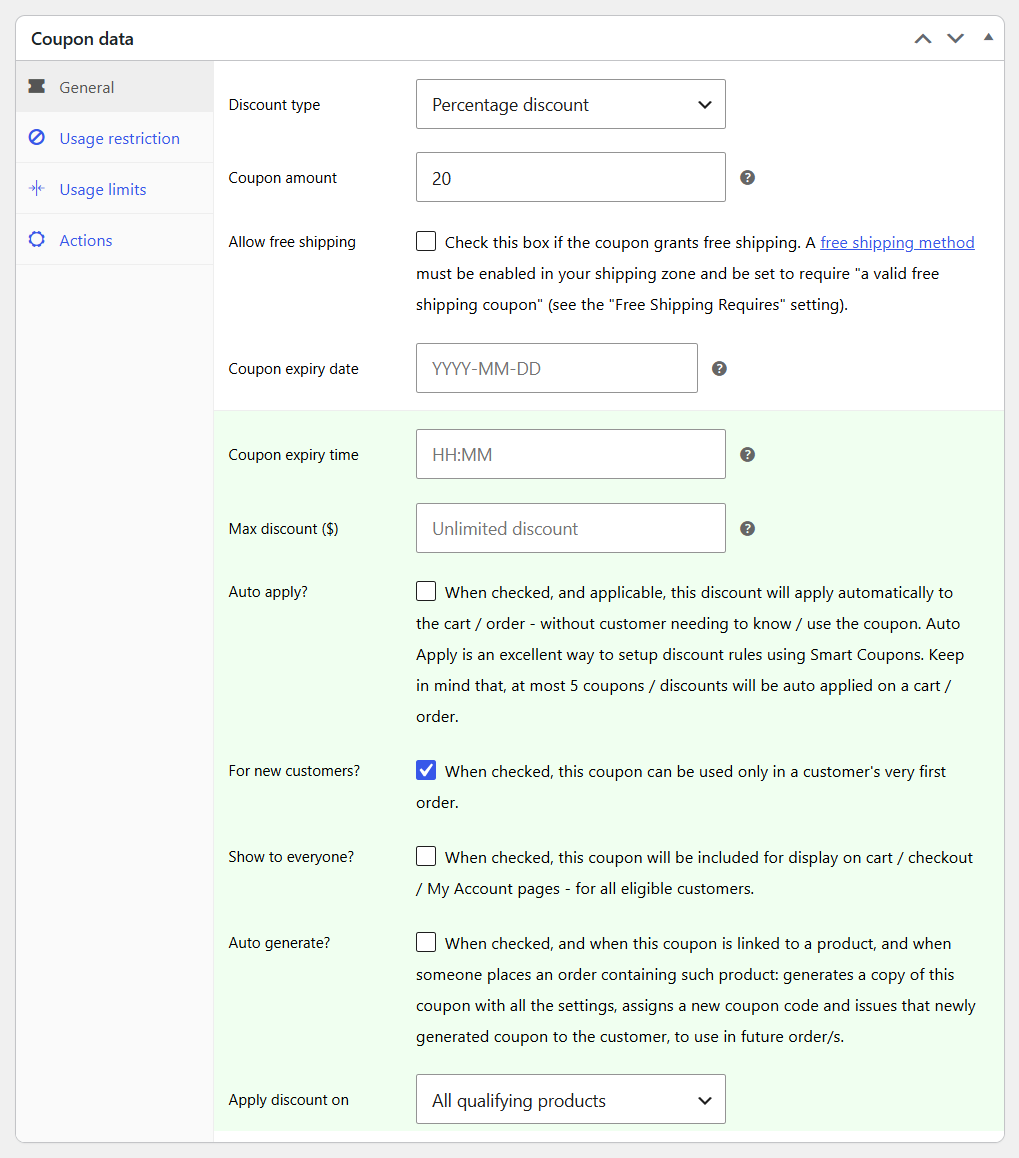
That’s it. New customers now see this coupon (or it auto-applies) on their first order.
How does coupon validation work for new users?
↑ Back to topA new user coupon is valid if the customer is placing an order for the first time and/or has no previous orders on their account.
For guest checkout, previous orders are checked against the billing email address entered.


