
Sync FAQs
↑ Back to topProduct Sync
↑ Back to topHow does WooCommerce decide when to update stock from Square?
When Sync Inventory is enabled, WooCommerce writes a new stock number only when Square reports a count it can confirm. A count above zero is always applied. A count of zero is applied only when Square’s own inventory history shows a stock count was recorded for that item at some point. That is what separates a real sell-out from an item Square has simply never counted. A new Square item that has never had a count set also reports zero, and WooCommerce leaves that product’s stock alone. If Square returns no count for a product at all, WooCommerce keeps the stock it already has.
If WooCommerce cannot reach Square to check an item’s history, it does not guess. The product keeps its current stock, and the sync records an alert asking you to run the sync again once Square is responding normally. Stock can be briefly out of date in this case. It is never overwritten with a figure Square did not confirm.
I’ve set WooCommerce as the Sync Setting. How do I update product stock?
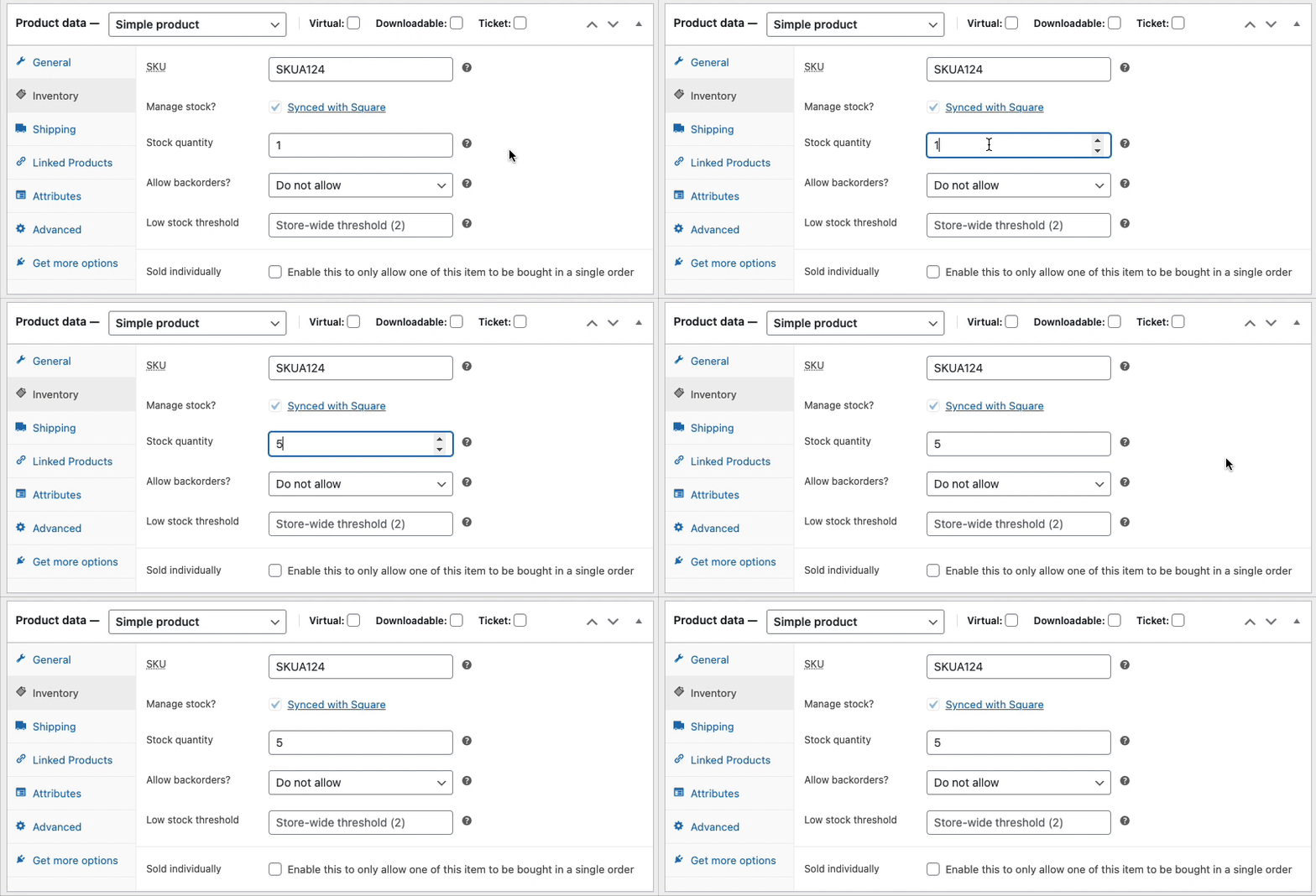
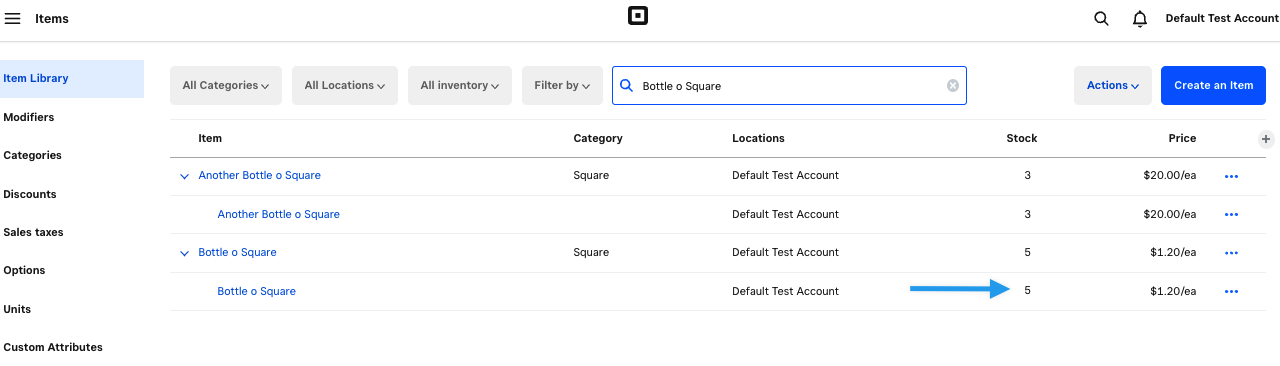
Enter the new quantity in the Stock Quantity field on the product edit screen and click Update. This pushes the updated stock to Square. Note: even with WooCommerce as the Sync Setting, inventory is pulled from Square every hour to account for POS sales — so for stock, Square always has the final say.
How are sale prices synced between WooCommerce and Square?
- Square is the Sync Setting: Square’s base price is always imported as the Regular Price in WooCommerce.
- WooCommerce is the Sync Setting: If a product has a Sale Price in WooCommerce, that price is set as the base price in Square.
Will my Square sales data sync to WooCommerce?
No. Product and inventory data syncs, but sales order data does not. Orders placed in Square’s POS are not synced to WooCommerce.
Does WooCommerce Square integrate with Square Appointments?
No. Square Appointments is not supported in the WooCommerce Square extension.
Will automatic sync run on days with no site traffic?
Automatic sync relies on WP-Cron, which is triggered by site traffic. On low-traffic days, the sync job may not run until someone visits the site (including admin logins). For reliable sync on low-traffic sites, configure a system cron job instead of relying on WP-Cron.
Order Sync
↑ Back to topCan I reduce the order sync interval below 15 minutes?
Yes. See the Customizing WooCommerce Square page for instructions on adding a code snippet to reduce the order sync interval.
How can I update my 1,000 order limit?
By default, the Square API enforces a maximum limit of 1,000 orders per interval. We recommend using the available WooCommerce filter to reduce the sync interval. This results in smaller batches of orders being requested from Square, so you can avoid reaching the 1,000-order cap in a single sync cycle.
What happens if I disable order syncing after enabling it?
Disabling order sync will stop sending fulfillment data with the new orders to Square. Existing synced orders remain in place, but no fulfillment updates will be exchanged.
How does the integration manage performance and reliability for large stores?
For high-volume stores, the configurable polling intervals ensure that no orders are missed while maintaining optimal performance. This feature establishes a foundational integration between the platforms, with opportunities for future enhancements based on merchant feedback and requirements.
Payment FAQs
↑ Back to topCan I use the Square payment gateway without the inventory Sync?
Yes. To use Square as a payment gateway only:
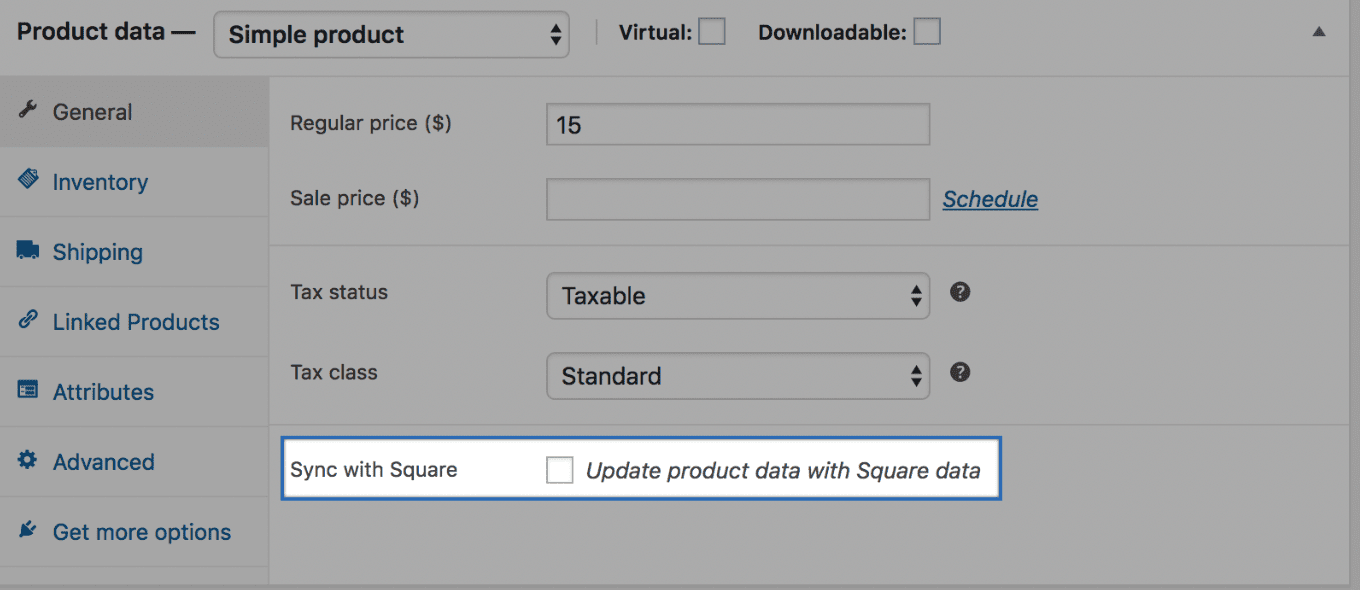
1. Make sure no products have Sync with Square enabled.
2. Enable the Square payment gateway from WooCommerce > Settings > Payment > Square.
Does WooCommerce Square support Subscriptions and Pre-Orders?
Yes. When Customer Profiles are enabled in the gateway settings, you will see a warning notice “Square is inactive for subscription transactions. Please enable tokenization to activate Square for Subscriptions.” (Tokenization refers to enabling the Customer Profiles option.)
If Customer Profiles are not enabled, the WooCommerce Square gateway is compatible with Subscriptions and Pre-Orders.
How does WooCommerce Square handle tax-inclusive pricing?
WooCommerce Square does not support tax-inclusive pricing. If your WooCommerce store uses tax-inclusive pricing (WooCommerce > Settings > Tax), you will see a notification when editing products. Ensure your WooCommerce and Square tax rates match.
What order information is synced to Square from WooCommerce when an order is placed?
When an order is placed in your WooCommerce store, only the order number and order total are synced to your Square account. No other order or product information, such as order line items, tax, or SKUs, can currently be synced to Square. You can add your vote to the open feature request for this to be added in a future update.
Troubleshooting
↑ Back to topPlease refer to the Troubleshooting guide.

